EarthBound PC Port
An existing game or its source code brought to another platform.
Based on EarthBound
compare all 3 clones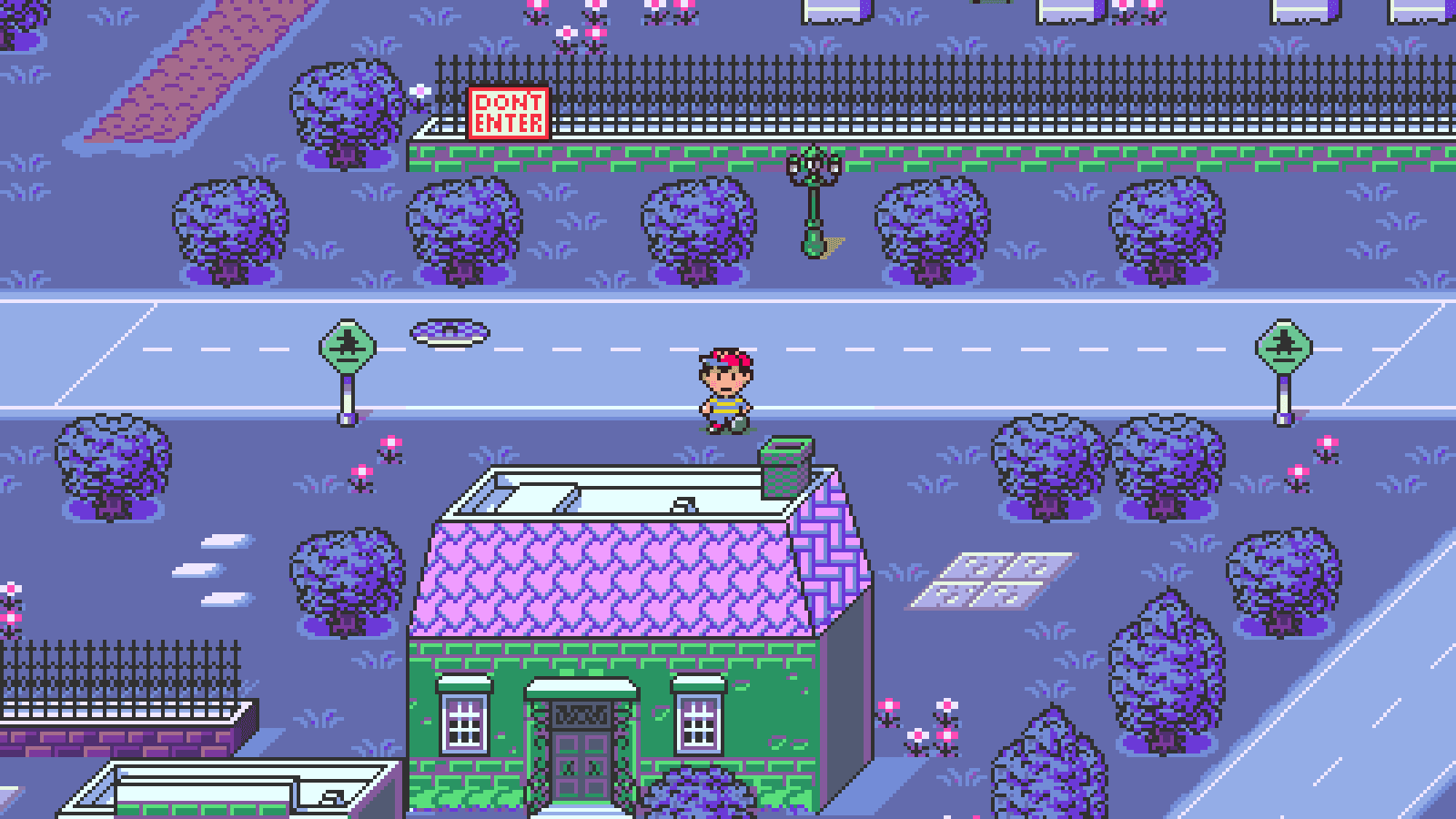 Links, repository & details
About
Phase Distorter is an EarthBound (US, English) and Mother 2 (Japanese) PC port written in C++20 as a native desktop application for Linux and Windows. It has keyboard and controller input, audio, persistent saves, a Settings window and widescreen presentation with offscreen actor preloading. Version 0.2.1 is described as a development release.
How it differs from the original
Widescreen views at 16:9, 21:9 and 32:9 show expanded scenery, and an optional CRT filter is available.
Getting started
Extract the whole release ZIP, open the application and import your own supported EarthBound or Mother 2 ROM when ROM setup appears; no ROM or asset pack is included. Settings (F1) then Assets switches between the two games, and F11 toggles fullscreen.
Known issues & limitations
- The project is still in development; whole-game equivalence and cycle-accurate hardware behavior have not been established, and some timing and animation differences remain.
- Modified ROMs, translation patches, prototypes, and other revisions are unsupported.
- Native Windows testing remains outstanding; the supplied Windows executable has been tested under Wine.
What you need to run it
Features
- Supports keyboard and controller input.
- Includes an optional CRT filter with scanlines and aperture-grille detail.
- Offers higher frame-rate options and optional direct scene rendering; gameplay and audio retain their original speed.
How to install
- Extract the entire application folder and keep its files together; do not run the app from inside the ZIP.
- At first launch, browse for your own ROM, drag it into the setup window, or enter its path, then select Import.
Controls
- Move with the arrow keys or the controller D-pad/left stick.
- SNES L/R use Q/W; Start/Select use Enter/Right Shift.
- You can remap SNES buttons and adjust the left-stick deadzone in Settings → Controller.
Summarised from the project's README.
Media
Additional notes
- Linux requirement
- The supplied Linux build needs glibc 2.43 or newer and desktop OpenGL; the README points to a source build for older distributions.
- Saves
- Saves live outside the extracted folder, and the README advises backing up the .srm files before updating.
FAQ
- What is EarthBound PC Port?
- EarthBound PC Port is an open-source port of EarthBound. An existing game or its source code brought to another platform. The original game ran on Linux and Windows.
- Do I need the original game files to run EarthBound PC Port?
- Yes. The project does not include the original game's assets, so you need your own copy.
More like EarthBound PC Port
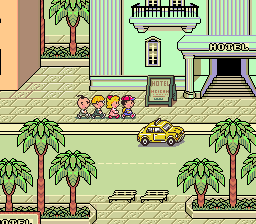
 Original game image