Far Cry for Android
An existing game or its source code brought to another platform.
Based on Far Cry
 Links, repository & details
About
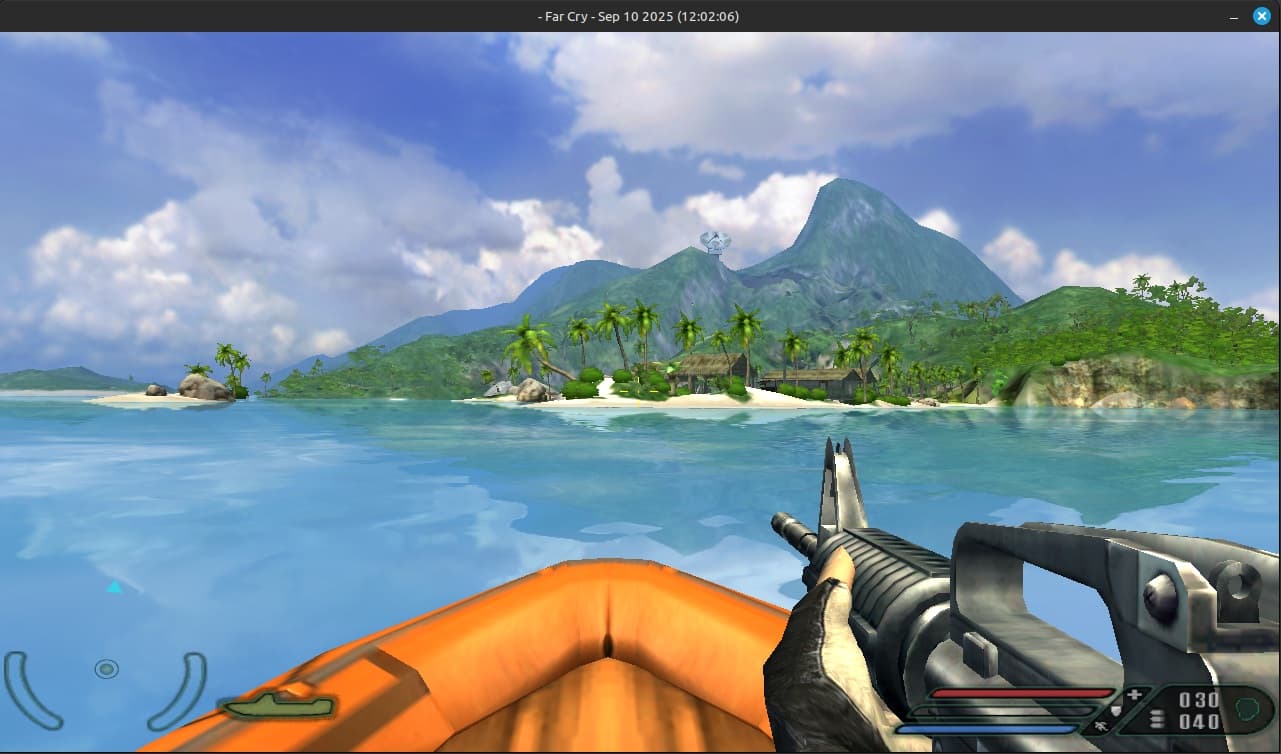
A port of Far Cry's leaked source code to run on SDL3 and Linux, under the project name Near Chuckle. It offers an OpenGL renderer and a Direct3D9 renderer that runs through DXVK for better performance. Binaries are available for download.
How it differs from the original
The OpenGL renderer has a known decal problem, so the port adds a console variable (r_DisableLevelDecalsHack) that turns off rendering of static level decals and the multiplayer shirt color. The DXVK Direct3D9 renderer does not have this issue.
Getting started
Building needs SDL3, OpenAL-Soft and OpenGL, plus the Nvidia Cg toolkit (not included) for the OpenGL renderer. After building, put the .so files and the FarCry binary in a folder inside Far Cry's installation folder and launch FarCry from there.
Known issues & limitations
- With OpenGL, decal texture coordinates can change every frame, making decals look almost like Z-fighting.
- The CG compiler does not work under Wayland; run the game in X11 or use precompiled shaders in FCData.
- With DXVK, shaders must be supplied as precompiled shaders because the port does not include a shader compiler.
What you need to run it
Controls
- Open the console with tilde.
Summarised from the project's README.
Additional notes
- Field of view
- The default field of view is 90 and can be changed in the console with the game_fov variable.
- Missing shaders
- If a shader is missing, the game logs it to a MissingShaders text file next to the game data, and the author asks for those entries to be sent to them.
FAQ
- What is Far Cry for Android?
- Far Cry for Android is an open-source port of Far Cry. An existing game or its source code brought to another platform. The original game ran on Linux and Android.
- Do I need the original game files to run Far Cry for Android?
- Yes. The project does not include the original game's assets, so you need your own copy.