Gran Turismo 2 Port
PortActive
An existing game or its source code brought to another platform.
Based on Gran Turismo 2
compare all 4 clones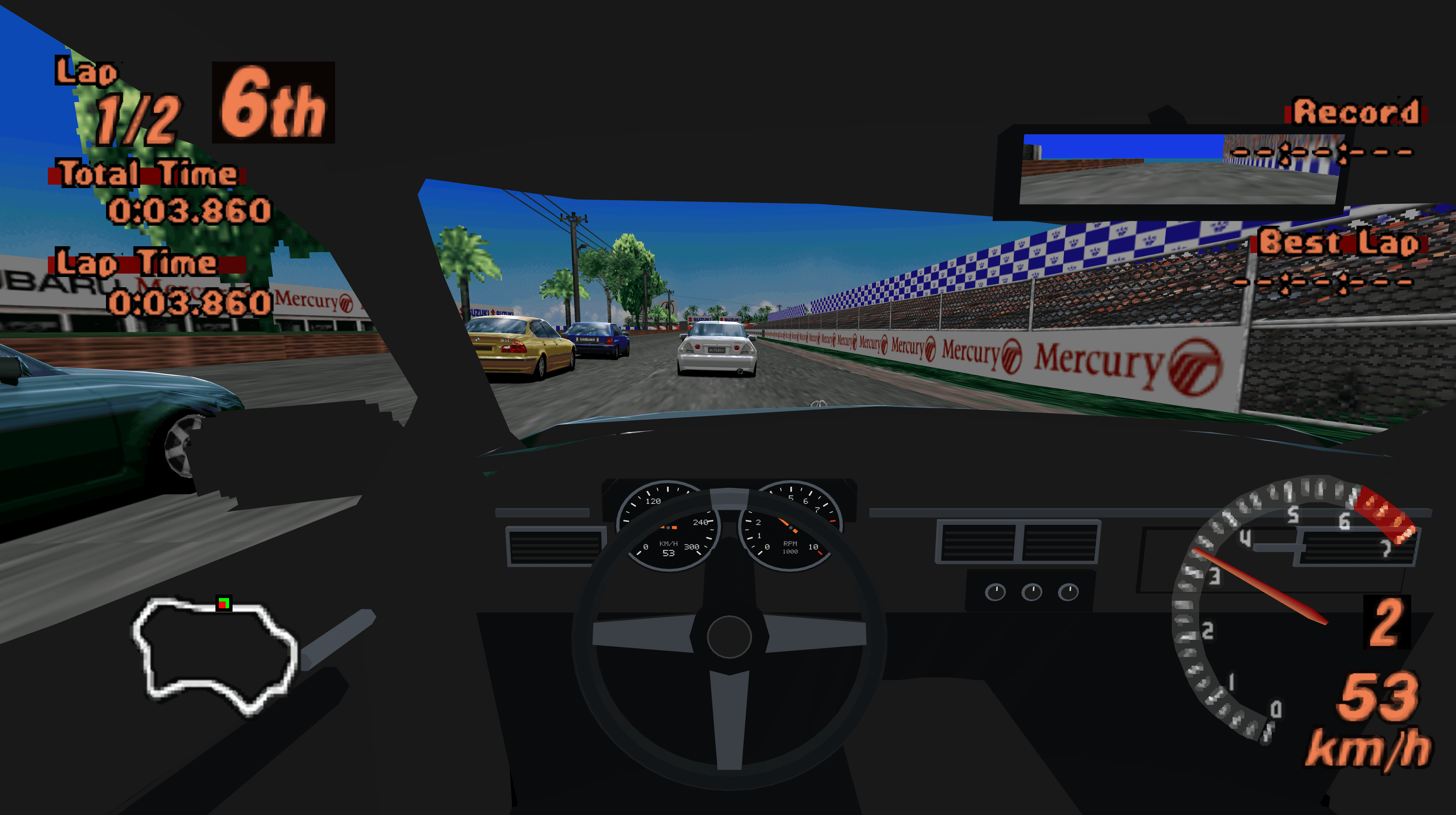 Links, repository & details
About
Gran Turismo 2 PC, VR & Browser is a native C++ port with Arcade and Simulation modes, cockpit driving, and desktop and VR support. The same game code is compiled to WebAssembly for browser play with WebGL2. Project code is under the MIT License.
Getting started
Supply your own supported disc images; game data, BIOS and saves are not included. Extract the release into a writable folder and run the installer for your platform (Windows, PCVR, Quest, macOS or Steam Deck). In the browser version, serve the web folder over HTTP(S) and select your BIN image.
Known issues & limitations
- Only one disc is available per browser page session; reload after graphics-context loss.
- Cross-platform multiplayer and PSVR2 Sense adaptive triggers are planned for a future release.
- The original 100-car garage limit remains.
- Compiling arbitrary new-track geometry is not implemented.
- Changing VR resolution requires restarting; other supported VR graphics settings apply immediately.
What you need to run it
Features
- Drive in a fitted cockpit in single-player Driver view, with seat adjustments and a rear-view mirror.
- PC and Quest support VR driving with stick, virtual-wheel, or motion steering.
- Arcade cheats can unlock course selections and the car roster; Simulation VR cheats include licences, credits, events, and a car catalogue.
- The browser version supports keyboard/gamepad input, audio, persistent saves, and save backup import/export.
- Native installers can prepare HD menus, fonts, HUD, and movies from local game assets.
How to install
- Extract the complete ZIP into a writable folder and keep its source and scripts together.
- On Quest, run INSTALL-QUEST.bat and follow the Quest instructions.
- On macOS, run INSTALL-MACOS.command, then open the installed GT2.app.
- On Steam Deck, switch to Desktop Mode, extract the ZIP, run INSTALL-STEAMDECK.sh, and open the installed shortcut.
Controls
- Menus use arrows or the D-pad to navigate, Enter to select, and Space to go back.
- In the browser, Shift+Q opens settings.
Summarised from the project's README.
Status & roadmap
- Cross-platform multiplayer and PSVR2 Sense adaptive triggers are planned for a future release.
Additional notes
- Browser limits
- Browser play holds the whole BIN in memory, allows one disc per page session, and does not support VR or physical-wheel force feedback.
FAQ
- What is Gran Turismo 2 Port?
- Gran Turismo 2 Port is an open-source port of Gran Turismo 2. An existing game or its source code brought to another platform. The original game ran on Windows, macOS, Linux, VR and Other.
- Do I need the original game files to run Gran Turismo 2 Port?
- Yes. The project does not include the original game's assets, so you need your own copy.
- How is Gran Turismo 2 Port licensed?
- project: MIT (project code). The repository itself is the authoritative source.
More like Gran Turismo 2 Port
Halted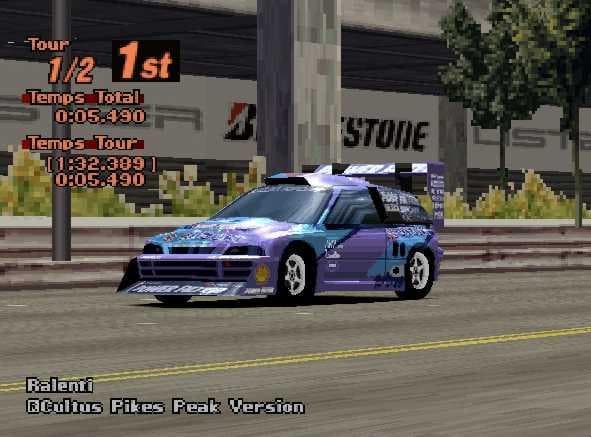 Original game image
 Original game image
A reverse-engineering and decompilation repo for Gran Turismo 2 on PS1, built from the North American 1.2 release.
Stars37
Updated2 years ago
LicenseCC0-1.0
Release2024
ActiveOriginal game image
Original game imageGran Turismo 2 recompiled into C# with RecompOne, adding alpha online multiplayer; you supply your own disc.
Stars22
Updated1 month ago
LicenseMIT
Release2026
Active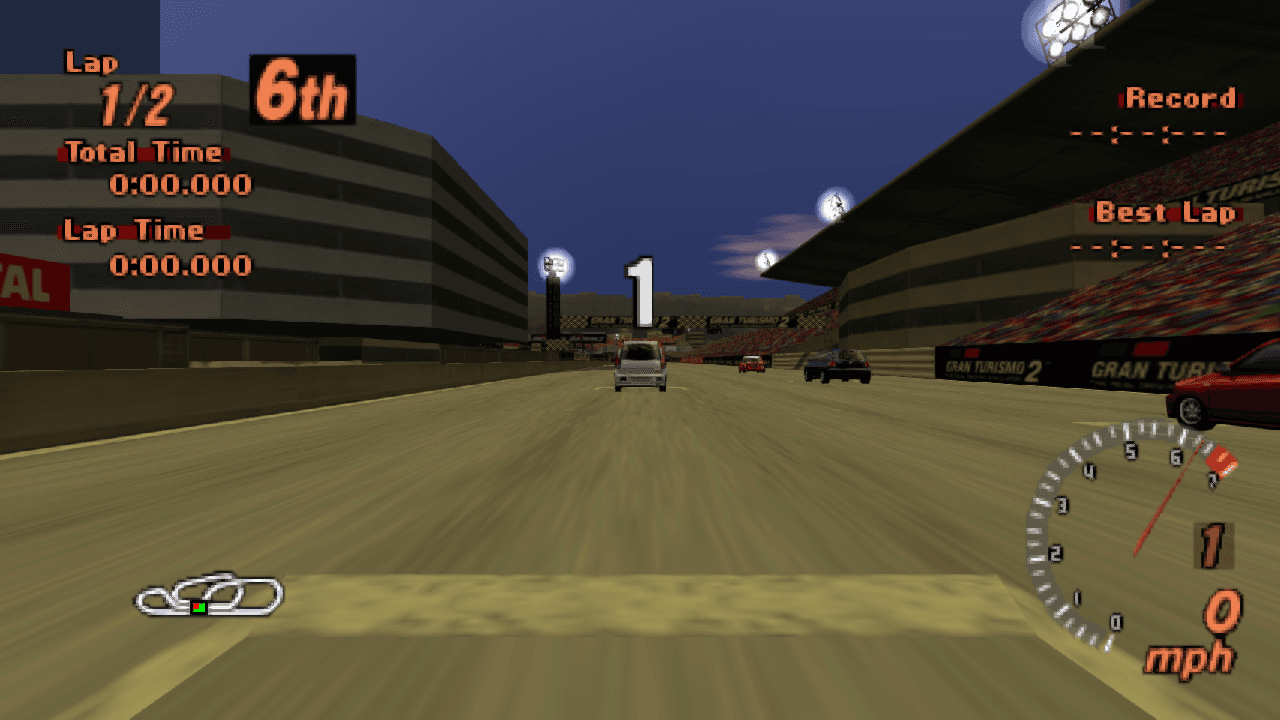
An experimental static-recompilation port of Gran Turismo 2 for Windows x64; you supply your own discs.
Stars2
Updated1 month ago
LicenseUnknown
Release2026