Hollow Knight: Silksong Port
An existing game or its source code brought to another platform.
 Links, repository & details
About
An Android launcher and on-device porting toolkit for Hollow Knight: Silksong with Steam sign-in, game downloads, Cloud saves and achievement synchronization. It prepares a native ARM64 Unity player on the device from your own Linux game files, rather than streaming the game. It is a community project based on jakobkhansen's SilksongAndroid and is not an official Team Cherry or Valve release.
How it differs from the original
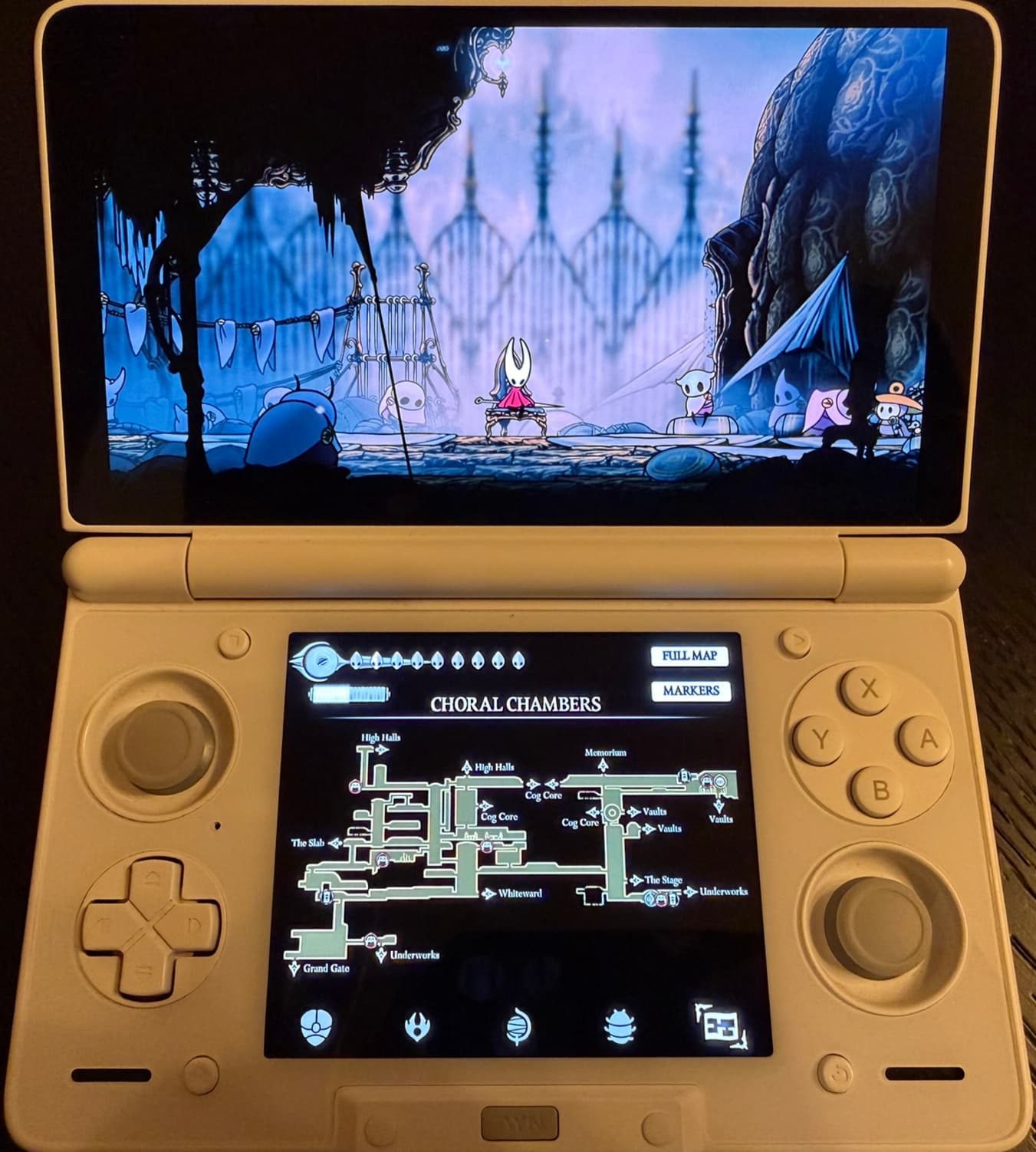
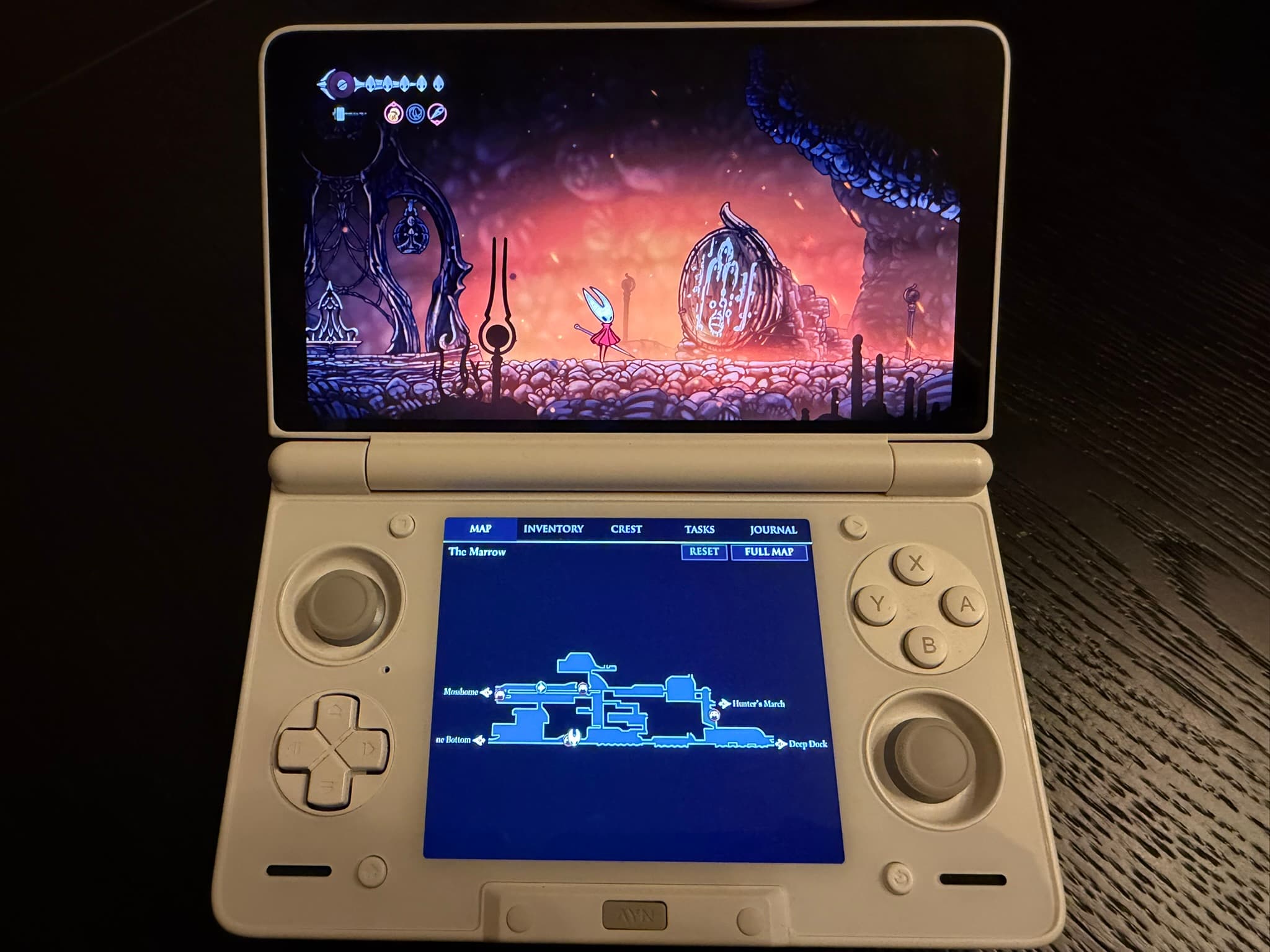
Adds Steam Cloud save sync and save history, real Steam achievement updates with a viewer, a display resolution chooser, a pre-launch FPS setting, and optional dual-screen support on compatible hardware. It does not provide a complete on-screen touch gamepad.
Getting started
Install the APK from Releases, then supply the game's Linux depot files yourself or let the app download them after you sign in to Steam. Pressing the button builds the game on the device, which took 20 to 30 minutes on a Snapdragon 8 Gen 2. Steam sign-in and ownership verification are required before play, and the game folder must stay where it is.
Known issues & limitations
- The port does not provide a complete on-screen touch gamepad.
- Compatibility is not guaranteed on every Android device and depends on Android version, ARM64 tooling, graphics drivers, and device resources.
- There is no automatic offline fallback when a saved Steam session cannot ready the achievement service.
- Achievement uploads do not have a durable, guaranteed offline queue.
What you need to run it
Features
- Play on one screen, with optional dual-screen views on compatible hardware.
- The port supports controller/game input and touch interaction with inventory and secondary views.
- Steam achievements earned in the game can be sent to the signed-in Steam account.
- Cloud saves support manual transfers and optional automatic download before play and upload on return to the launcher.
How to install
- Download the latest APK from the repository's Releases and install it.
- Copy your game files to the device, or sign in to Steam and let the app fetch them.
- Press the button to let the app fetch what it needs and build the game.
- Keep the game folder in place; the app reads it each time you play, and moving or deleting it stops the game from starting.
Controls
- The game supports controller/game input and touch interaction with inventory and secondary-screen views.
- Tap an achievement in the viewer to open its details.
Summarised from the project's README.
Licensing & legal
- The tooling is MIT-licensed.
Additional notes
- Tested devices
- The upstream project reports testing on the AYN Thor and Retroid Pocket Flip 2, and support for every Android device is not guaranteed.
FAQ
- What is Hollow Knight: Silksong Port?
- Hollow Knight: Silksong Port is an open-source port of Hollow Knight: Silksong. An existing game or its source code brought to another platform. The original game ran on Android.
- Do I need the original game files to run Hollow Knight: Silksong Port?
- Yes. The project does not include the original game's assets, so you need your own copy.
- How is Hollow Knight: Silksong Port licensed?
- project: MIT (tooling). The repository itself is the authoritative source.
- Does the port stream the game from a PC?
- No. It builds a native player on the device and is not game streaming.
- Can I play without signing in to Steam?
- No. Steam sign-in and ownership verification are required before play, even when you provide the game files manually.
- Can I use Windows or macOS game files?
- No. The port uses the Linux files; Windows and macOS depots will not work.
More like Hollow Knight: Silksong Port