About
No One Lives Forever 2: A Spy in H.A.R.M.'s Way is a first-person shooter developed by Monolith Productions for Windows, the sequel to 2000's The Operative: No One Lives Forever. No One Lives Forever 2 Modernizer is a Windows mod that fixes long-standing bugs and updates outdated features of the original game, adding widescreen support, re-implemented graphics effects including anti-aliasing, and a rewritten input system. It requires an installed copy of NOLF 2 and has been released as betas.
How it differs from the original
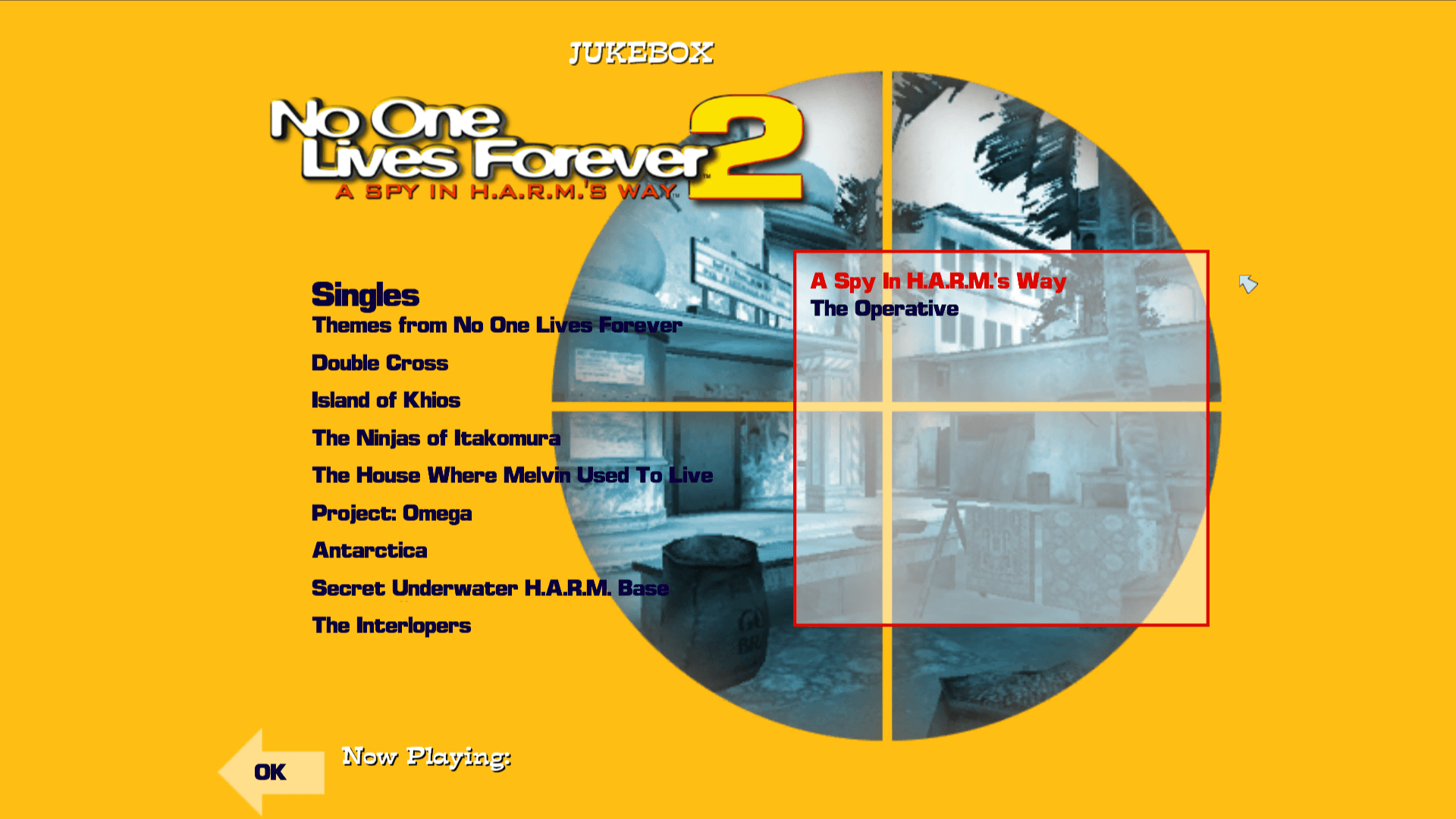
It adds widescreen support, anti-aliasing, a rewritten SDL2-based input system with basic controller support, an in-game jukebox, fixes for several original crashes, and fixed dynamic music transitions above 100fps. The rewritten input system saves controls to a separate file, making it incompatible with the base game's controls and with other mods.
Getting started
Extract the release files into your NOLF 2 directory, run NOLF2.exe, choose "Custom" and make sure only "Modernizer" is checked, then start the game. The Visual C++ redistributable is required. The source builds with Visual Studio 2019 (C++ and MFC).
Known limitations
- graphics: Anti-aliasing causes a ~1 pixel offset at the edges of 2D elements.
- audio: Jukebox singles take a full second to load.
- compatibility: Controls saved in controls.cfg are not compatible with the base game or other mods.
- features: Controller support only works during gameplay, not in menus.
- ui: Cate is missing from the main menu.
Media
Additional notes
- License
- The code remains bound to the original EULA from the NOLF 2 Tools (version 1.0).
- Multiplayer
- The beta includes a dedicated server, and the multiplayer master server was moved to openspy.net.
- Controls
- Non-XInput controllers can be supported by dropping a community SDL gamecontrollerdb.txt file into the game folder.