Pac-Man Recompilation
The original game's compiled code translated into a native program for a new platform, usually a PC port.
Based on Pac-Man
 Links, repository & details
About
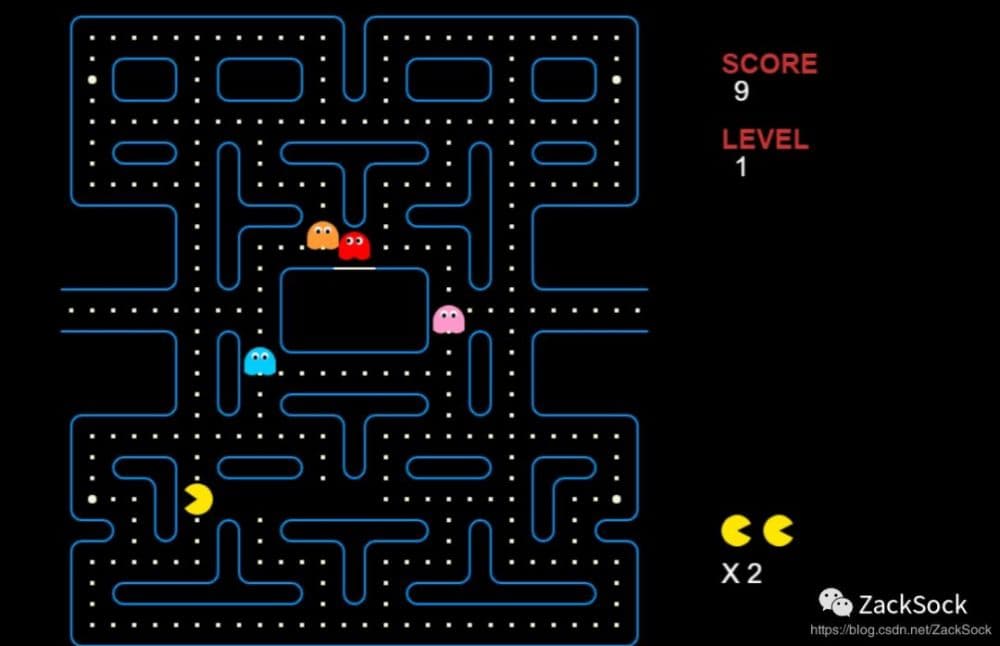
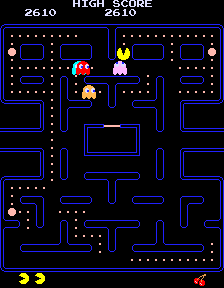
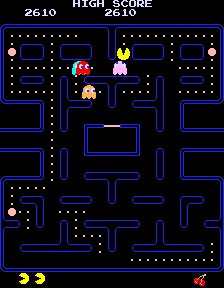
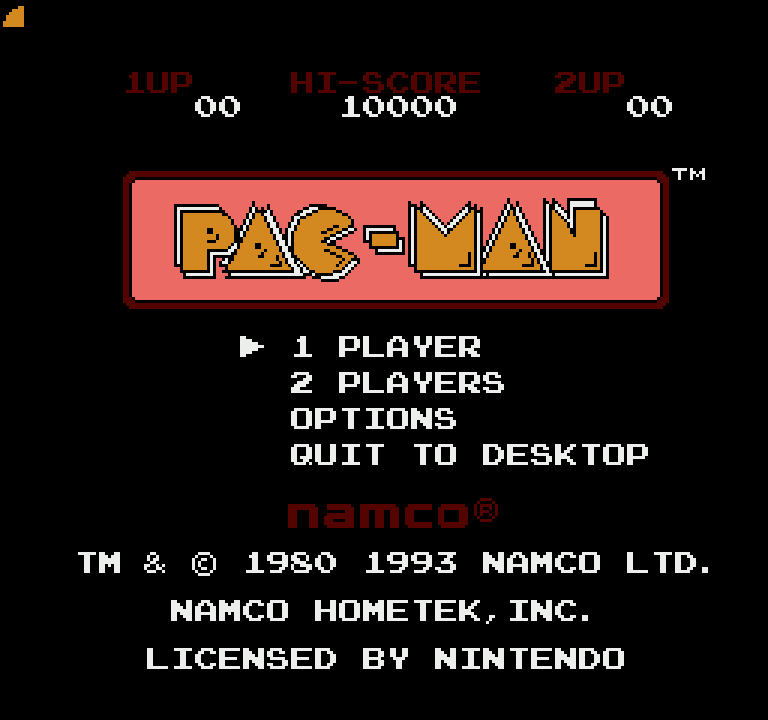
A native Windows version of Pac-Man for the NES, made by static recompilation: the cartridge's original 6502 code is translated into C and compiled into a real Windows program using NESRecomp. The README says it plays like the cartridge and adds a launcher, in-game options, a level number display, a top-10 high score table, cheats and texture and sound modding. It supports Windows 10 and 11 (64-bit) only, with 1 or 2 players.
How it differs from the original
Adds a launcher with video, audio, control and game settings, controller rumble, an Options and Quit menu on the title screen, a level number in the score column, a saved high score table, optional cheats, and mod support for replacing graphics and sounds.
Getting started
No game files are included: you need your own Pac-Man (USA) (Namco) NES ROM, since the Tengen version is a different program and will not work. Download the release zip, run PacManRecomp.exe, pick your .nes file in the launcher and press Play; the first launch builds the game from your ROM in a few seconds.
Known issues & limitations
- Games played with a cheat enabled are excluded from the high-score table.
What you need to run it
Features
- All 256 levels are available; after level 256, play wraps back to level 1.
- The launcher brings video, audio, controls, game options, cheats and mods together, and can be skipped.
- Video options include window size, fullscreen, integer scaling, smoothing, stretch, overscan hiding and inverse colors.
- The game includes a high-score table for the top 10, saved between sessions.
- Several visual and sound mods can be installed at once and selected in the launcher or the game's MODS menu.
- The game can optionally check for updates on startup or when asked.
How to install
- Download PacManRecomp-1.1.0-Windows.zip from Releases and unzip it.
- Double-click PacManRecomp.exe in the extracted folder.
- In the launcher, choose your .nes ROM and press Play.
Controls
- Keys can be changed in Settings using Configure under each player.
Summarised from the project's README.
Media
AI assistance
- The project says it was developed with AI coding assistance and play-tested by its author.
Additional notes
- ROM check
- The expected ROM is 24,592 bytes (not counting the 16-byte iNES header) with CRC32 9E4E9CC2.
- Updates
- Update checks are off by default; the game never goes online unless you ask.
- Licensing
- The repository code is MIT licensed, but NESRecomp is under the PolyForm Noncommercial License 1.0.0, so builds may not be used commercially.
FAQ
- What is Pac-Man Recompilation?
- Pac-Man Recompilation is an open-source recompilation of Pac-Man. The original game's compiled code translated into a native program for a new platform, usually a PC port. The original game ran on NES.
- Do I need the original game files to run Pac-Man Recompilation?
- Yes. The project does not include the original game's assets, so you need your own copy.
- How is Pac-Man Recompilation licensed?
- project: MIT (code in this repository); NESRecomp: PolyForm Noncommercial License 1.0.0 (NESRecomp); recomp-ui: MIT (recomp-ui); TinyCC: LGPL 2.1 (TinyCC). The repository itself is the authoritative source.
- Other recomps give you a ready-made .exe. Why not this one?
- The game code is made only on your PC from a ROM you own; the tradeoff is a few seconds of setup the first time and after each update.
More like Pac-Man Recompilation