Shadow Tower Recompilation
The original game's compiled code translated into a native program for a new platform, usually a PC port.
Based on Shadow Tower
 Links, repository & details
About
The README notes that not every gameplay path is verified as native, as the build keeps an interpreter fallback for unsupported paths.
How it differs from the original
Adds mouse look with WASD movement, upscaled rendering and sharper texture filtering, plus save states on F7. Controllers keep the original digital-pad controls, and the right stick is not mouse look.
Getting started
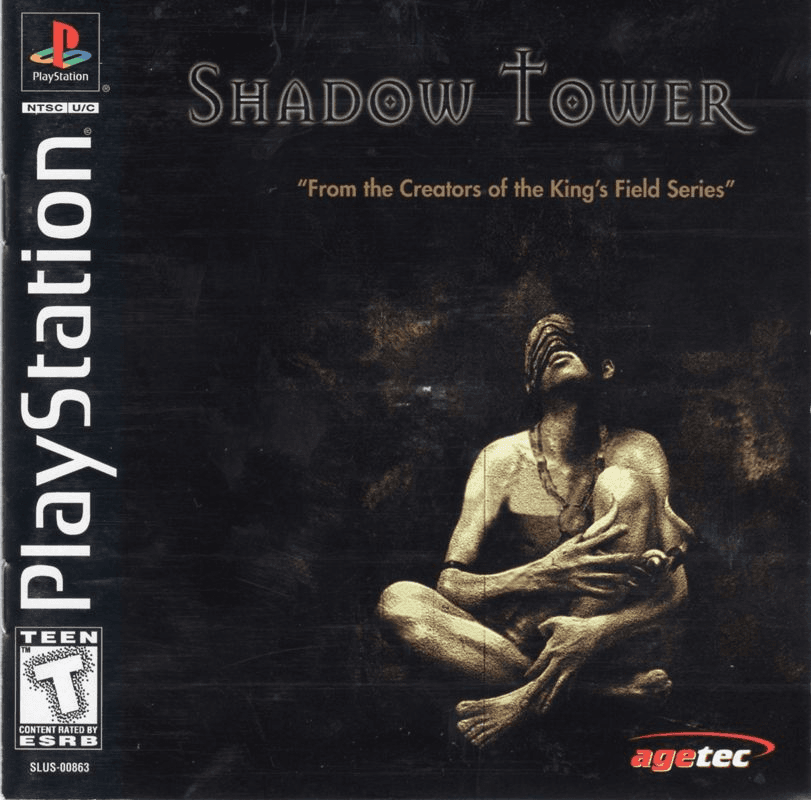
You need your own Shadow Tower (USA), SLUS-00863, BIN/CUE dump; no retail BIOS is needed because OpenBIOS is included. Install the Linux AppImage or Windows installer from the releases page and select your disc dump on first launch, when setup generates and compiles the game locally. Both platforms require working OpenGL 3.3 drivers.
Known issues & limitations
- Not every gameplay path is verified to run natively.
- Save states may break between builds.
What you need to run it
Features
- Rendering can be upscaled.
- Texture filtering is sharper.
How to install
- Download the Linux AppImage or Windows installer from the releases page.
- On Linux, make the AppImage executable, then launch it.
- On Windows, run the setup installer and open the project from the Start menu.
- On first launch, select your USA disc dump and keep the disc files available.
Controls
- Move with W/S and strafe with A/D; use the mouse to look.
- Attack with left click or F; hold right click or Z to use a shield.
- Interact or confirm with E or X; use C for inventory or back.
- Use Tab for the main menu or equipment, WASD or arrows to navigate menus, and Enter to pause.
- Click during gameplay to capture the mouse; the first click will not attack. Escape releases the mouse but does not pause.
- Controllers use the original digital-pad controls; the right stick is not mouse look.
- For save states, press F7, choose a slot, then press S to save or L to load.
Summarised from the project's README.
Licensing & legal
- PSXRecomp's PolyForm Noncommercial restrictions still apply to the framework and combined runtime, and OpenBIOS is under MIT.
Additional notes
- Saves
- Save at the game's headstones; save states may break between builds, so keep normal game saves too.
FAQ
- What is Shadow Tower Recompilation?
- Shadow Tower Recompilation is an open-source recompilation of Shadow Tower. The original game's compiled code translated into a native program for a new platform, usually a PC port.
- Do I need the original game files to run Shadow Tower Recompilation?
- Yes. The project does not include the original game's assets, so you need your own copy.
- How is Shadow Tower Recompilation licensed?
- PSXRecomp: PolyForm Noncommercial license (framework and combined runtime); OpenBIOS: MIT (OpenBIOS and accompanying third-party notices). The repository itself is the authoritative source.
- Do I need a retail BIOS?
- No retail BIOS is needed; OpenBIOS is included in the build.