Star Wars: X-Wing Engine Reimplementation
A new engine written from scratch that loads the original game's data files.
Based on Star Wars: X-Wing
 Links, repository & details
About
OpenXW is an open-source reimplementation of Star Wars: X-Wing for Windows, macOS and Linux. It runs the original game data natively on current systems and supports both the 1994 Collector's CD-ROM and the 1998 Windows release. It is under active development, and bugs and differences from the original releases are still possible.
How it differs from the original
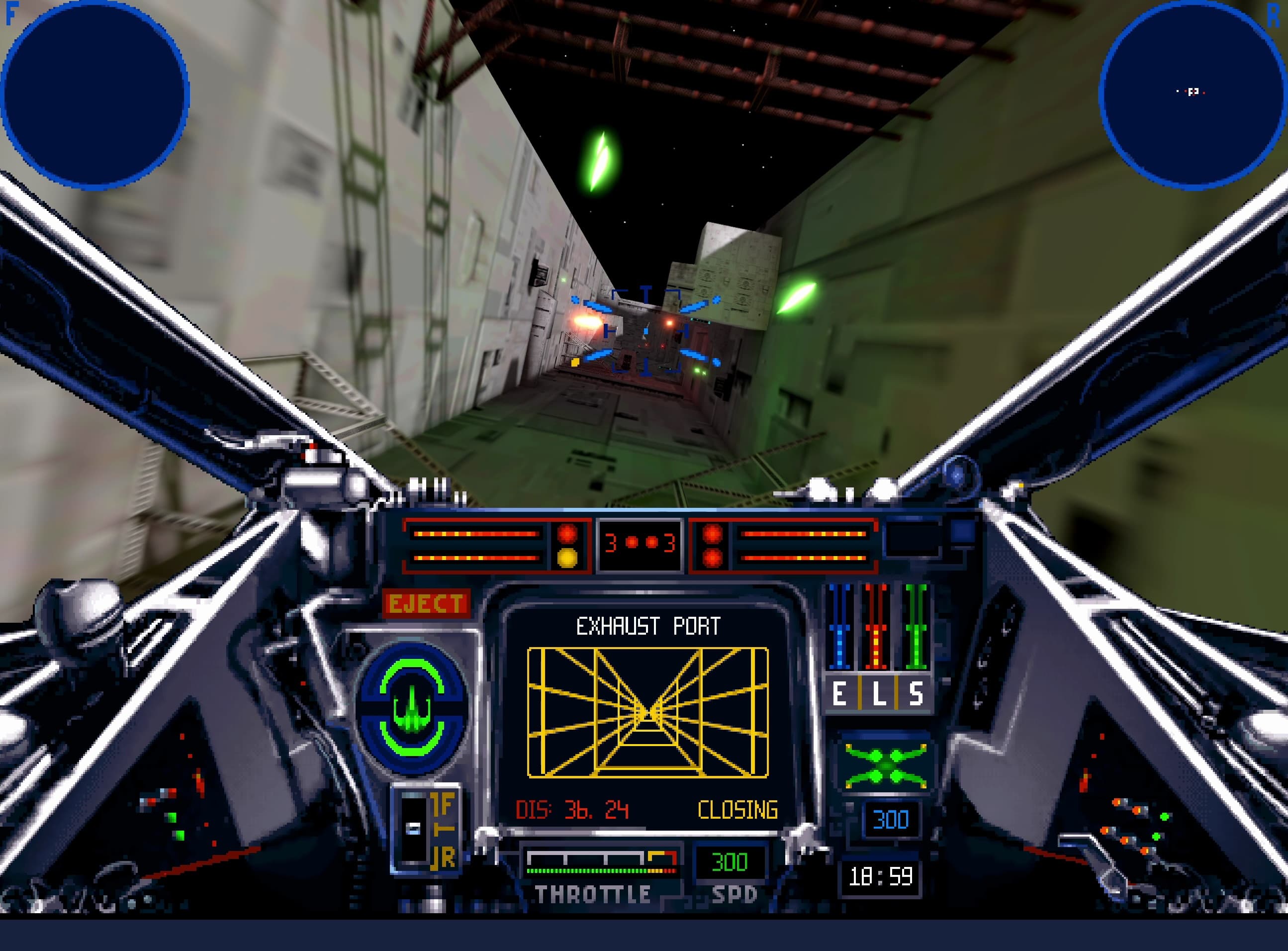
With both editions installed it can combine the 1994 menus, cutscenes and adaptive iMUSE soundtrack with the 1998 flight simulation and 3D assets. It adds classic and modern graphics modes, with shadows, ambient occlusion, MSAA, FSR upscaling and HDR output for the 1998 flight graphics, plus unlocked flight timing and mouse, gamepad or joystick flight controls.
Getting started
You need a complete installation of the 1994 Collector's CD-ROM or the 1998 Windows release; no game content is included, and installing both editions allows the recommended combination. Download the package for your platform from the releases page, launch OpenXW and select the installation folders when prompted. Press Escape for settings and Tab during flight to switch between classic and modern graphics.
Known issues & limitations
- The project is under active development, and bugs or differences from the original releases are still possible.
What you need to run it
Features
- The project can combine the 1994 menus, cutscenes, and adaptive music with the 1998 flight simulation and 3D assets.
- You can play either supported edition on its own.
- An original 1993 flight graphics and missions mode is available with an extracted 1993 installation including the B-Wing expansion.
- Flight can use a mouse and keyboard, gamepad, or joystick; mouse flight offers classic or virtual-stick controls.
How to install
- Download the latest package for your platform from GitHub Releases, then extract or install it and launch the project.
- When prompted, select the complete 1994 and/or 1998 installation folders; for the 1998 release, choose the main folder containing X-Wing Data, IVFiles, and MUSIC.
- If both editions are available, select the recommended configuration to combine the 1994 presentation and music with the 1998 flight experience.
Controls
- Press TAB during flight to switch between classic and modern graphics.
- Press Ctrl+Alt+M during flight to release or recapture the mouse.
- Use the Mouse tab in settings to choose classic or virtual-stick mouse flight controls.
Summarised from the project's README.
Additional notes
- Audio
- Roland MT-32 and SC-55 Sound Canvas emulation needs compatible ROMs supplied by the user; AdLib and OPL3 emulation are built in, and FluidSynth can play the General MIDI soundtrack with a chosen SoundFont.
- Modes
- The original 1993 flight graphics and missions are available with an extracted 1993 installation including the B-Wing expansion, using the menus and cutscenes of an installed 1994 or 1998 edition.
FAQ
- What is Star Wars: X-Wing Engine Reimplementation?
- Star Wars: X-Wing Engine Reimplementation is an open-source engine reimplementation of Star Wars: X-Wing. A new engine written from scratch that loads the original game's data files.
- Do I need the original game files to run Star Wars: X-Wing Engine Reimplementation?
- Yes. The project does not include the original game's assets, so you need your own copy.