The Legend of Zelda Recompilation
The original game's compiled code translated into a native program for a new platform, usually a PC port.
 Links, repository & details
About
A static recompilation of The Legend of Zelda (NES) for native PC, built with the NESRecomp framework. The original 6502 code is translated to cycle-aware C and compiled to native code. The README calls it an in-development preview, not a finished port, and lists overworld exploration, dungeons, bosses, items, enemies, combat, caves, the inventory screen and battery-backed saves as working.
Getting started
Download the Windows x64 zip from Releases, run the executable and select your own Legend of Zelda (USA) ROM when prompted; the path is saved for later launches. Building from source uses Visual Studio 2022 and CMake and generates native code from your supplied ROM.
History
The README says the recompilation is a byproduct of developing the nesrecomp framework, with the games serving as the proving ground.
Known issues & limitations
- These are in-development previews, not finished ports, and may have rough edges.
- Remastered HD replacement music and sound files are unsupported.
- Legacy binary save states do not transfer to the cycle backend, though raw battery progress remains portable.
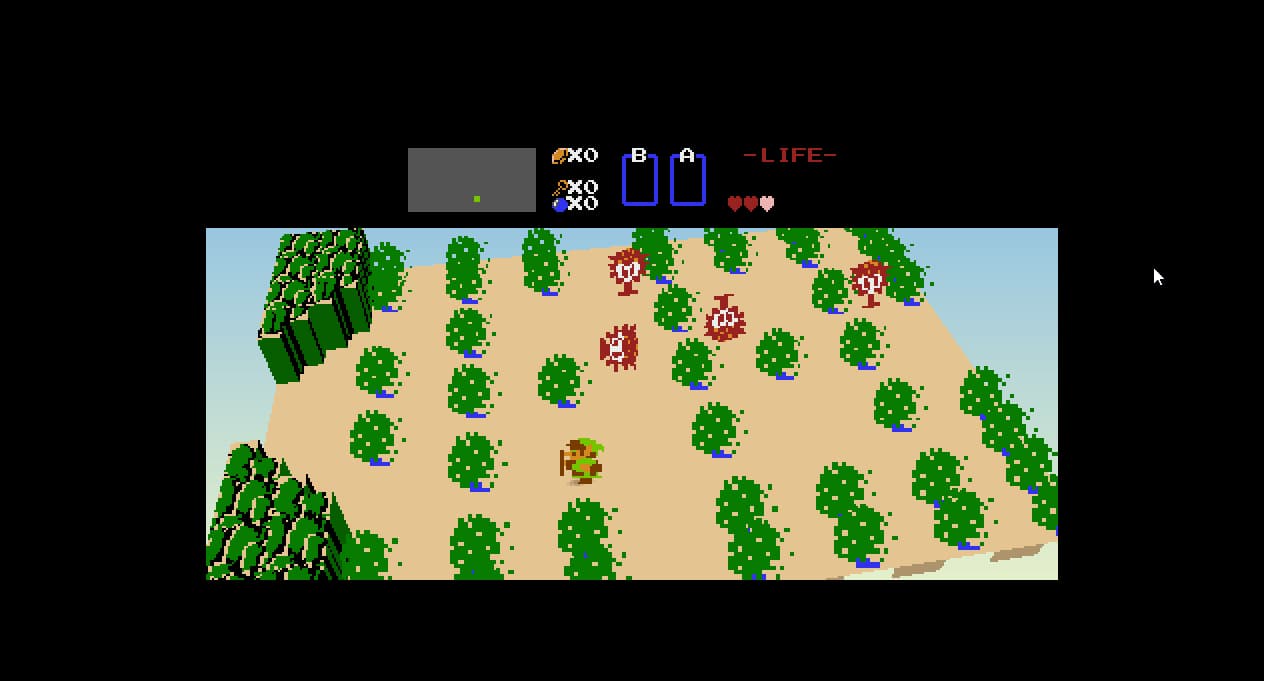
- Voxel views have experimental camera and geometry limitations.
- In voxel mode, title, registration, and inventory screens remain flat and pillarboxed.
What you need to run it
Features
- The project supports overworld exploration, dungeons, bosses, items, enemies, combat, caves, and the inventory pause screen.
- Battery-backed saves persist beside the executable; older raw 8 KiB .srm progress can be imported through the launcher.
- Voxel modes can save camera pitch, yaw, roll, zoom, and sprite scale as package options.
- Voxel views extend the HUD field across widescreen while keeping the original HUD centered and pixel-perfect.
How to install
- Download the Windows x64 release ZIP, extract it, run the executable, and select your USA ROM when prompted.
- To use Remastered HD, install its package in the launcher's Mods page and enable the mod before starting.
- To use voxel presentation, open Mods in the launcher and enable either the experimental overworld or first-person mode.
Controls
- Use the arrow keys for the D-pad, Z for A, X for B, Enter for Start, and Backslash for Select.
- In first-person mode, the right stick looks horizontally and vertically; the left stick, D-pad, or arrow keys move relative to the camera.
Summarised from the project's README.
Media
Licensing & legal
- The project is under the PolyForm Noncommercial 1.0.0 license.
Credits & contributing
- Complete dispatch function coverage was made possible by the zelda1-disassembly by Aldo Nunez.
FAQ
- What is The Legend of Zelda Recompilation?
- The Legend of Zelda Recompilation is an open-source recompilation of The Legend of Zelda. The original game's compiled code translated into a native program for a new platform, usually a PC port. The original game ran on NES.
- Do I need the original game files to run The Legend of Zelda Recompilation?
- Yes. The project does not include the original game's assets, so you need your own copy.
- How is The Legend of Zelda Recompilation licensed?
- project: PolyForm Noncommercial 1.0.0 (project code). The repository itself is the authoritative source.
- Can I use Remastered HD replacement music and sound files?
- No. Replacement music and sound files remain unsupported.
- Can I transfer legacy binary save states to the cycle backend?
- No. Legacy binary save states do not transfer, but raw battery progress remains portable.
More like The Legend of Zelda Recompilation
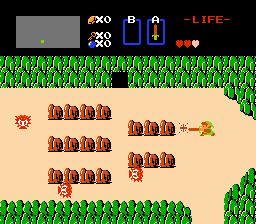
 Original game image