Zelda A Link to the Past Port
An existing game or its source code brought to another platform.
Based on Legend of Zelda - A Link to the Past
 Links, repository & details
About
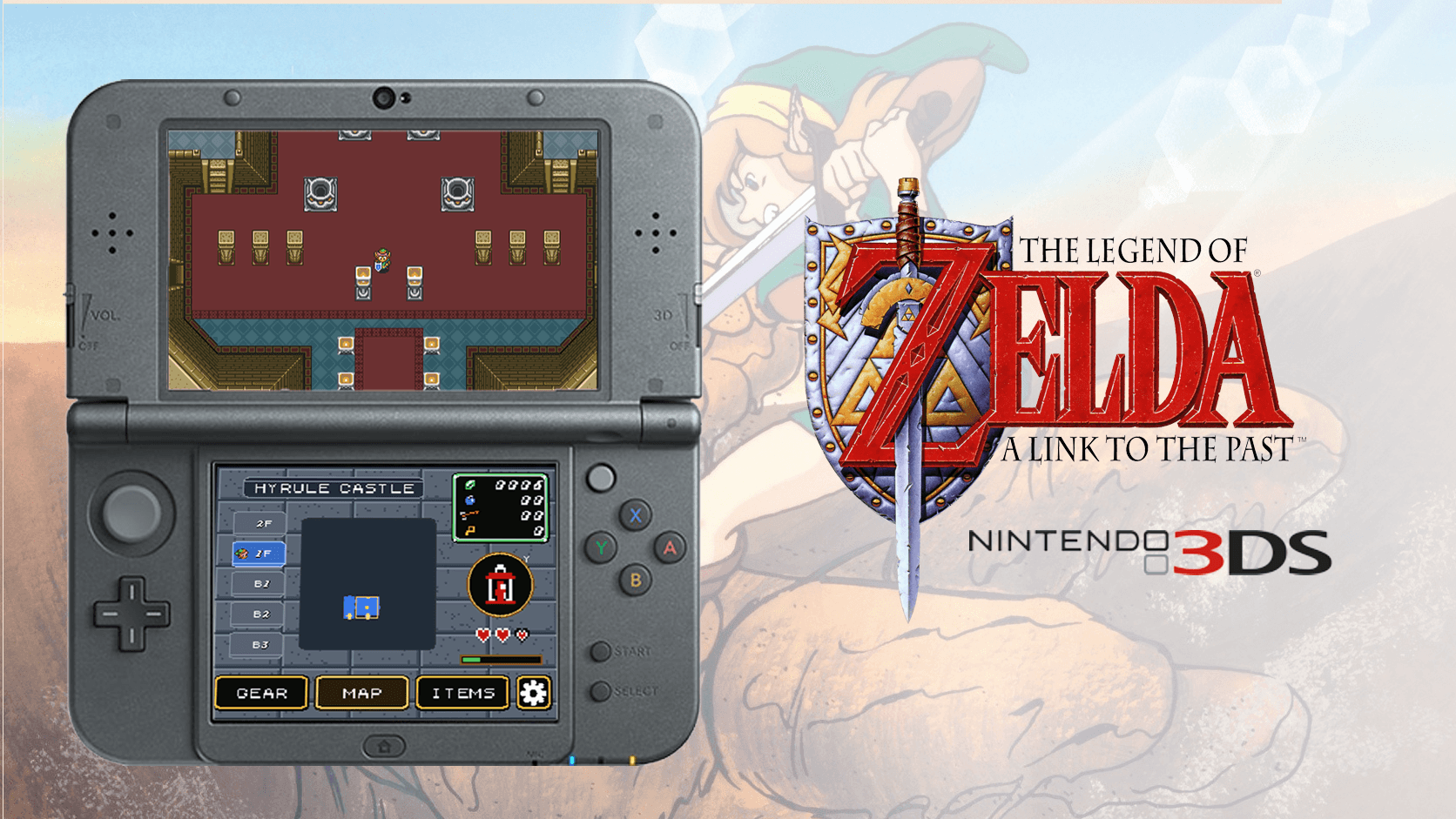
This is a Nintendo 3DS dual-screen port of Zelda3, built with help from Codex. It is based on the reverse-engineered Zelda3 engine by snesrev, the Android port zelda3-android and a dual-screen Android branch. The top screen shows 400x240 gameplay and the bottom screen shows a live map, dungeon map, gear view, item selection and touch settings.
How it differs from the original
It adds display modes (wide mod, stretched original and original aspect), turbo speeds from x2 to x5, and a quick diagnostics dump triggered by pressing L, R and A together.
Getting started
No ROM or extracted game assets are distributed. The user installs the CIA, places their own legally obtained USA, unheadered ROM in a folder on the 3DS SD card, and presses A on first launch to validate the ROM and extract the assets locally.
What you need to run it
Features
- Gameplay appears on the top screen at 400x240.
- The bottom screen can show maps, gear, item selection, and touch settings.
- Display modes include wide mod, stretched original, and original aspect.
- Turbo speed can be set to off or x2 through x5.
- On New 3DS, ZL or the C-stick can hold turbo when turbo is enabled.
- Display, zoom, turbo, and control settings persist separately for each ROM.
How to install
- Install the CIA, then create the game's directory on the SD card.
- Place a legally obtained USA, unheadered ROM in that directory; the preferred filename is zelda3.sfc, but other .sfc or .smc filenames are accepted.
- On first launch, press A to validate the ROM and extract the assets.
- For a translated or patched ROM, put both the clean USA ROM and patched ROM in the game directory.
Controls
- On New 3DS, ZL or the C-stick can hold turbo when turbo is enabled.
- Press L + R + A to create a diagnostic dump.
Summarised from the project's README.
Licensing & legal
- The README states the Zelda3 engine retains the MIT license, and that these licenses do not grant rights to Nintendo game content.
Additional notes
- Patched ROMs
- Translation patches may work if both the clean USA ROM and the patched ROM are placed on the SD card, but gameplay hacks are not guaranteed to be compatible.
FAQ
- What is Zelda A Link to the Past Port?
- Zelda A Link to the Past Port is an open-source port of Legend of Zelda - A Link to the Past. An existing game or its source code brought to another platform. The original game ran on Nintendo 3DS.
- Do I need the original game files to run Zelda A Link to the Past Port?
- Yes. The project does not include the original game's assets, so you need your own copy.
- How is Zelda A Link to the Past Port licensed?
- project: MIT (Zelda3 engine). The repository itself is the authoritative source.
- Can I use a translated or patched ROM?
- Put both the clean USA ROM and patched ROM in the game directory; translation patches may work this way, but gameplay hacks are not guaranteed compatible.
- Where can I get an update?
- In Settings > Update, choose Stable or Pre-release, select a release, choose Download Update, confirm installation, then reopen the game.
- What does Restart do?
- Restart opens the ROM selector and starts the selected ROM fresh; existing saves remain.
More like Zelda A Link to the Past Port
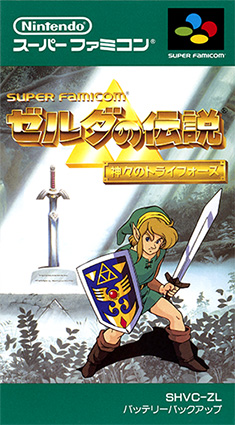
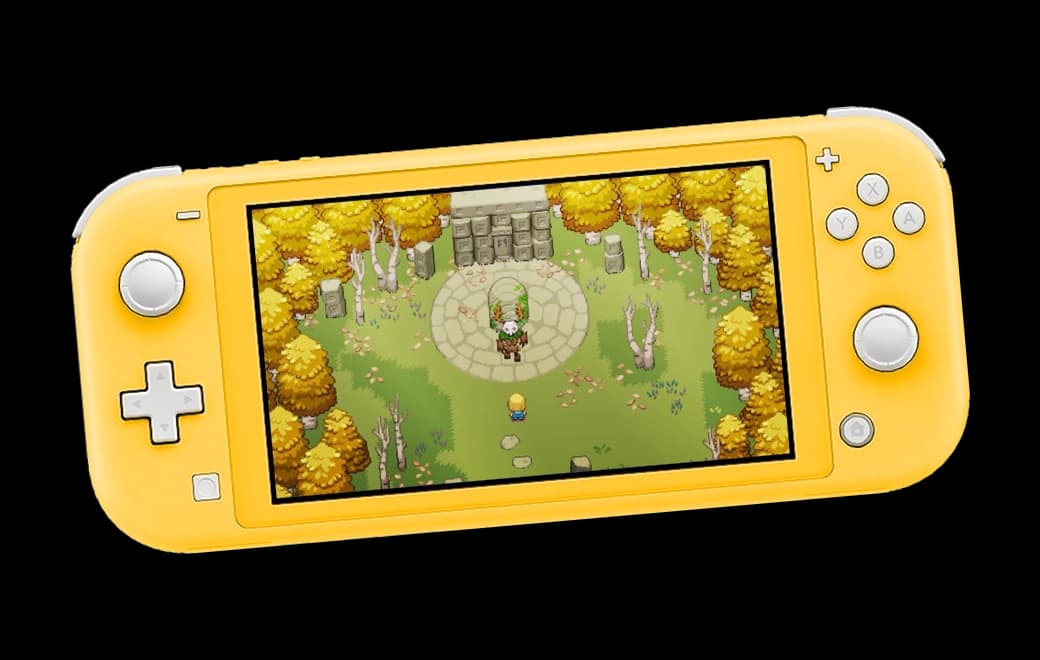
 Original game imageOriginal game image
 Original game image