Dead or Alive Recompilation
The original game's compiled code translated into a native program for a new platform, usually a PC port.
Based on Dead or Alive
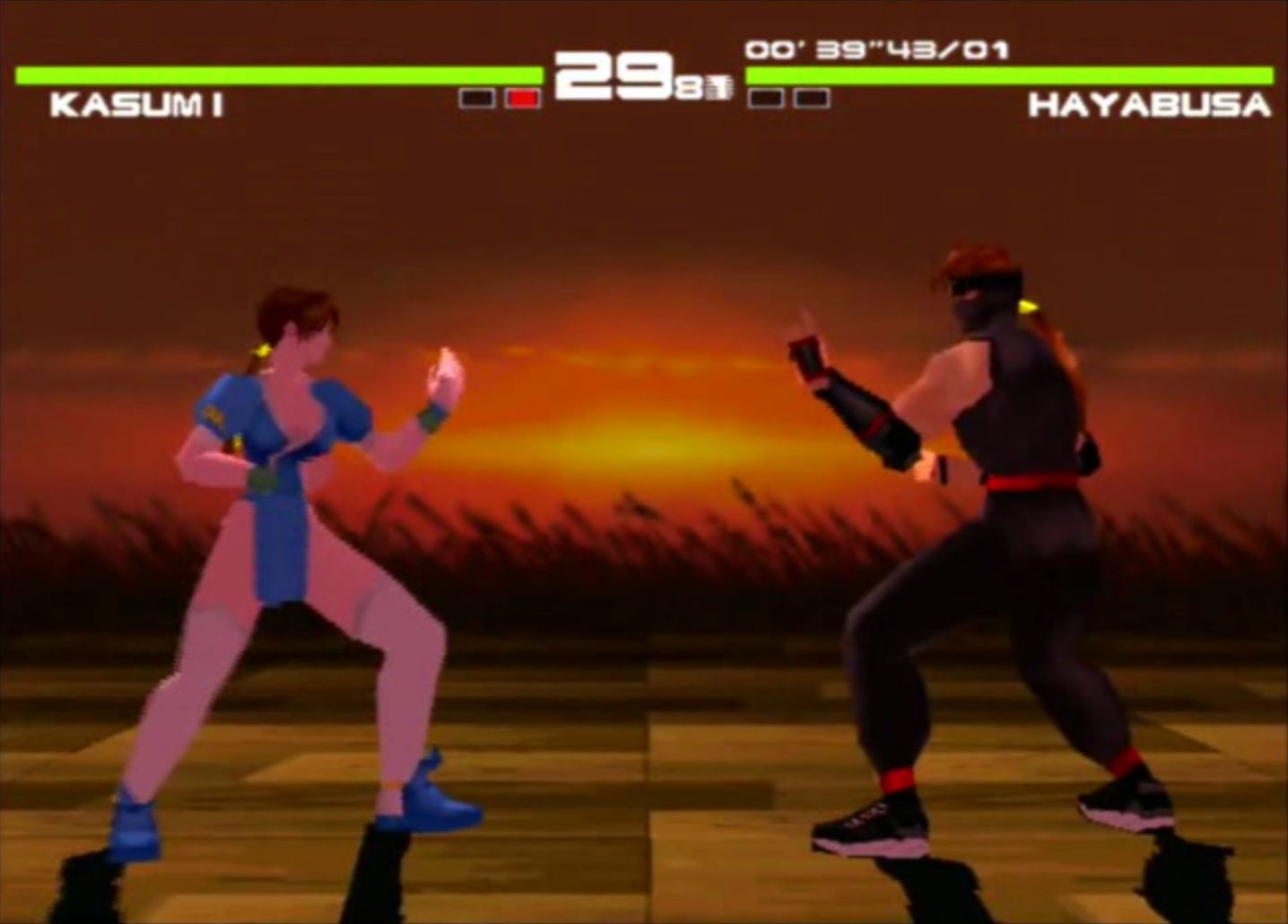
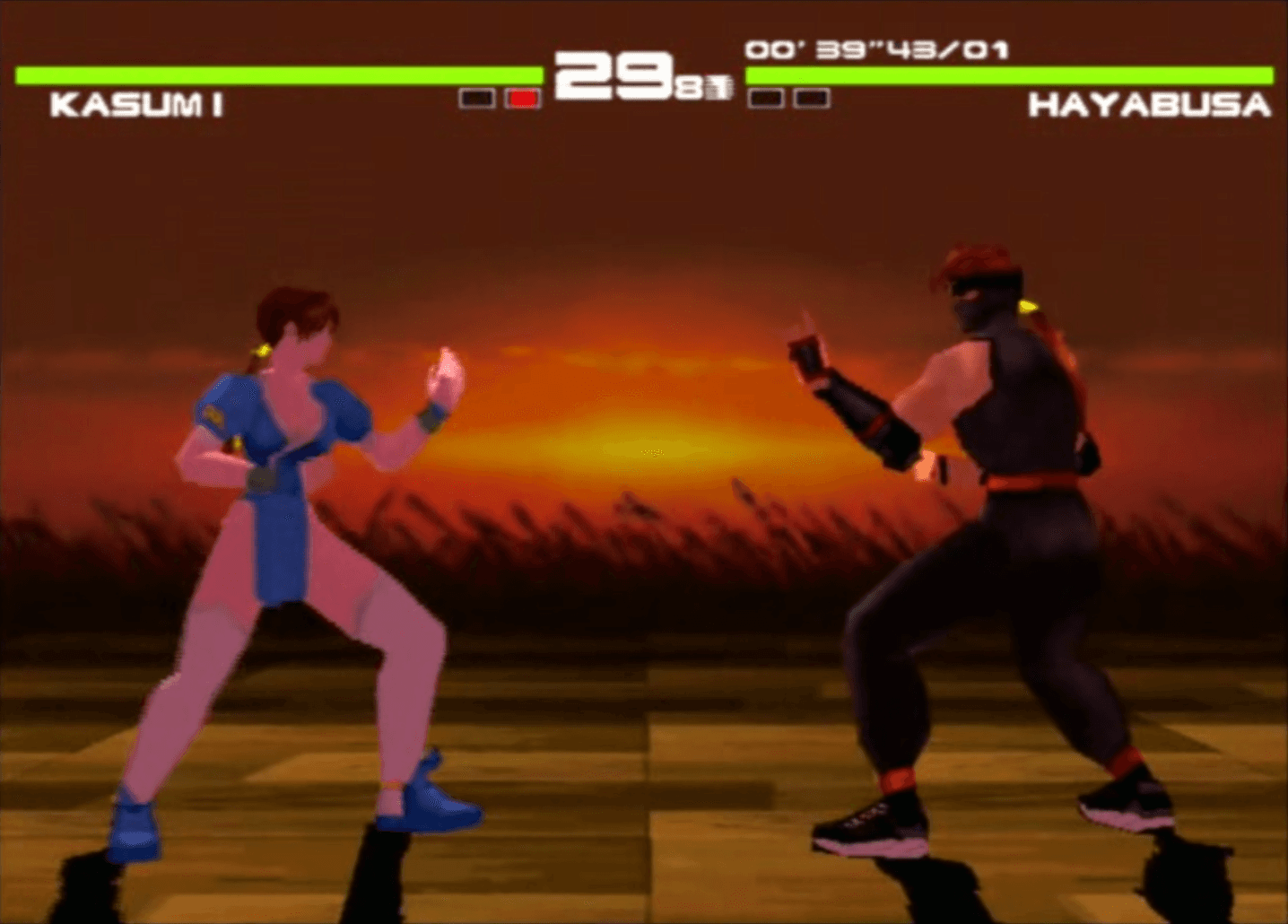 Original game image
About
The game's MIPS executable is translated into generated C and compiled into a native Windows program linked to the PSXRecomp runtime. It is an experimental 0.1.0 build for one disc, the US NTSC-U release with serial SLUS-00606.
How it differs from the original
It adds 4:3, 16:9 and 21:9 display modes (16:9 at 1920x1080 by default), 2x supersampling and optional runtime enhancements that are off by default. It does not change character animation, the jiggle/physics simulation or gameplay rules, adds no HD textures or new models, and has no online play.
Getting started
Select an image of your own US disc when prompted (a CUE sheet is recommended, with every BIN track kept beside it), adjust display and controller options, then choose Play. A retail BIOS dump is not normally required because OpenBIOS is bundled.
Known issues & limitations
- The Windows build does not include online play.
- Non-US discs and other revisions do not have verified support.
- The project does not change character animation, the jiggle/physics simulation, or gameplay rules.
- A differently mastered disc, region, or executable revision may be rejected.
What you need to run it
Features
- 2× supersampling and bilinear texture filtering are the packaged defaults.
- Choose the default OpenGL renderer or the software renderer compatibility option.
- Frame interpolation can present at the display's refresh rate without changing the game's original simulation timing.
- Keyboard and SDL game-controller input can be configured per player in the launcher.
- The release exposes two local player slots.
- Two virtual memory-card slots use .mcd files.
- Optional framework packages include PGXP Precision, Fast Loading, CD Speed, Bezel Artwork, and an advanced 8 MB Main RAM mode; they are off by default.
- The Windows release can play a startup clip, followed by a memorial card.
How to install
- Download the latest Windows ZIP from Releases and extract the entire archive to a writable folder.
- Run `Jiggle or Physics.exe`.
- Select your compatible disc image when prompted; a CUE sheet is recommended, with all referenced BIN tracks beside it.
- Configure display and controller options in the launcher, then choose Play.
- For a portable disc setup, put the CUE and all referenced BIN tracks in `disc/`.
- If the launcher is skipped and you need to change settings, open `Open Launcher.cmd`.
Controls
- Esc, Space, Enter, or a mouse click skips whichever startup screen is playing.
- The controller's left stick maps to digital directions; D-pad and button inputs remain configurable.
- Two local player slots are exposed, with keyboard and SDL game-controller input and two virtual memory-card slots.
Summarised from the project's README.
Licensing & legal
- The PSXRecomp runtime is under PolyForm Noncommercial License 1.0.0, and the repository does not declare one blanket license for every project file.
Additional notes
- Tribute
- At startup the Windows release shows a memorial card for Tomonobu Itagaki for 12 seconds, which can be skipped with Esc, Space, Enter or a mouse click.
FAQ
- What is Dead or Alive Recompilation?
- Dead or Alive Recompilation is an open-source recompilation of Dead or Alive. The original game's compiled code translated into a native program for a new platform, usually a PC port. The original game ran on PlayStation.
- Do I need the original game files to run Dead or Alive Recompilation?
- Yes. The project does not include the original game's assets, so you need your own copy.
- How is Dead or Alive Recompilation licensed?
- project: PolyForm Noncommercial License 1.0.0 (PSXRecomp runtime). The repository itself is the authoritative source.
- Do I need a retail BIOS dump?
- Not normally; the build uses the bundled OpenBIOS backend by default.