Deadly Premonition Recompilation
The original game's compiled code translated into a native program for a new platform, usually a PC port.
Based on Deadly Premonition
 Links, repository & details
About
A native Windows port of Deadly Premonition (Xbox 360, 2010) made by static recompilation, with no emulator. The README describes 60 FPS on the console's own time base, real mouse look, keyboard and PlayStation button prompts, FSR 3 and 2x supersampling, a self-updating launcher, and builds for both PAL and USA discs. It lists version 2.0.14 as the current download.
How it differs from the original
It adds mouse look driving the game's own camera code, button prompts that match your keyboard or controller, upscaling and anisotropic filtering options, local achievements with unlock toasts, and texture modding by stable hash. A native Direct3D 12 renderer is listed as a preview next to the emulated path.
Getting started
You provide your own legally owned PAL or USA Xbox 360 disc, as an .iso or extracted files; the release contains no game data. Unzip the download outside Program Files, let the launcher install your .iso into the assets folder (or place default.xex at assets\default.xex), then run PlayDeadlyPremonition.exe and press Play. It needs Windows 10 or 11 64-bit, a Direct3D 12 GPU with rasterizer-ordered views and about 6 GB free.
Known issues & limitations
- Terrain layer blending shows hard triangle edges while walking, but blends correctly when standing still.
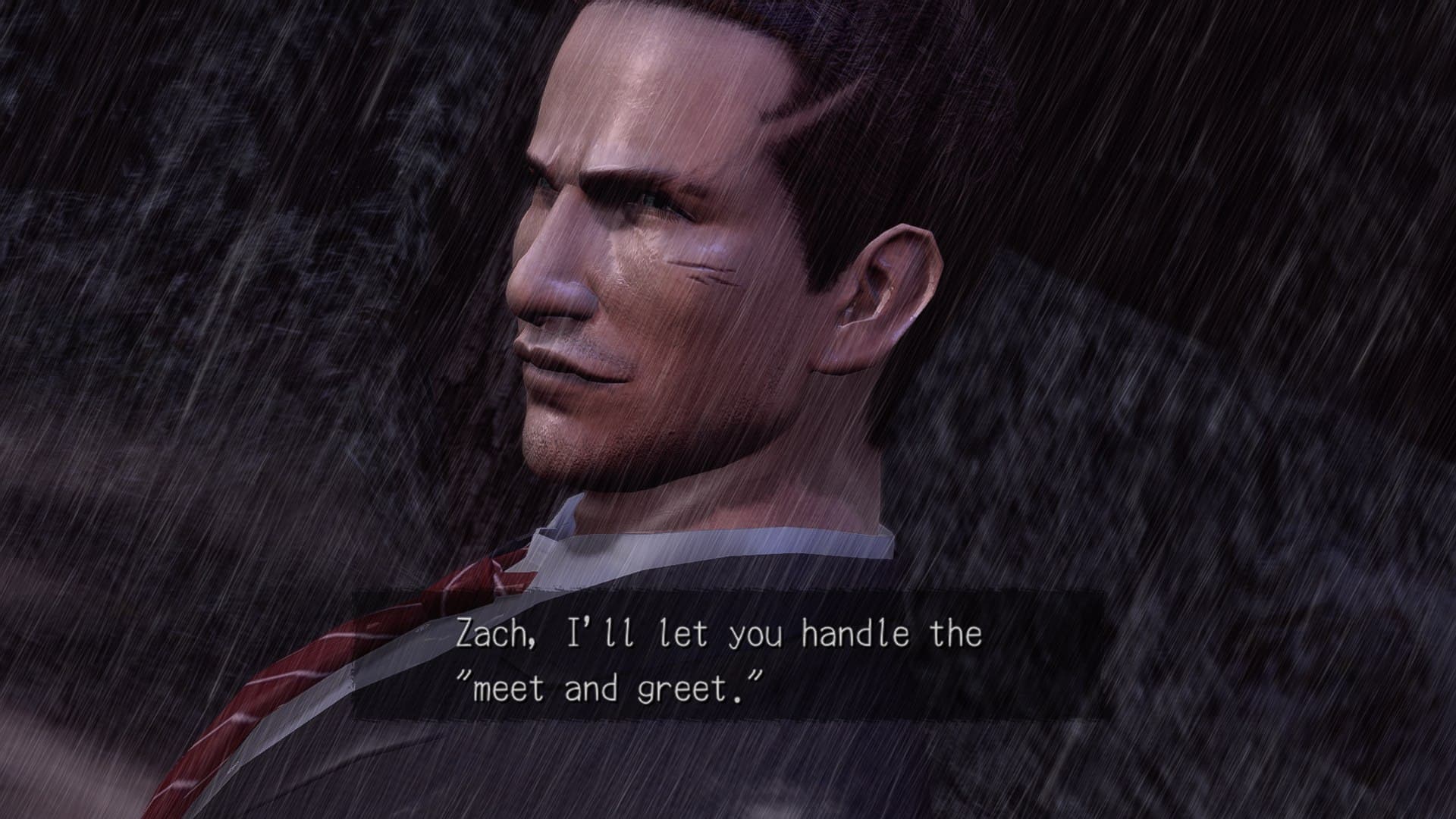
- Some dialogue scenes can show light-blue polygonal patches on characters with the ROV path.
- Clouds in some outdoor scenes can render as flat blotches with hard edges.
- At 2× internal resolution, bright edges can show a fine grid and depth-of-field blur is softer than the original; 1× does not have this issue.
- Linux is not supported yet.
- With the native renderer, a mirror can show a doubled image.
- With the native renderer, a lamp's light switches on and off as the camera turns in one cutscene.
What you need to run it
Features
- Mouse motion directly controls the camera while walking, aiming, driving, and during cutscenes.
- Graphics options include 2× supersampling on the ROV path, FSR 3 with FXAA, CAS, FSR 1, bilinear filtering, and anisotropic filtering.
- A native Direct3D 12 renderer is available in preview alongside the emulated path, with internal resolution up to 4×.
- Texture replacement and overlays are supported, and the launcher can dump textures while you play.
- Achievements are tracked locally and display unlock toasts; there is no Xbox Live.
How to install
- Either launch the built-in installer to extract your ISO into assets\, or copy extracted disc contents so default.xex is at assets\default.xex.
- Run PlayDeadlyPremonition.exe and press PLAY; the first launch compiles shaders for about a minute.
- Add PlayDeadlyPremonition.exe to Steam as a non-Steam game.
Controls
- Interact or accept with E or A; cancel or reload with R or B.
- Hold Space or the right trigger to draw a weapon or aim; fire with Space plus left mouse button, or A while aiming.
- Press F4 for the runtime settings overlay, F3 for the performance overlay, and F7 for achievements.
- Rebind controls in the launcher's Controls tab.
Summarised from the project's README.
Media
Additional notes
- Portable
- Saves, config and the shader cache live in the game folder, and the first launch compiles shaders for about a minute.
FAQ
- What is Deadly Premonition Recompilation?
- Deadly Premonition Recompilation is an open-source recompilation of Deadly Premonition. The original game's compiled code translated into a native program for a new platform, usually a PC port. The original game ran on Xbox 360.
- Do I need the original game files to run Deadly Premonition Recompilation?
- Yes. The project does not include the original game's assets, so you need your own copy.
- How is Deadly Premonition Recompilation licensed?
- miniz: MIT (zip reader inside the launcher's updater); Zacksly: CC BY 3.0 (PlayStation prompt icons). The repository itself is the authoritative source.
- Is this an emulator?
- No. The instructions were converted to native x86-64 code ahead of time by static recompilation.
- Does the USA (NTSC) version work?
- Yes. The launcher and installer start the matching build based on the size of default.xex, so you do not need to choose.
- Where are my saves?
- Saves are in userdata\ next to deadlyprem.exe.