Final Fantasy VII
A new engine written from scratch that loads the original game's data files.

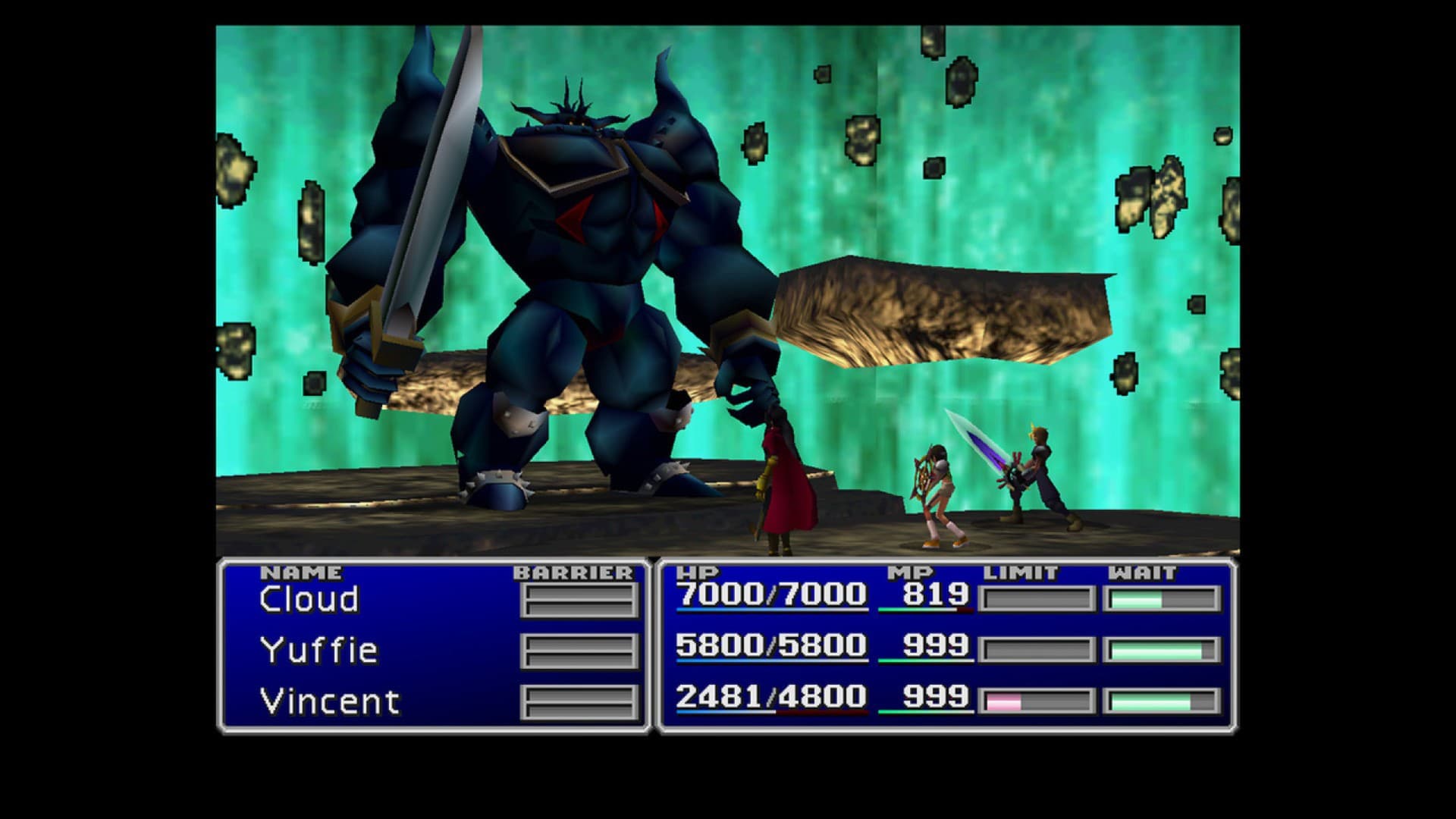 Original game image
About
Braver is an open source reimplementation of the original FF7 game engine. It comes with a launcher, and a default plugin adds text-to-speech support through Tolk, announcing screen names, menu items and dialog.
How it differs from the original
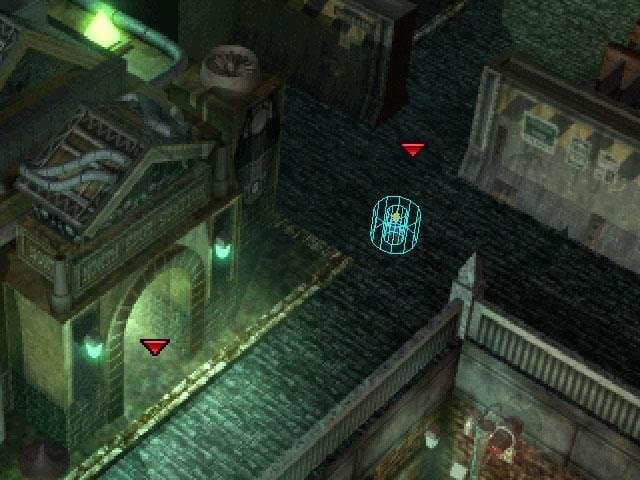
Plugins are an addition: the bundled Tolk plugin can announce screens, menu items and dialog, play footstep sounds, and cycle through focusable objects in field screens. The battle engine has no plugin support yet, so it produces no Tolk output.
Getting started
Download the latest release and run the launcher. There you set the paths the game needs, such as where FF7 is installed, and click Launch Braver. Plugins are off by default and must be enabled in the launcher configuration.
Known issues & limitations
- The battle engine does not yet support plugins, so Tolk provides no output there.
Features
- The Tolk plugin can optionally play footstep sounds while the controllable character moves.
How to install
- Download the latest release, run BraverLauncher.exe, configure the necessary paths, then click Launch Braver.
Controls
- In field screens, use L1/R1 or the left/right square bracket keys to cycle through focusable objects when focus is enabled.
Summarised from the project's README.
Credits & contributing
- There is a Braver channel on the Qhimm Discord for questions and discussion.
Additional notes
- Accessibility
- The README warns that object names announced by the plugin may not be friendly and that some focusable objects may be unreachable.
FAQ
- What is Final Fantasy VII?
- Final Fantasy VII is an open-source engine reimplementation of Final Fantasy VII. A new engine written from scratch that loads the original game's data files.
More like Final Fantasy VII
Original game image