Mario Kart Wii Recompilation
The original game's compiled code translated into a native program for a new platform, usually a PC port.
Based on Mario Kart Wii
compare all 6 clones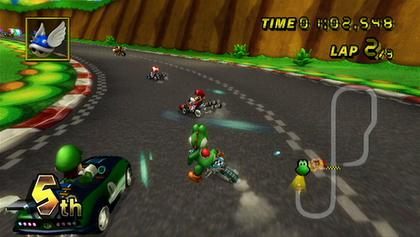
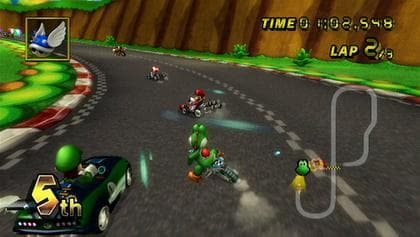 Original game image
About
This is a native PlayStation 5 port of the PAL version of Mario Kart Wii (RMCP01), based on WiiCompiled. It statically recompiles the Wii game and renders through the PS5 GPU using AGC, launching as "Kart PS5" from the PS5 home screen with DualSense controls mapped to a GameCube controller. It is compatible with PS5 and PS5 Pro on jailbroken consoles.
How it differs from the original
Online play is unavailable, and other regions are not supported by this executable. The README lists the 2D mini-map during races as not displaying correctly.
Getting started
The user must supply their own Mario Kart Wii PAL disc data, plus a jailbroken PS5, an FTP server, an ELF loader, kstuff and ShadowMountPlus. Disc images and extracted game files are not provided; the recompiled executables are included in the release download. An installation guide in the repo walks through copying the application folder to the console and launching it from the home screen.
Known issues & limitations
- The 2D mini-map during races does not display correctly.
- Online play is unavailable.
- The first seconds after launch run more slowly while kstuff is active.
- The original `v1.0.0-rc1` archive omitted `portable.txt`; without the marker, the game stays on a black screen.
- The public FW 9.40 variant reached the menu on a PS5 Pro after adding `portable.txt`; other variants still need testing.
What you need to run it
Features
- The game renders through the PS5 GPU using the AGC backend.
- The game is capped at 60 FPS because its logic depends on that timing.
- DualSense controls are mapped to a GameCube controller.
How to install
- Download the recompiled application and firmware overlays.
- Unzip `Kart-PS5.zip` and use the `PPSA99611` application folder.
- Unzip `Backport.zip`, choose the folder matching your firmware, and replace the application's `eboot.bin` and `sce_sys/param.json` with the two files from that folder.
- Extract your own PAL disc's data partition with Dolphin into `DATA`, then place it and your signed `libc.prx` at the guide's locations.
- Create an empty `portable.txt` in `PPSA99611` if it is missing.
- Copy the `PPSA99611` folder into `/data/` using FTP, with `eboot.bin` directly inside `/data/PPSA99611/`.
- Send `Outils/droits-kart-ps5.elf` to the ELF loader to set executable permissions.
Controls
- Use the left stick to steer and navigate menus.
- Press Cross (✕) to accelerate and confirm menu selections.
- Press Circle (○) or R2 to brake or reverse; in manual mode, use it to hop and drift. Circle also goes back in menus.
- Press Triangle (△) or L2 to use an item; hold the button to trail items that support it.
- Press Square (□) or R1 to look behind.
- Press a D-pad direction as you leave a jump to perform a trick.
- On a bike, press D-pad up to start a wheelie and D-pad down to end it.
- Press Options to open the pause menu.
Summarised from the project's README.
Status & roadmap
- A clean build has not been verified, according to the README.
Additional notes
- Frame rate
- The game is capped at 60 FPS because its logic depends on that timing, and 60 FPS is reported on PS5 Pro after kstuff is paused.
FAQ
- What is Mario Kart Wii Recompilation?
- Mario Kart Wii Recompilation is an open-source recompilation of Mario Kart Wii. The original game's compiled code translated into a native program for a new platform, usually a PC port.
- Do I need the original game files to run Mario Kart Wii Recompilation?
- Yes. The project does not include the original game's assets, so you need your own copy.
More like Mario Kart Wii Recompilation
Original game image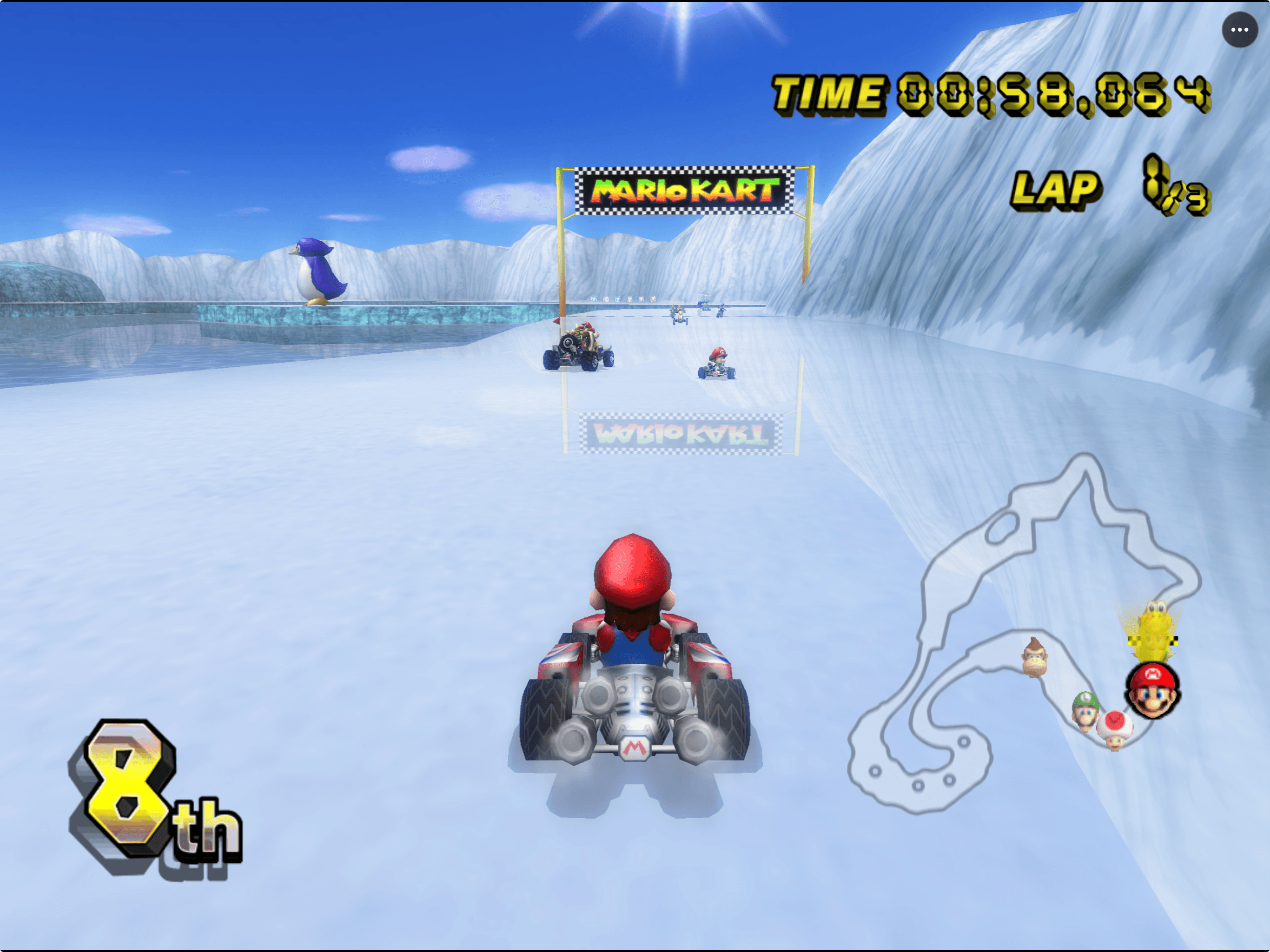
 Original game image