OpenXCOM Nintendo 3DS Port
An existing game or its source code brought to another platform.
Based on X-COM: Terror from the Deep
Based on X-COM: UFO Defense

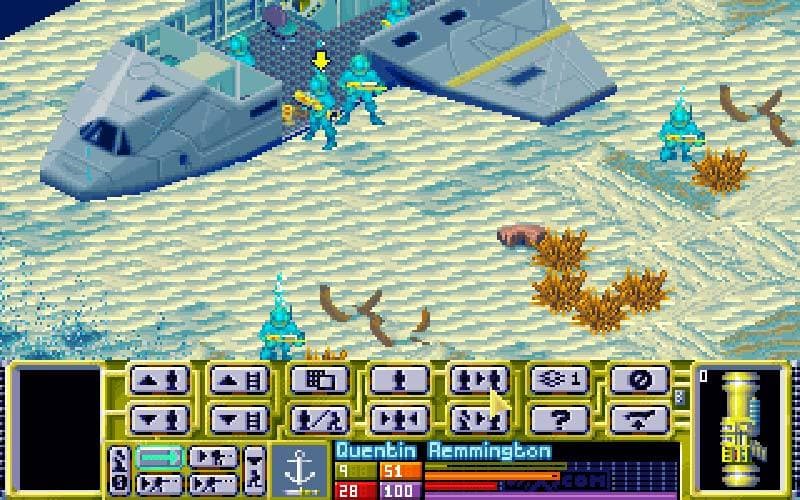 Original game image
About
OpenXCOM-3DS is a native port of OpenXcom Extended 8.6.1 for the New Nintendo 3DS family. It supports both X-COM: UFO Defense and X-COM: Terror From the Deep and uses an optimized software rendering path that runs entirely on the CPU. The original Nintendo 3DS, 3DS XL and 2DS are not supported.
How it differs from the original
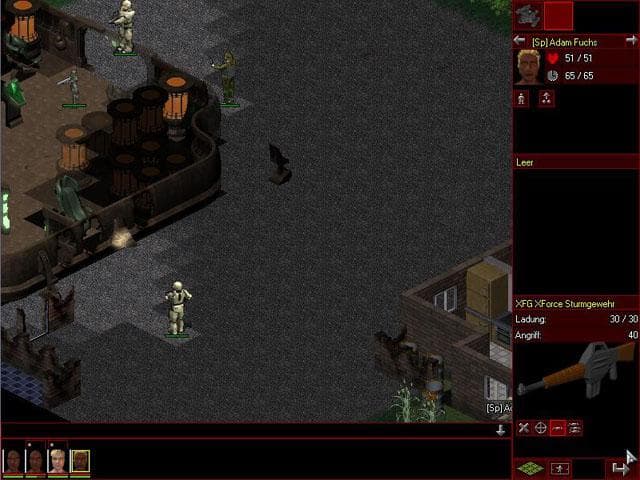
Gameplay uses the top screen while the bottom touchscreen holds 3DS-specific controls, with C-Stick camera panning on the Geoscape and Battlescape, quick-access buttons for inventory, hand items and elevation, and an on-screen keyboard. OXCE mods should theoretically work but are not directly supported.
Getting started
Install the .3dsx for the Homebrew Launcher or the .cia through a title installer such as FBI. Both use an OXCE folder in the 3ds folder on the SD card, where the contents of your original XCOM folder go in a UFO folder and the contents of the TFD folder go in a TFTD folder. You must provide your own legally obtained game data.
Known issues & limitations
- OXCE mods may work, but they are not directly supported.
- Exiting to the 3DS menu at an inopportune time may cause Luma crashes.
What you need to run it
Features
- Supports both X-COM: UFO Defense and X-COM: Terror From the Deep.
- Uses the top screen for gameplay and the bottom touchscreen for controls designed around the original OpenXcom/OXCE UI.
- Supports the Circle Pad, C-Stick, D-Pad, face buttons, and all four shoulder buttons.
- Includes C-Stick camera panning on the Geoscape and Battlescape.
- Includes an on-screen keyboard for text entry.
- Available as a `.3dsx` for the Homebrew Launcher or a `.cia` for installation to the HOME Menu.
How to install
- Download the latest release archive from the Releases page.
- For the `.cia` version, copy the CIA to the SD card and install it with a compatible title installer.
- Copy the contents of your original `XCOM` folder into `sdmc:/3ds/OXCE/UFO/`.
- Optionally, copy the contents of the original `TFD` folder into `sdmc:/3ds/OXCE/TFTD/`.
- When both games are installed, choose the active game or mod under Options -> Mods.
Controls
- Touch the lower-screen controls or use the touchscreen as a trackpad.
- Press ZL + L + R + ZR to toggle the on-screen keyboard.
- During intros and cutscenes, A skips the current video.
- Use the D-pad to snap between menu buttons; A activates the selection and B goes back.
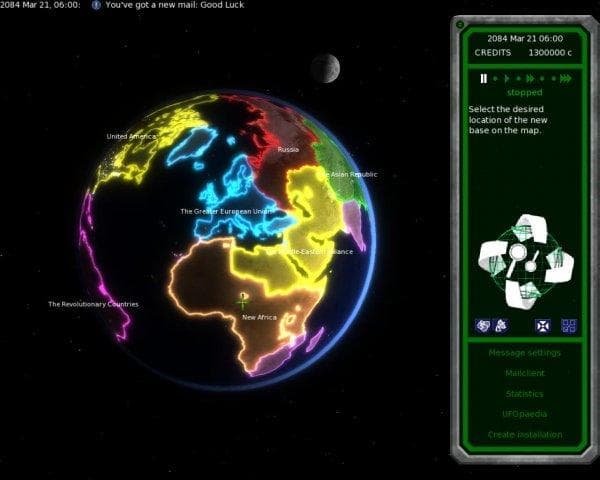
- On the Geoscape, the C-stick rotates or pans the globe and the D-pad navigates lower-screen controls when bottom focus is active.
- In inventory, X quick-moves the item under the cursor.
Summarised from the project's README.
Status & roadmap
- The author plans to use Citro3D so the game can use the 3DS GPU, with no timeline given.
AI assistance
- The author says the port was created using OpenAI's ChatGPT.
FAQ
- What is OpenXCOM Nintendo 3DS Port?
- OpenXCOM Nintendo 3DS Port is an open-source port of X-COM: Terror from the Deep and X-COM: UFO Defense. An existing game or its source code brought to another platform. The original game ran on Other.
- Do I need the original game files to run OpenXCOM Nintendo 3DS Port?
- Yes. The project does not include the original game's assets, so you need your own copy.
- How is OpenXCOM Nintendo 3DS Port licensed?
- project: GNU General Public License (source code). The repository itself is the authoritative source.
More like OpenXCOM Nintendo 3DS Port

 Original game image

 Original game image