Pokémon Snap Recompilation
The original game's compiled code translated into a native program for a new platform, usually a PC port.
Based on Pokémon Snap
compare all 2 clones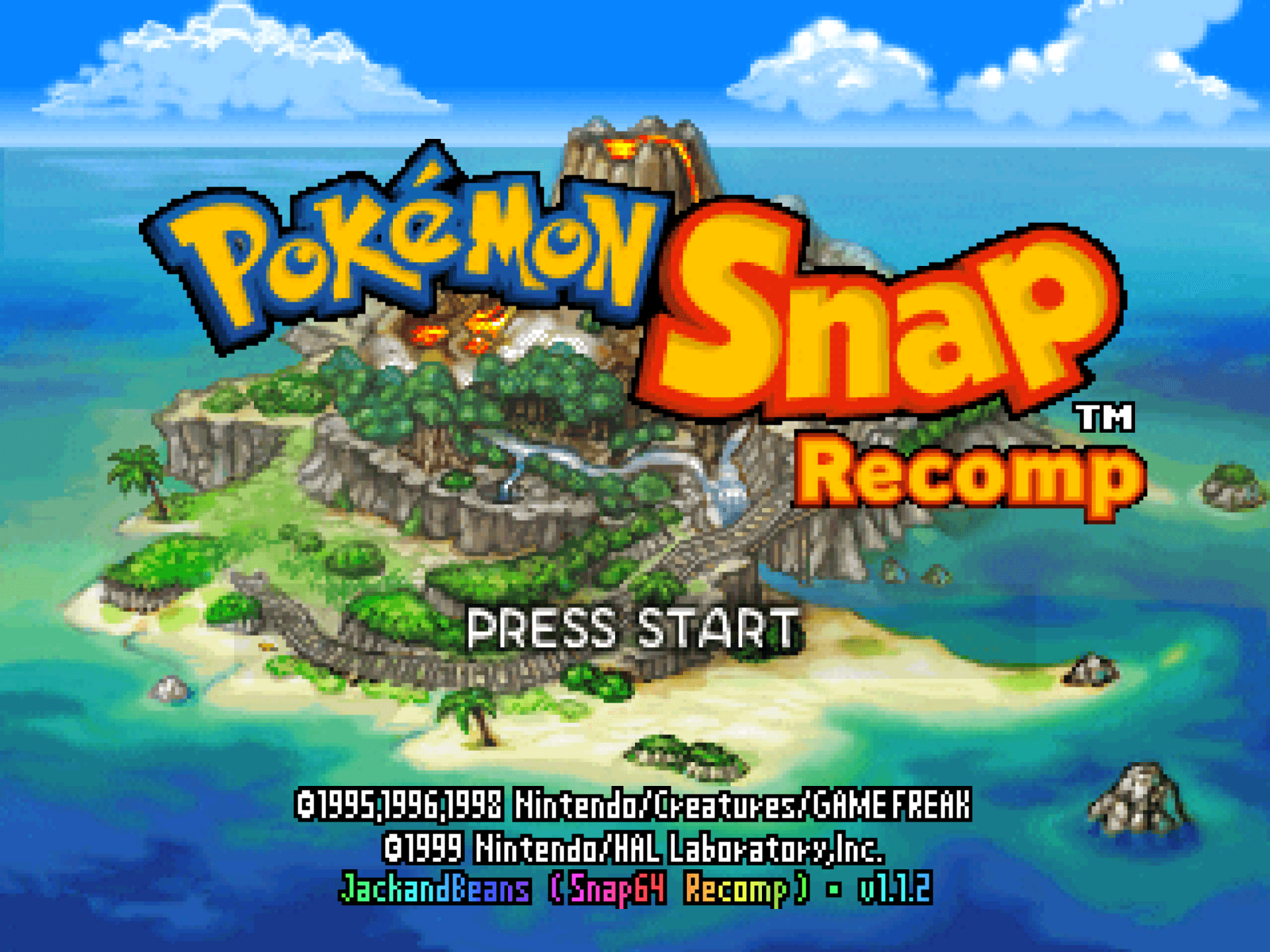 Links, repository & details
About
Snap64 Recomp is a native PC port of Pokémon Snap (Nintendo 64, US release) for Windows, Linux, the Steam Deck and macOS. It is built with N64: Recompiled using static recompilation, which the README describes as translating the game's own code so that it runs directly on a PC, with RT64 drawing the picture.
How it differs from the original
By default it plays like the cartridge. Widescreen, higher frame rates, mouse and gyro aim, button rebinding, fast forward, photo export and the Snap Station's printer are optional and each stays off until turned on.
Getting started
The repository and its releases contain no game assets, so you need your own ROM of the US cartridge. On Windows, download the zip from the Releases page, unpack it anywhere and run the executable; nothing has to be installed. The extra options live in the game's own Options screen, opened with Esc or Select.
Known issues & limitations
- Some 2D pictures still move at the game's rate when the frame rate is raised.
- A Pokémon may disappear from the picture before it has fully left it; the console behaves the same way.
- With Overscan Crop off, a thin light strip appears at the left of the lab panel.
What you need to run it
Features
- Graphics, Sound, Controls, and Mods pages are added to the game's Options screen.
- The renderer can draw at higher frame rates, with the game's logic still running at thirty frames a second.
- In courses, W A S D and the mouse can aim the camera.
- Fast forward and slow motion are available while holding a key.
- The on-screen photo can be saved as a PNG at the game's resolution.
- Oak's photos and the album can use the renderer's full-resolution render.
- The project includes a mod loader and texture-pack loader; no mods or packs are included.
Controls
- In courses, W A S D or mouse movement aims the camera; X or the left mouse button uses A.
- Hold Tab or the right shoulder button for fast forward; hold Space or press the left stick in for slow motion.
- Bindings can be changed in the in-game Button Setup or in the settings file.
Summarised from the project's README.
Media
FAQ
- What is Pokémon Snap Recompilation?
- Pokémon Snap Recompilation is an open-source recompilation of Pokémon Snap. The original game's compiled code translated into a native program for a new platform, usually a PC port. The original game ran on N64.
- Do I need the original game files to run Pokémon Snap Recompilation?
- Yes. The project does not include the original game's assets, so you need your own copy.
- How is Pokémon Snap Recompilation licensed?
- JackandBeans: GPLv3 (port's own code). The repository itself is the authoritative source.
- Where is the settings menu? Is there a launcher?
- There is no launcher; press Esc or Select on a pad to open the game's Options screen.
- Where are my save and my settings?
- They are next to the program: saves are in `saves/pokemonsnap.bin` and settings are in `snapsettings.json`.
- How do I set up gyro aim on a Steam Deck?
- In Desktop Mode, or with Steam Input off for the shortcut, enable Options > Controls > Gyro Aim. In Gaming Mode, set Steam's Gyro Behavior to As Mouse.
- Can I use mods or HD texture packs?
- Yes. Mods go in `mods/`, texture packs in `texture_packs/`, and the Options > Mods page controls mods.
More like Pokémon Snap Recompilation
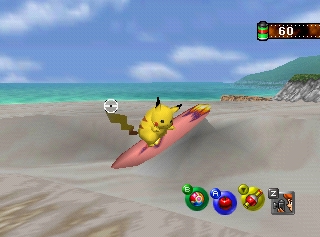
 Original game image