Skate 3 Recompilation 2
The original game's compiled code translated into a native program for a new platform, usually a PC port.
Based on Skate 3
compare all 5 clones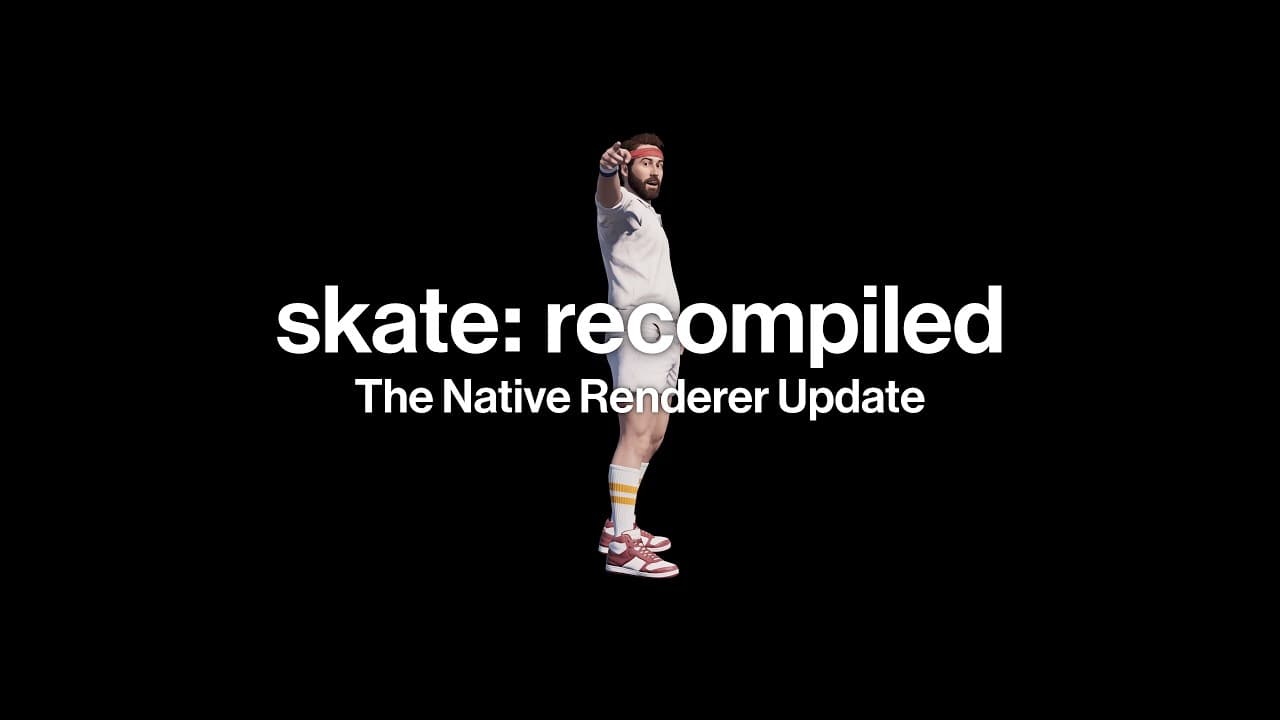 Links, repository & details
About
An unofficial native recompilation of the Xbox 360 version of Skate 3, supporting Windows, Linux and macOS. As of v2.0.0 it runs on a native renderer built directly on Direct3D 12 and Vulkan instead of emulating the Xbox 360 GPU; the README says this early renderer is likely to have issues and that the game has not been tested all the way through.
How it differs from the original
The README says the native renderer delivers more than twice the frame rate of the emulated renderer at roughly a quarter of the GPU power draw, with closer to a 10x uplift on Apple Silicon.
Getting started
Download the release zip for your platform, extract it, run the game, click Select ISO to choose your own legally obtained copy of Skate 3, wait for the installer to extract the game files, then click Start Game. Windows is the most tested, followed by Linux, then macOS, whose ARM build is experimental.
Known issues & limitations
- The native renderer is early, may have issues, and has not been tested all the way through.
- The macOS ARM build is experimental and more prone to issues.
- Textures and assets may occasionally pop in or briefly flicker while streaming quickly around the map; this also occurs with the emulated renderer.
- Skater customization options such as skin, hair, and clothing may render incorrectly in edit skater mode.
- Hall of Meat does not currently render properly, including missing bone highlights.
- Skate parks and park editing have general visual parity and rendering issues.
What you need to run it
Features
- The native renderer supports gameplay, menus, HUD, loading screens, videos, and the photo, replay, skater, and park editors.
- On Windows, you can choose DirectX 12 or Vulkan; Linux uses Vulkan, and macOS uses Vulkan through MoltenVK.
- Optional video enhancements include MSAA up to 8x, soft sun shadows, ambient occlusion, bloom, volumetric lighting, extended draw distance and world streaming, and render scale up to 3x.
- Experimental true ultrawide renders the world at 21:9 and wider with a wider field of view while keeping HUD and menus centered.
- DLC is supported when you provide package files from your own legally obtained Xbox 360 DLC.
- Saved games can be kept beside the executable by creating a `saves` folder before launch, or all user data can be kept there by creating an empty `portable.txt` file.
- PlayStation, Switch, and most generic controllers are supported through the SDL controller backend; Steam Input through XInput also works.
How to install
- On macOS, download and extract the latest release, then open the app from a folder you control; select your ISO, wait for extraction, and start the game.
- To install DLC, create a `dlc` folder beside the executable, inside the installed game folder, or in the user data folder; place the package files there and start the game.
Controls
- Xbox controllers are the preferred and main input method.
- Keyboard controls can be enabled in the game settings menu.
- Press Escape or RB + Start to open the game settings menu; the controller shortcut can be changed in Settings > Controls.
- Keyboard bindings: W/A/S/D for the left stick, mouse movement for the right stick, Space/C/E/F for A/B/X/Y, and RMB/LMB for LT/RT.
Summarised from the project's README.
Additional notes
- Proton
- On some hardware, the README says running the Windows version through a translation layer like Proton may work better than the native Linux build.
FAQ
- What is Skate 3 Recompilation 2?
- Skate 3 Recompilation 2 is an open-source recompilation of Skate 3. The original game's compiled code translated into a native program for a new platform, usually a PC port. The original game ran on Xbox 360.
- Do I need the original game files to run Skate 3 Recompilation 2?
- Yes. The project does not include the original game's assets, so you need your own copy.
- What game files do I need?
- You must provide files from your own legally obtained Xbox 360 copy; the project does not include retail game files.
- How do I enable true ultrawide?
- Enable it via the Aspect Ratio setting or `skate3_ultrawide = true`; it requires the native renderer.
More like Skate 3 Recompilation 2
 Original game imageOriginal game imageOriginal game imageOriginal game image