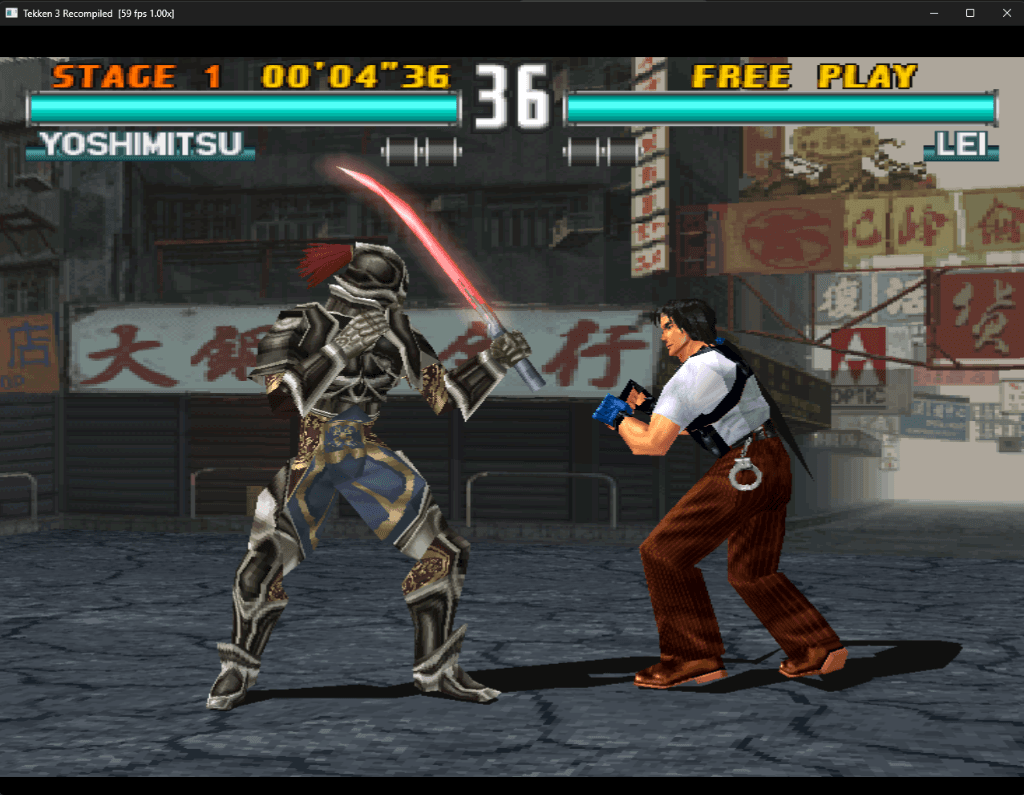
Tekken 3 with Jun Kazama Recompilation
The original game's compiled code translated into a native program for a new platform, usually a PC port.
Based on Tekken 3
compare all 2 clones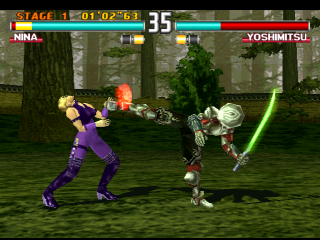
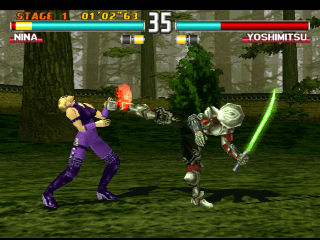 Original game image
About
Native-port and static-recompilation research for Tekken 3 (USA, SLUS-00402) on the PlayStation, built on psxrecomp and recomp-ui. It has two products: an independent host-native PC port, which is an early playable vertical slice and not yet content-complete, and a hybrid recompilation kept as a behavior and rendering reference. Both require a legally owned disc image.
How it differs from the original
The reference build includes a True Widescreen mod on by default with native 16:9 layouts for several menus, plus an experimental wider fight framing option, and separate Music and SFX volume settings. In the native port, the stage and fighters are procedural stand-ins and it does not yet reproduce the full roster, animation, moves, modes, stages, UI, audio or movies.
Getting started
Download the easy-setup package, extract it to a writable folder, and open the launcher. Choose your Tekken 3 USA PlayStation CUE/BIN image and click Set up and play. Jun also needs the non-merged tektagt.zip and tekken3.zip arcade sets. First setup downloads build tools and prepares the game locally, and at least 4 GB of free working space is required.
Known issues & limitations
- The native PC-port slice is not content-complete; its stage and fighters are procedural stand-ins, and it lacks the full roster, moves, modes, stages, UI, audio, and movies.
- The reference executable is a playable hybrid recompilation, not a finished source-code recreation.
- Some menus and movies remain 4:3, and portraits and text keep their proportions.
What you need to run it
Features
- The launcher provides Mods, controls, a disc library, and Patches & Updates.
- The launcher supports separate keyboard and controller mapping.
- The built-in True Widescreen mod is enabled by default and gives supported screens native 16:9 layouts.
- Wider fight framing is optional and enabled by default; it can be turned off to compare the original fight camera.
- Music and sound effects have separate volume controls, and saved changes persist across launches.
How to install
- Download the Easy Setup ZIP from the release and extract the entire archive to a writable folder.
- Open Play Tekken 3.exe, select your game image, then click Set up & play.
- If you already completed setup with v0.1.3, update through the launcher.
Summarised from the project's README.
Additional notes
- Bios
- Retail BIOS dumps are not redistributed; OpenBIOS is used unless you supply your own.
FAQ
- What is Tekken 3 with Jun Kazama Recompilation?
- Tekken 3 with Jun Kazama Recompilation is an open-source recompilation of Tekken 3. The original game's compiled code translated into a native program for a new platform, usually a PC port. The original game ran on PlayStation.
- Do I need the original game files to run Tekken 3 with Jun Kazama Recompilation?
- Yes. The project does not include the original game's assets, so you need your own copy.
More like Tekken 3 with Jun Kazama Recompilation