Terraria
Source code reconstructed from the original game's compiled binary, so the game can be understood, rebuilt and ported.
Based on Terraria
compare all 3 clones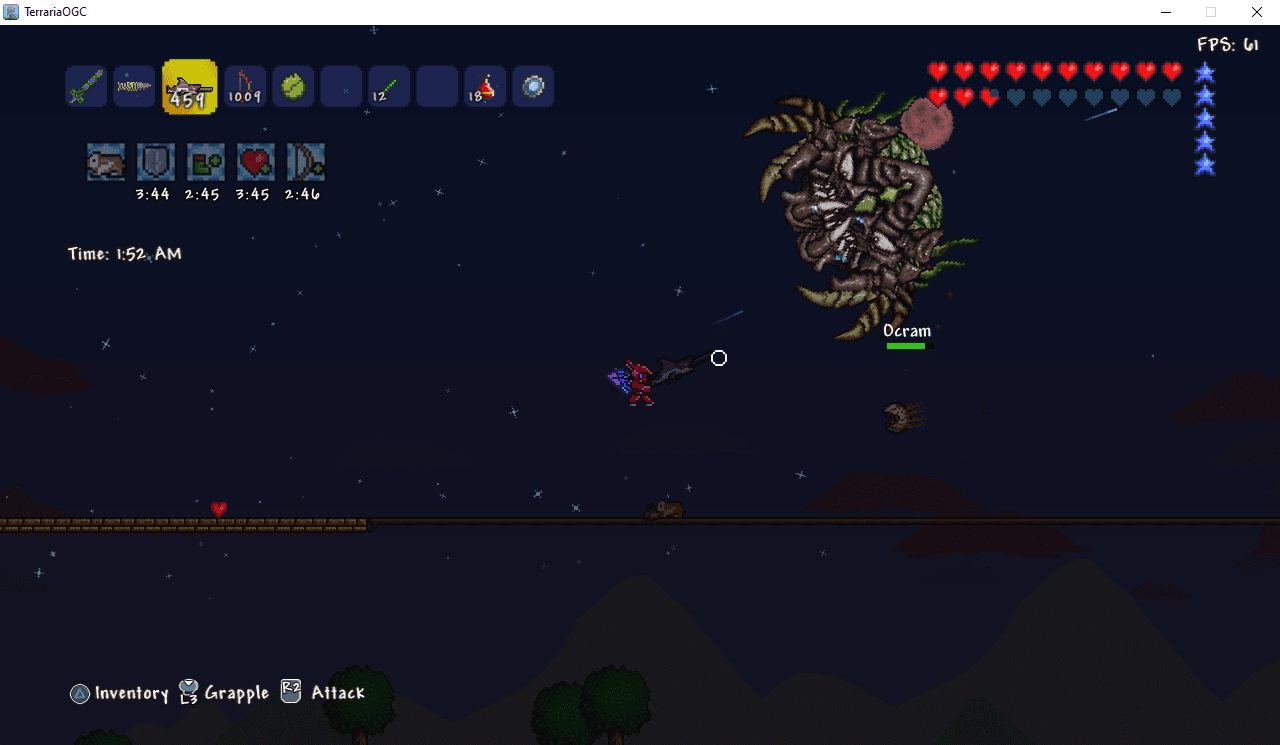 Links, repository & details
About
TerrariaOGC is a port of the old-generation Xbox 360 and PS3 console versions of Terraria, decompiled from the original versions and moved away from console systems. It builds on a hybrid of FNA and MonoGame with Lidgren.Network for networking, and the README gives Windows build instructions only. You need to provide assets from the official old-gen console releases. The README asks people to support the official releases and says it is not meant as a free substitute for them.
How it differs from the original
Adds variable screen sizing and other options, optional gameplay tweaks set in Settings.ini, re-implemented debug features such as an FPS counter, an achievement system built from the Xbox 360 and PS3 versions, and world backups when saving from the pause menu. Only the 1.1-era releases are playable so far; the 1.03 and 1.09 content is planned for a later update.
Getting started
Build it on Windows following the separate build guide, with the assets from an official old-gen console release. Saves from the original versions can be transferred if the version matches. Press F after the Engine Software logo to toggle full-screen, and change the username through the Gamertag key in Settings.ini.
Known issues & limitations
- Some lighting may look odd on a few blocks, especially at 720p and 1080p.
- The Wall of Flesh may lack mouth tracking or move with the player's Y-position.
- Some flying enemies may spawn with increased velocity.
- HD glyphs may be inaccurate in some areas.
- Known issues include odd light rendering at 720p and 1080p, the Wall of Flesh occasionally lacking mouth tracking, some flying enemies spawning with increased velocity, and liquid sometimes replicating while flowing.
What you need to run it
Features
- The project can run released milestone versions 1.00 and 1.01; versions 1.03 and 1.09 are planned for later.
- The project offers variable screen sizing and other user options.
- Optional gameplay tweaks can be toggled in Settings.ini.
- Some debug gameplay features are available, including an FPS counter and always-active GPS features.
- You can back up worlds during gameplay by saving from the pause menu.
- You can transfer saves from the original versions if the version matches.
Controls
- Press F after the Engine Software logo to toggle full-screen.
Summarised from the project's README.
Additional notes
- Trial mode
- The game starts in Trial Mode by design, and the author says it can be changed by the user.
FAQ
- What is Terraria?
- Terraria is an open-source decompilation of Terraria. Source code reconstructed from the original game's compiled binary, so the game can be understood, rebuilt and ported. The original game ran on Xbox 360 and PlayStation 3.
- Do I need the original game files to run Terraria?
- Yes. The project does not include the original game's assets, so you need your own copy.
- Why does the game start in Trial Mode?
- It is intended to discourage piracy; the project does not play the full game on first run without changes from you. You can change it yourself.
- How do I change the username used?
- In the Game category of Settings.ini, change the value for the Gamertag key.
- How do I start in full-screen mode?
- Turn on the full-screen setting in Settings.ini.
More like Terraria