The Darkness Recompilation
The original game's compiled code translated into a native program for a new platform, usually a PC port.
Based on The Darkness

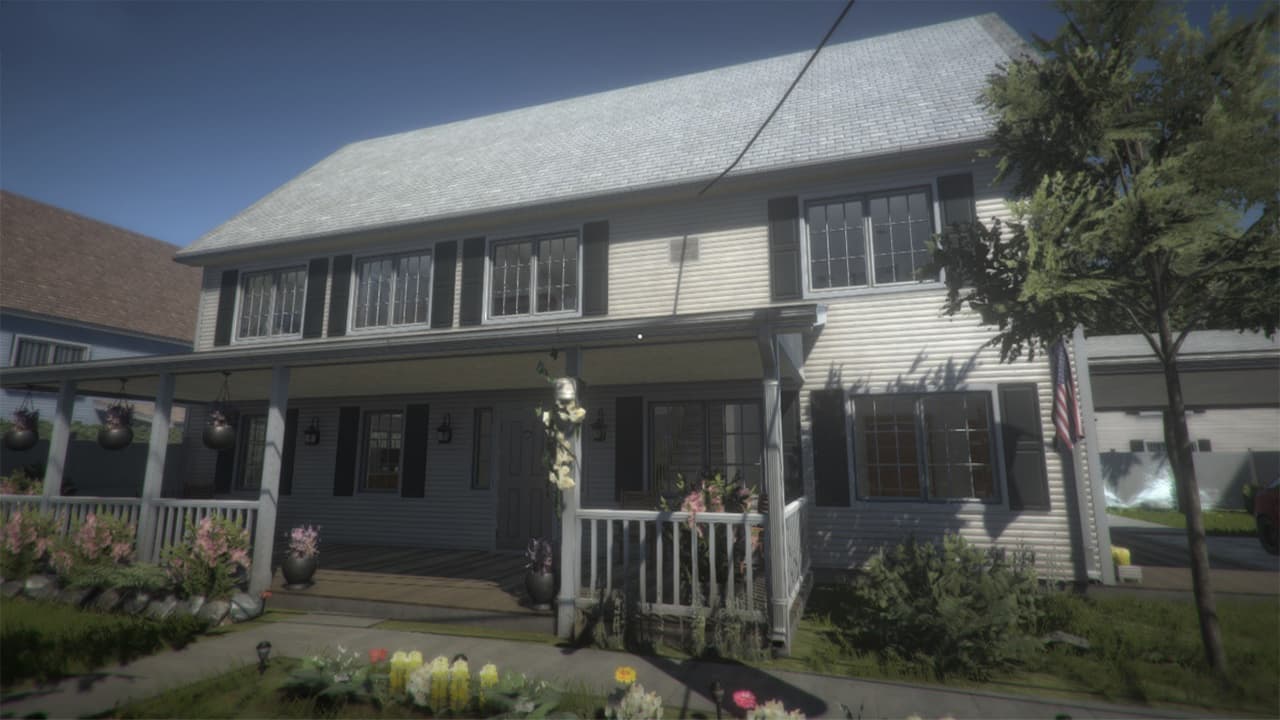 Original game image
About
A native Windows x64 port of The Darkness for Xbox 360, in which the 360 executable is translated to C++ ahead of time and built into DarkRecomp.exe with a D3D11 renderer, with no emulation at runtime. The README lists full gameplay, mouse look and controller input, video settings, keyboard remapping, XMA audio and saves as working. The repository contains no game code, assets or binaries.
How it differs from the original
Adds video settings such as resolution, FOV, Xbox gamma calibration, bloom, frame cap, VSync and 16x texture filtering, mouse look, and keyboard remapping. It also includes developer tools for mission selection, player speed, invincibility, noclip and all Darkness abilities.
Getting started
Download the Windows release ZIP, extract it, and copy your own extracted Xbox 360 game dump, including the original default.xex, into the included Darkness folder. Then double-click Launch.cmd to play with sound, or LaunchWithSettings.cmd to choose settings and language first. An ISO alone is not enough, and it needs 64-bit Windows 10/11 with a Direct3D 11-capable graphics device.
Known issues & limitations
- Steam Deck gameplay and performance have not been verified, and there is no native Linux build.
- The executable cannot load other Xbox games, and title updates need a separate verified translation.
- In-game language changes take effect after restarting.
What you need to run it
Features
- The port translates the Xbox 360 executable to native code and uses a D3D11 renderer, with no runtime emulation.
- Playable features include mouse look, controller input, video settings, keyboard remapping, mouse menu selection, XMA audio, and saves.
- The Windows build can run through Proton on Linux.
How to install
- Download the Windows release ZIP from the releases page, choosing the Windows x64 ZIP under Assets.
- Extract the Windows ZIP, then copy all files and folders from your extracted game dump into the included Darkness folder.
- Double-click Launch.cmd to play with sound, or LaunchWithSettings.cmd to choose settings and language first.
Controls
- Click the game window to capture the mouse; F1 shows controls, F2 toggles mouse capture, and Esc releases it.
- Click menu choices to select them, use the mouse wheel to change choices, and press E to confirm.
- Remap gameplay keys in Options > Controls > Keyboard bindings.
Summarised from the project's README.
Licensing & legal
- The project is licensed under GPLv3.
Additional notes
- Linux steam deck
- The Windows build can run through Proton on Linux; Steam Deck gameplay and performance remain unverified and no native Linux build is available.
- Revision check
- The port checks the game executable revision automatically at launch and only supports specific revisions, including a Russian localization.
FAQ
- What is The Darkness Recompilation?
- The Darkness Recompilation is an open-source recompilation of The Darkness. The original game's compiled code translated into a native program for a new platform, usually a PC port. The original game ran on Xbox 360.
- Do I need the original game files to run The Darkness Recompilation?
- Yes. The project does not include the original game's assets, so you need your own copy.
- How is The Darkness Recompilation licensed?
- project: GPLv3 (project code). The repository itself is the authoritative source.