Wipeout XL PC Port
The original game's compiled code translated into a native program for a new platform, usually a PC port.
Based on Wipeout 2097
compare all 2 clones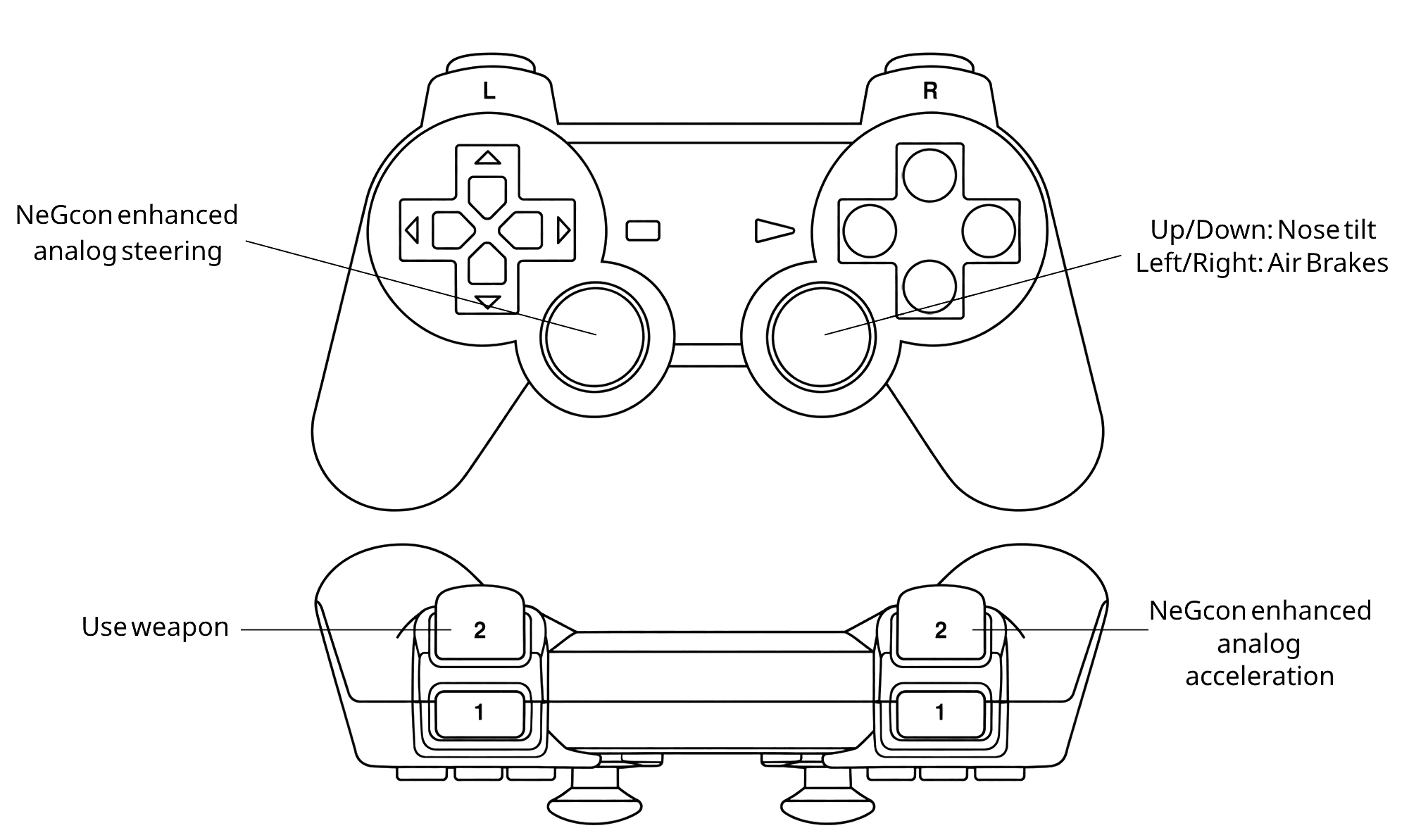 Links, repository & details
About
Wipeout XL Recompiled is an unofficial PSXRecomp compatibility project for Wipeout XL (USA, SCUS-94351), targeting 64-bit Intel or AMD Windows 10/11 with OpenBIOS and SDL3. The download is a setup kit rather than a prebuilt game, and game code is generated and compiled locally from your own disc.
How it differs from the original
Netplay is not enabled.
Getting started
Supply your legally obtained USA Redump-style CUE and all 12 BIN tracks. Extract the setup kit into a writable folder, install Python 3.11 or newer, run the setup program with OpenBIOS selected, pick your CUE and choose Generate & rebuild, then reopen the setup program after compilation to launch the local build.
Known issues & limitations
- Linux and macOS previews are available, but gameplay has not been verified on them.
- Distance mods are experimental, and exhaustive track, camera, and clipping coverage is incomplete.
- Netplay is not enabled.
- Windows setup binaries are unsigned.
What you need to run it
Features
- Extended Draw Distance increases road, scenery, and billboard visibility.
- CRT Display adds effects inspired by JVC and Sony Trinitron displays.
- The default renderer is OpenGL, at 4x internal resolution with 4:3 presentation.
- Keyboard controls are available by selecting Keyboard in the launcher.
- The emulated pad is locked to NeGcon mode.
- Visual mods are off by default and can be enabled from the Mods page.
How to install
- Download the setup kit and extract the entire ZIP into a writable folder.
- Run Wipeout2K97XL.exe, keep OpenBIOS selected, and select your CUE file.
- Choose Generate & rebuild; the wizard can obtain its supported CMake, Ninja, and Clang toolchain and compile the game locally.
- After compilation, reopen the setup executable to launch the local playable build.
- Keep the setup kit together and back up saves before updates.
Controls
- Use the left stick horizontally for analog steering.
- Use the right stick vertically for pitch.
- Use right-stick left or right for the opposite-side air-brake.
- The right trigger provides analog acceleration when supported by the hardware.
- The left trigger or left face button fires the equipped weapon.
- The right face button discards the weapon.
- The top face button changes the view or goes back in menus.
Summarised from the project's README.
Additional notes
- Other platforms
- Experimental Linux and macOS previews exist, and their gameplay is marked as unverified.
FAQ
- What is Wipeout XL PC Port?
- Wipeout XL PC Port is an open-source recompilation of Wipeout 2097. The original game's compiled code translated into a native program for a new platform, usually a PC port. The original game ran on PlayStation.
- Do I need the original game files to run Wipeout XL PC Port?
- Yes. The project does not include the original game's assets, so you need your own copy.
- Is the setup kit a prebuilt copy of the game?
- No. It is a setup kit, not a prebuilt copy of the game.
More like Wipeout XL PC Port
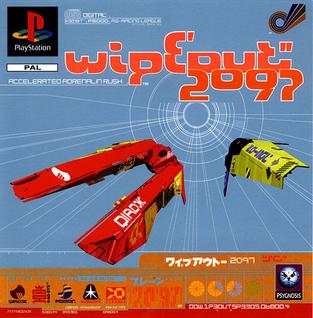
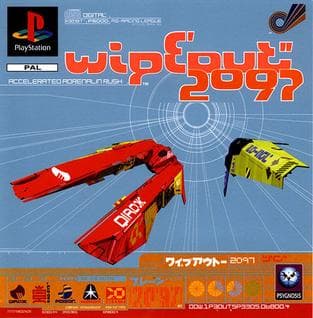 Original game image