Banjo: Recompiled
The original game's compiled code translated into a native program for a new platform, usually a PC port.
Based on Banjo-Kazooie
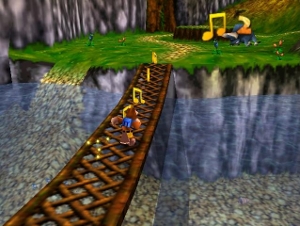
 Original game image
About
Banjo: Recompiled statically recompiles the N64 release of Banjo-Kazooie into a native port using the N64: Recompiled toolchain, rendered through RT64. It ships no game assets itself — players must supply their own North American 1.0 Banjo-Kazooie ROM, which loads automatically with no separate extraction step. It runs on Windows, Linux (including Steam Deck), and macOS, with prebuilt binaries in its releases, and is under active development.
How it differs from the original
Compared to the original N64 release, it adds uncapped/high framerate support, widescreen and ultrawide rendering with extended cutscene models, an in-game settings menu, a dual-analog camera option, mod and texture-pack support, and note-saving that persists across deaths and level exits (with an option to restore the original's stricter note-score behavior). It also fixes a duplicate Mumbo token ID bug present in the original game. Unlike the separate Banjo-Kazooie decompilation project, it uses static recompilation rather than fully decompiled source, though it borrows some headers and functions from that project.
Getting started
Provide your own legally obtained North American 1.0 N64 ROM of Banjo-Kazooie in the main menu; it loads automatically with no separate extraction or build step. Prebuilt binaries are available on the releases page (a build guide is also included in the repo for compiling from source), and a Linux binary plus Flatpak are available, including for the Steam Deck.
Known issues & limitations
- compatibility: Overlays such as MSI Afterburner and software like Wallpaper Engine can cause performance issues and prevent correct rendering.
- MSI Afterburner overlays and software such as Wallpaper Engine can cause performance problems and prevent correct rendering; disabling them is recommended.
- External framerate limiters may cause problems; use the in-game manual framerate slider if you notice stuttering.
What you need to run it
Features
- You can configure gameplay, graphics, input mappings, and audio in the in-game menu.
- Play at different framerates, including your monitor's refresh rate or the game's original framerate; changing framerate does not affect gameplay.
- Community mods and texture packs can change the game, including adding features and content.
- An optional dual-analog camera lets the right stick control the camera.
- A Linux binary and Flatpak are available, including for Steam Deck.
How to install
- Download a prebuilt binary from the Releases section; building is not required.
- Provide your North American 1.0 game copy in the main menu; the project loads its assets without a separate extraction step.
- To install mods, drag their files onto the game window before starting, or use Install Mods in the mod menu.
- On Steam Deck, extract the Linux build, add the BanjoRecompiled executable to Steam in desktop mode, then configure controls in Gaming mode.
Controls
- With dual-analog camera enabled, the right analog stick controls the camera.
- The in-game menus can be used with a mouse, controller, or keyboard.
Summarised from the project's README.
Additional notes
- Requirement
- Requires a GPU supporting Direct3D 12 (Shader Model 6), Vulkan 1.2, or Metal Argument Buffers Tier 2 — roughly a GeForce GT 630, Radeon HD 7750, or Intel HD 510 (Skylake) or newer.
- Quirk
- Placing a file named portable.txt next to the executable runs the project in portable mode, keeping saves, config, and mods in the same folder as the program.
FAQ
- What is Banjo: Recompiled?
- Banjo: Recompiled is an open-source recompilation of Banjo-Kazooie. The original game's compiled code translated into a native program for a new platform, usually a PC port. The original game ran on N64.
- Do I need the original game files to run Banjo: Recompiled?
- Yes. The project does not include the original game's assets, so you need your own copy. Requires the North American 1.0 version of Banjo-Kazooie for the N64 to provide game data files.
- How do I choose a different ROM?
- You cannot choose another ROM. The project only accepts the US 1.0 N64 release in .z64 format, though other formats are automatically converted if they contain the correct ROM. It is not an emulator.
- Does note saving collect notes during Bottles' puzzles and prevent 100% completion?
- No. Notes are not saved during demos.
Mentioned in
More like Banjo: Recompiled
Original game image Original game image
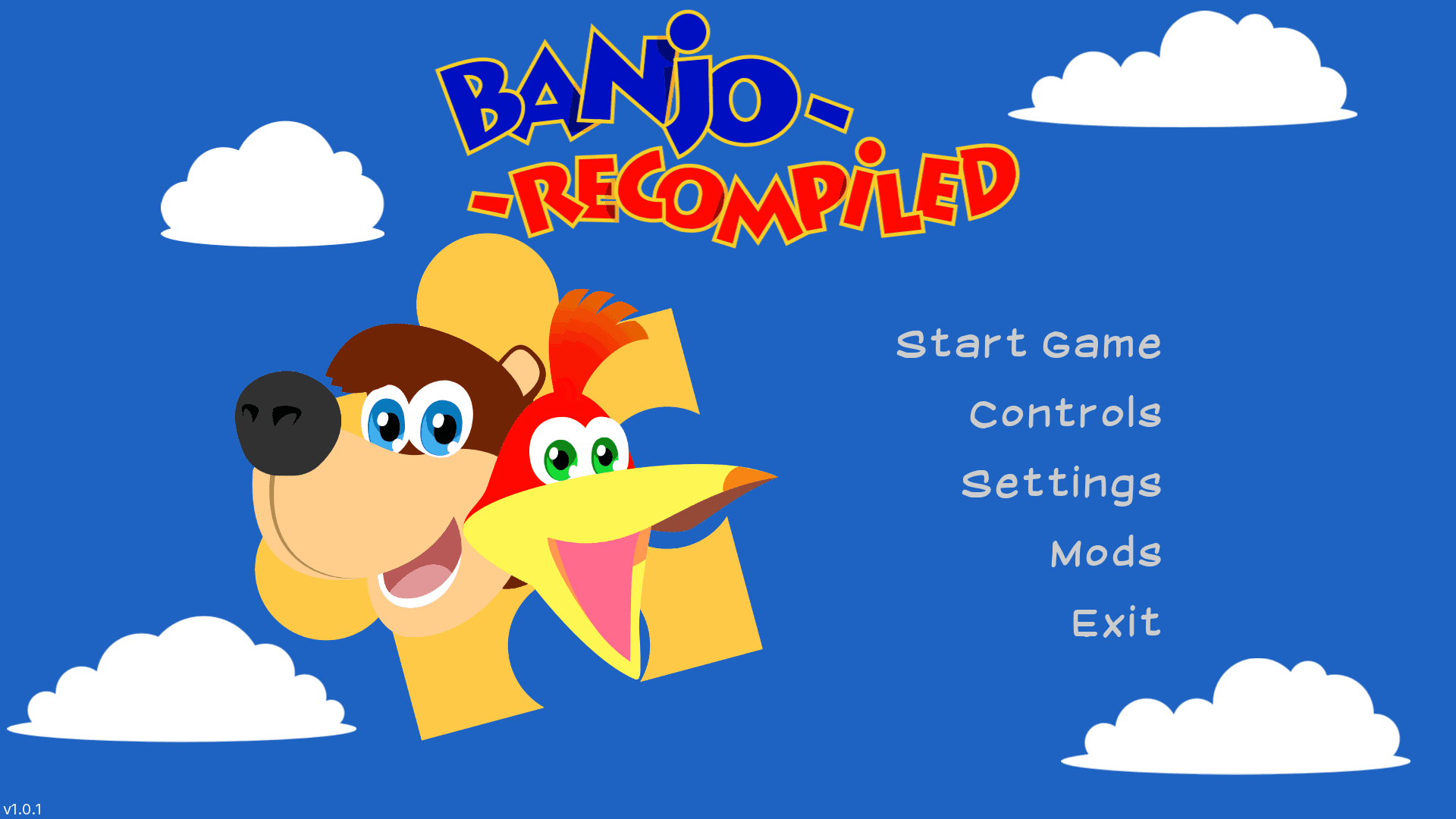 Original game imageOriginal game image