GoldenEye 007 Recompilation
The original game's compiled code translated into a native program for a new platform, usually a PC port.
Based on GoldenEye 007
compare all 6 clones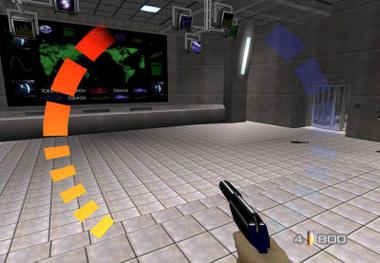
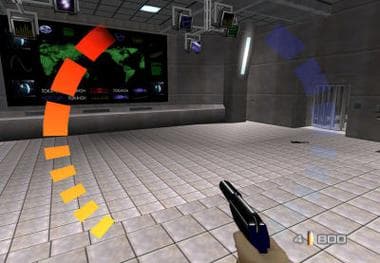 Original game image
About
A native PC port of GoldenEye 007 (Xbox 360 / XBLA), built by statically recompiling the original game into C++ with the ReXGlue SDK, with no emulator involved. The repository contains no game code or assets, only the source that wraps the game: menus, hooks, online, post-FX and build config. It runs on Windows and Linux, with an experimental Android arm64 build.
How it differs from the original
It adds online multiplayer through a separate server, a pause and settings menu, post-FX filters, controller support and a weapon quick select feature, and runs at 60 FPS.
Getting started
Download a release for Windows, Linux or Android, drop your game files into the assets folder next to the binary, and run ge.exe or ./ge. For online play, one person runs the server, and everyone enters a username, server address and port under ESC > ONLINE, then saves and restarts.
Known issues & limitations
- For online play, joiners do not need port forwarding, but the host's server port must be reachable.
What you need to run it
Features
- Runs natively on Windows and Linux, with an experimental Android build; no emulator or BIOS is needed.
- Supports online multiplayer; players can host or join matches over the internet, LAN, Hamachi, playit.gg, or a public server.
- An in-game pause/settings menu offers video, resolution, frame limit, fullscreen, and online setup options.
- Includes post-processing filters for brightness, contrast, saturation, and vignette, with presets.
- Weapon quick select switches directly using number keys or the mouse wheel on PC, or a touch menu on the second screen of dual-screen Android handhelds.
- Offers smooth, stable 60 FPS.
How to install
- Download a prebuilt release for Windows, Linux, or experimental Android from the Releases page.
- Place your own game files in the `assets/` folder next to the binary.
- On Windows, run `ge.exe`; on Linux, run `./ge`.
- On Android, install the debug-signed APK.
- After setup, the host starts a match and the others find and join it.
Controls
- On PC, number keys 1–9 select the corresponding carried weapon in inventory order.
- On PC, scroll the mouse wheel up or down to select the next or previous carried weapon.
- On dual-screen Android handhelds, tap a weapon in the bottom touch panel to switch to it.
Summarised from the project's README.
Licensing & legal
- The original code in the repository is released into the public domain under The Unlicense, while the ReXGlue SDK has its own BSD-3 license.
Additional notes
- Weapon quick select
- On PC, number keys 1 to 9 or the scroll wheel switch weapons instantly; on dual-screen Android handhelds the second screen shows a tap-to-switch weapon menu.
- Android status
- On-device game-asset delivery is still being wired up on Android.
FAQ
- What is GoldenEye 007 Recompilation?
- GoldenEye 007 Recompilation is an open-source recompilation of GoldenEye 007. The original game's compiled code translated into a native program for a new platform, usually a PC port. The original game ran on Xbox 360.
- Do I need the original game files to run GoldenEye 007 Recompilation?
- Yes. The project does not include the original game's assets, so you need your own copy.
- How is GoldenEye 007 Recompilation licensed?
- project: public domain (original code in this repository); project: BSD-3 (ReXGlue SDK it builds against). The repository itself is the authoritative source.
More like GoldenEye 007 Recompilation
Original game imageOriginal game image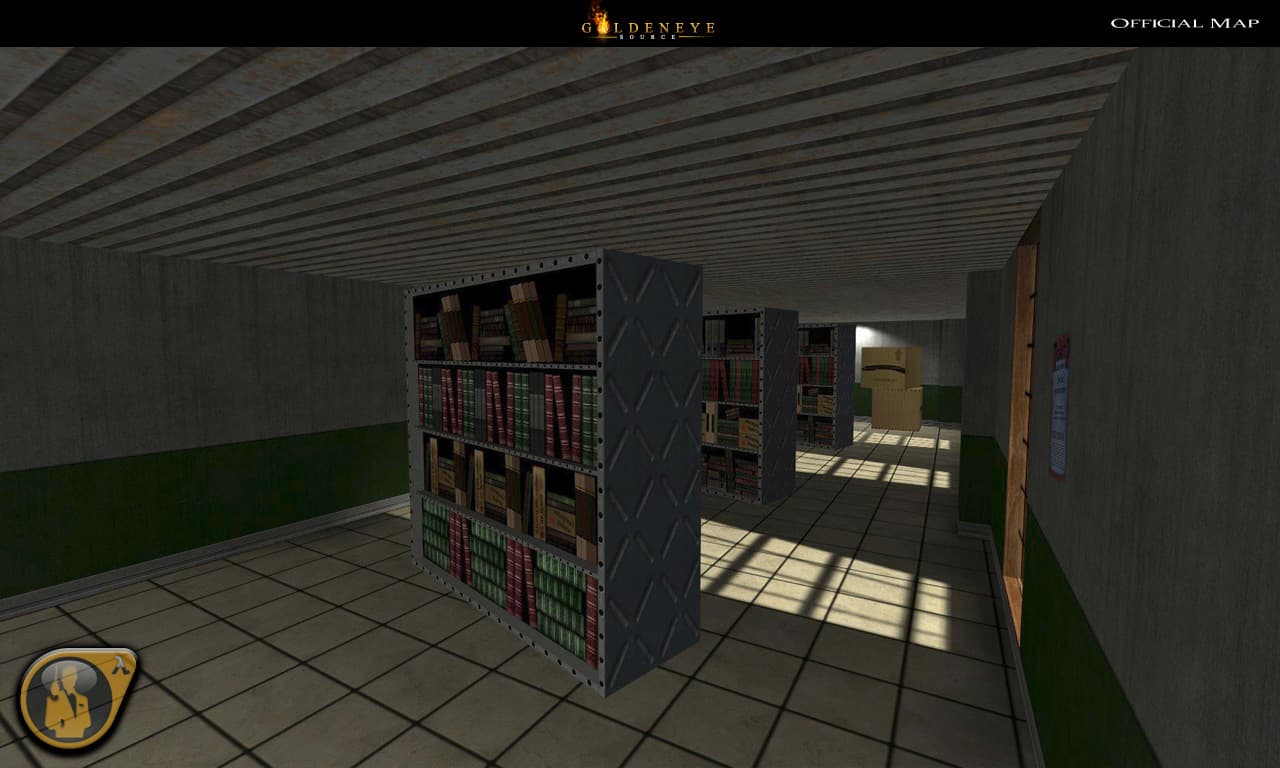 Original game imageOriginal game image