Modern Warfare 2, Skate 3 and Minecraft Merge
Several games combined into one project, a mashup.
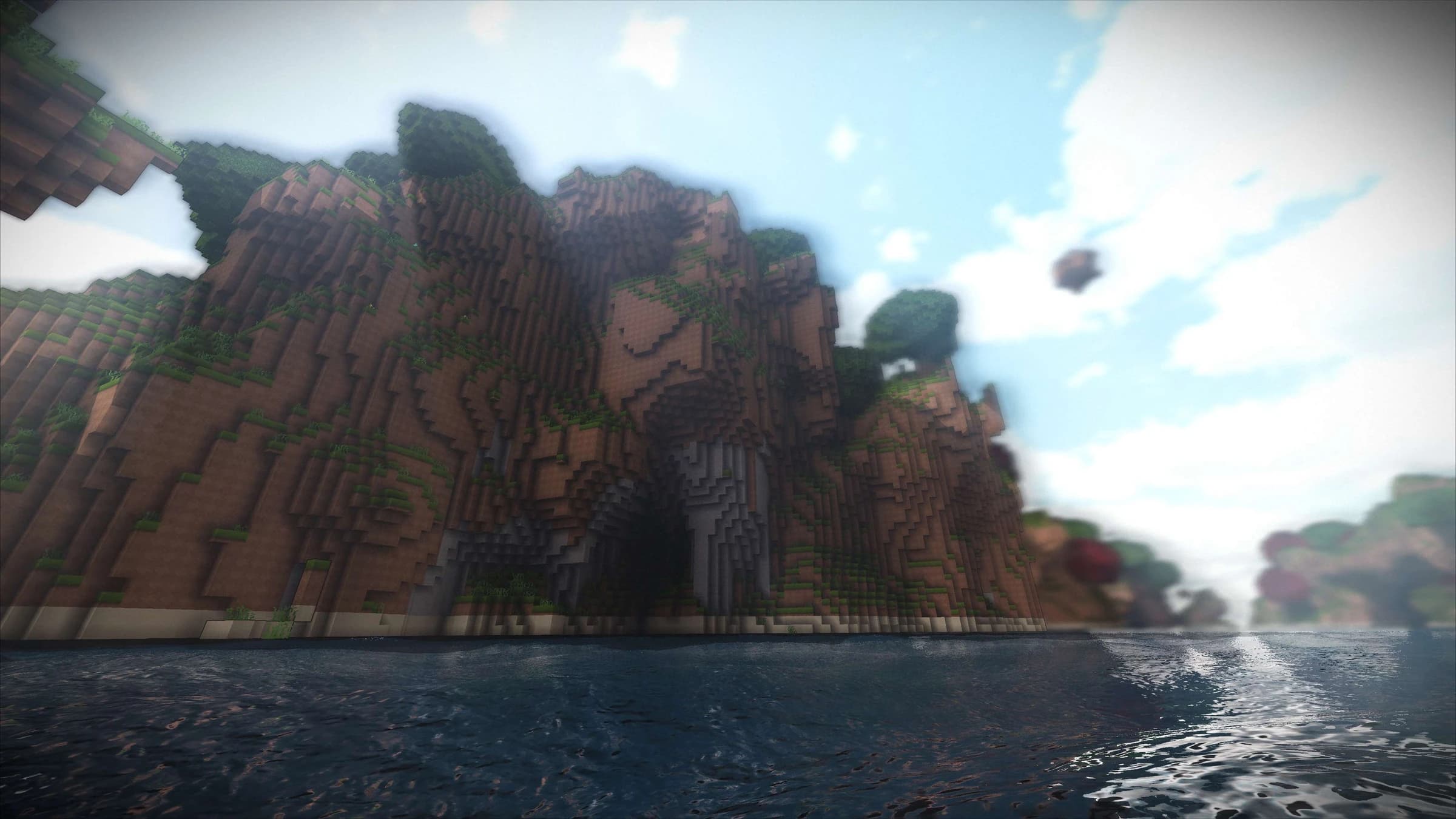
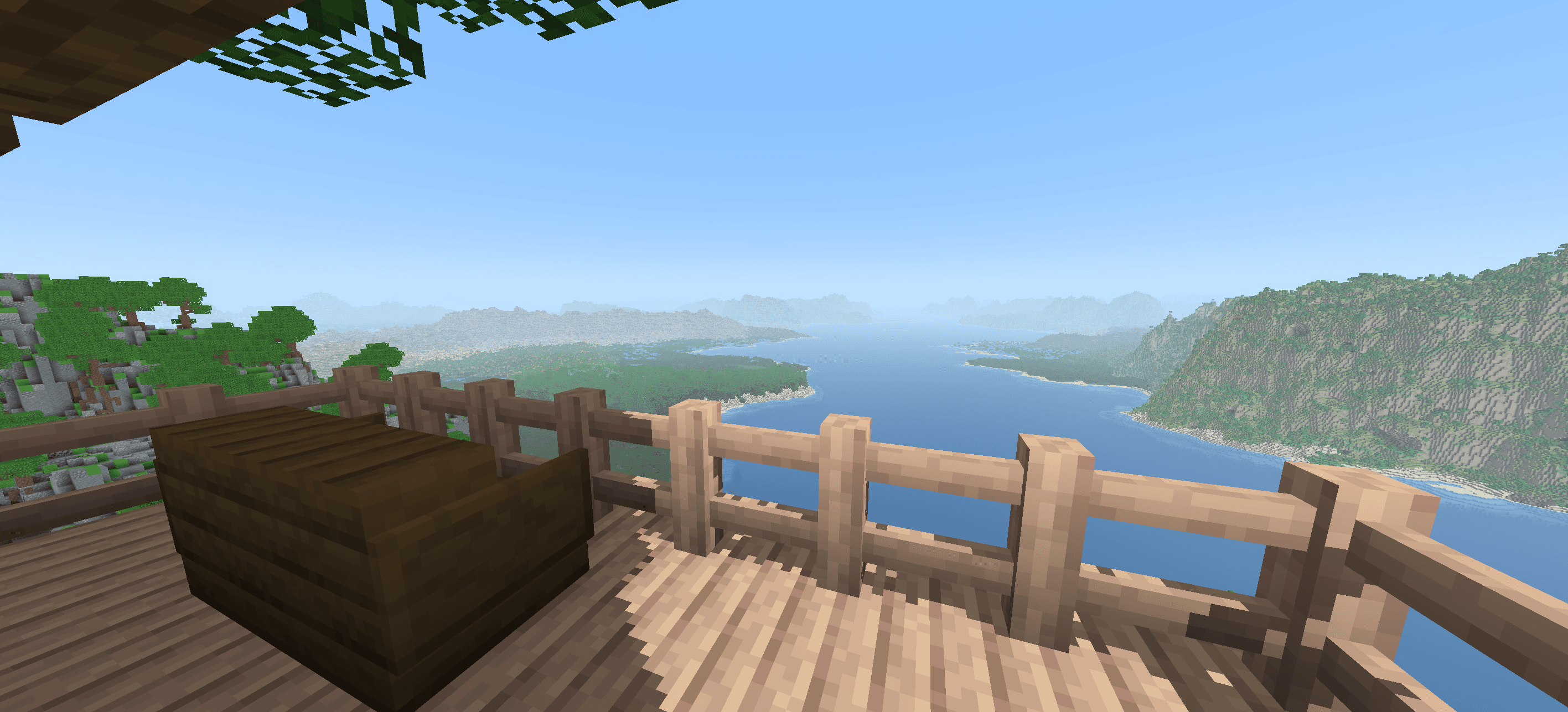
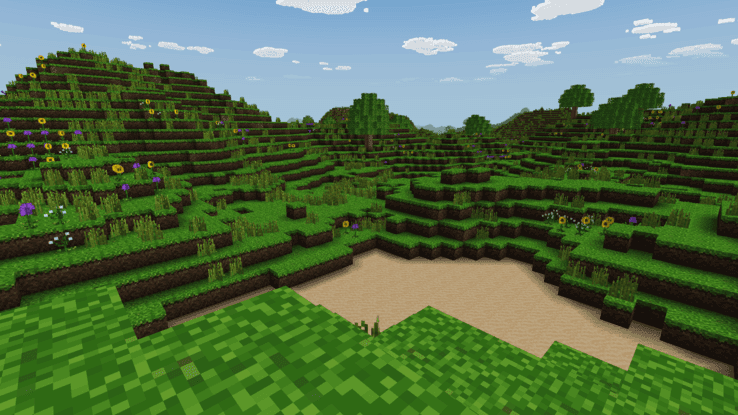
Based on Minecraft
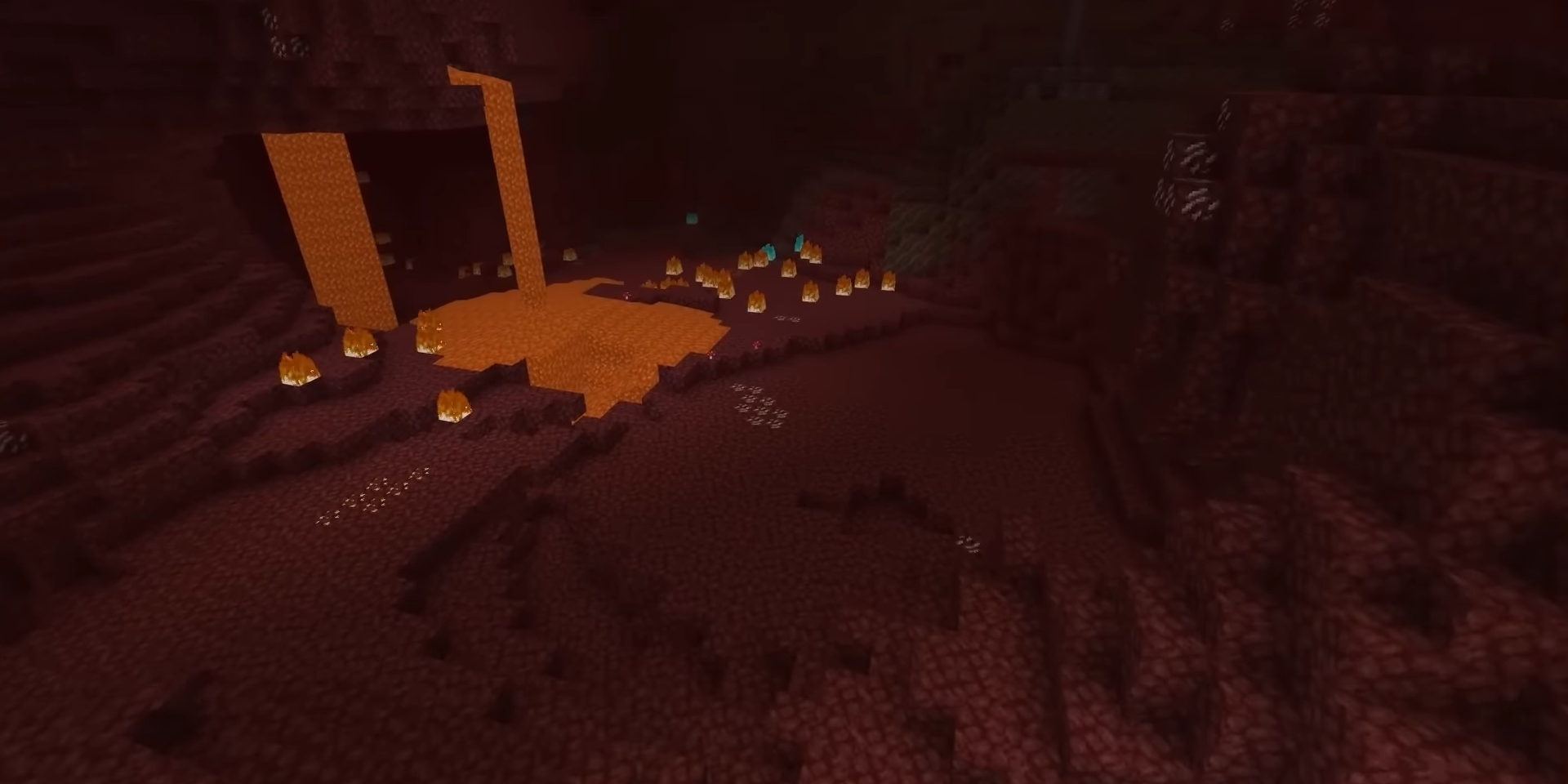
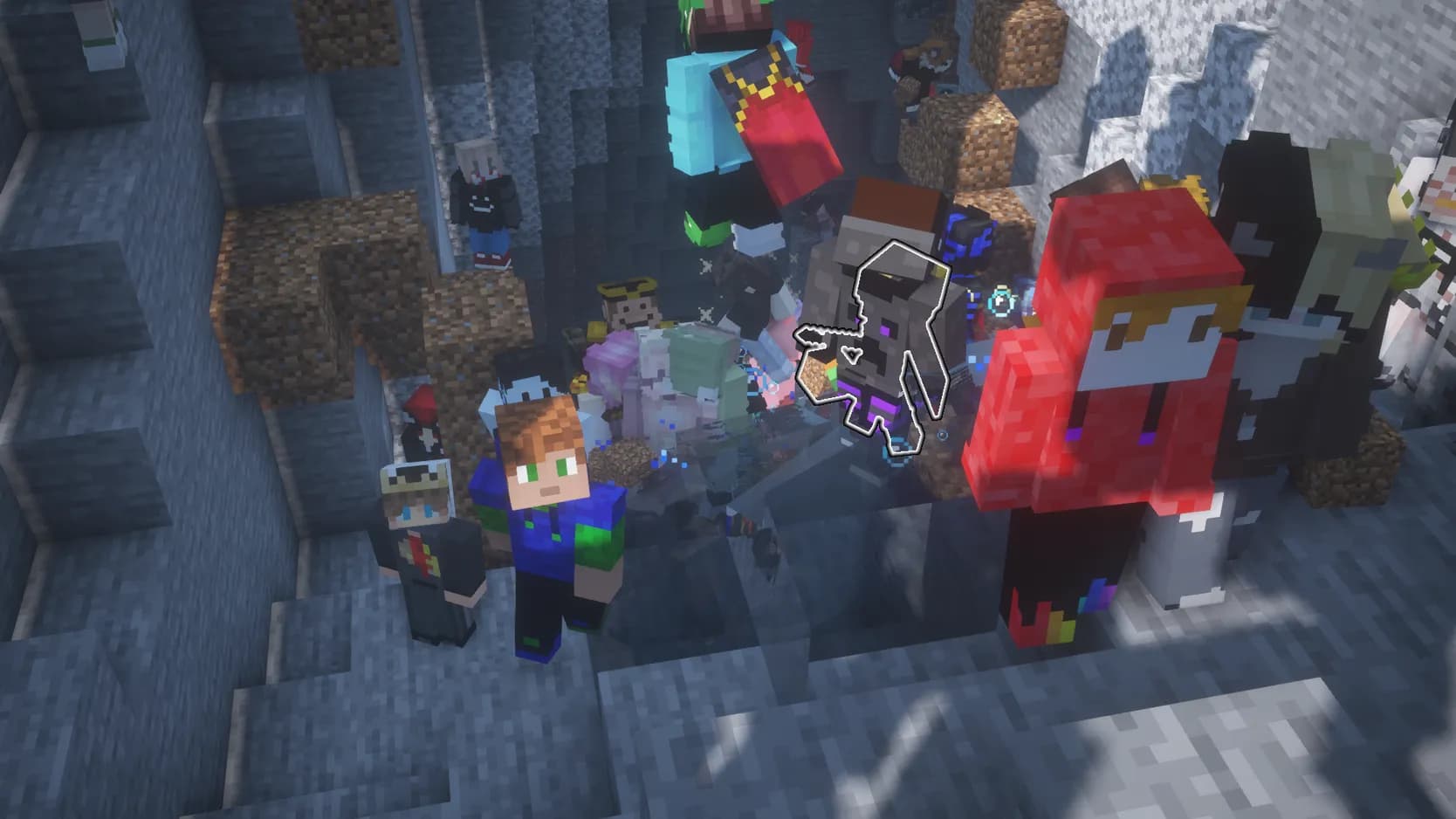
 Original game image
About
This project merges Modern Warfare 2, Skate 3 and Minecraft in one game that runs on IW4L, a from-scratch Rust rewrite of MW2. It keeps MW2's multiplayer, adds a Skate 3 mode with that game's physics, tricks and grinds, and includes an endless Minecraft 26.3 world map that you fight through with MW2 guns.
How it differs from the original
On top of MW2's multiplayer it adds a Skate 3 mode, a Minecraft world map with mobs, breakable blocks and an inventory restyled in MW2's look, and controller support with MW2's console button layouts and aim assist.
Getting started
You need your own copy of Modern Warfare 2 (only the Steam version was tested) and, optionally, the Xbox 360 version of Skate 3 for skating. Download the release, launch the game and confirm your MW2 folder, then pick the Minecraft tab under Create Game to play the world map. The first launch downloads about 125 MB of Minecraft files from Mojang's servers, and after that it plays offline.
Known issues & limitations
- The skateboard is invisible on some maps.
What you need to run it
Features
- The project includes MW2 multiplayer with its maps, guns, killstreaks, and HUD.
- Press J on any map to enter Skate 3 mode, with its physics, tricks, and grinds.
- The Minecraft map is an endless Minecraft 26.3 world where you fight with MW2 guns.
- The game supports console button layouts and aim assist, and every controller button can be rebound.
- Vanilla passive and hostile mobs appear; you can shoot them, and they fight back.
- You can mine blocks with guns or a knife; harder blocks take more bullets based on each gun's MW2 damage and range.
- Broken blocks drop items that you can pick up.
- You can place blocks, or punch and mine with your bare MW2 hands.
- The minimap shows the Minecraft world around you.
How to install
- Download the zip from Releases and extract it somewhere writable, not Program Files.
- Double-click iw4l.exe and confirm your MW2 folder.
- When asked about Skate 3, choose Yes and select default.xex, or choose No to play without skating.
- To start the Minecraft world, choose Create Game, select the Minecraft tab in the map list, and pick overworld.
- You can also start the Minecraft world by double-clicking Minecraft World.bat in the release folder.
- Alternatively, start the game with the command iw4l.exe map minecraft:overworld.
- Alternatively, open the console with the backtick key under Esc and type map minecraft:overworld.
Controls
- Mouse and WASD or controller sticks control MW2 movement and shooting.
- Use keys 1–9 or the mouse wheel, or the controller D-pad left/right, to select a hotbar slot.
- Press Y to swap between the first two hotbar slots.
- Press E to open or close the inventory.
- Press Q to drop the selected item.
- Left click or the right trigger mines or punches; right click while holding a block or the left trigger places it.
Summarised from the project's README.
Licensing & legal
- Minecraft is a trademark of Mojang Studios and its files are downloaded from Mojang rather than redistributed; Modern Warfare 2 and Skate 3 belong to their owners, and the project says it is not affiliated with any of them.
Credits & contributing
- It builds on IW4L by vladtrc and contributors (Apache-2.0) and on MinecraftOSS, a Rust Minecraft engine.
FAQ
- What is Modern Warfare 2, Skate 3 and Minecraft Merge?
- Modern Warfare 2, Skate 3 and Minecraft Merge is an open-source mashup of Minecraft and Call of Duty: Modern Warfare 2. Several games combined into one project, a mashup.
- Do I need the original game files to run Modern Warfare 2, Skate 3 and Minecraft Merge?
- Yes. The project does not include the original game's assets, so you need your own copy.
- How is Modern Warfare 2, Skate 3 and Minecraft Merge licensed?
- vladtrc and contributors: Apache-2.0 (IW4L MW2 rewrite). The repository itself is the authoritative source.
Mentioned in
More like Modern Warfare 2, Skate 3 and Minecraft Merge
 Original game imageOriginal game image