Paper Mario Port
An existing game or its source code brought to another platform.
Based on Paper Mario
compare all 4 clones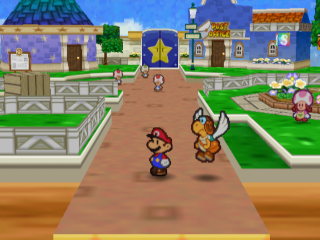
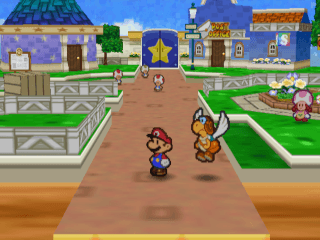 Original game image
About
A PS Vita port of Paper Mario, built on PaperShip, the decompilation-based port of Paper Mario 64 that runs on libultraship, and retargeted for Vita hardware. The Vita-specific patches are adapted from other Vita ports on the same libultraship stack.
How it differs from the original
Renders the 3D world and full-frame backgrounds in 16:9 widescreen, while menus, text boxes and the HUD stay at 4:3. Controls are mapped to the Vita, with the right stick acting as the four C buttons.
Getting started
You need a homebrew-enabled Vita with VitaShell and your own US ROM in .z64 format, which the repository does not contain. Create a papership folder under the data directory on the memory card, copy in the VPK and the ROM, install the VPK from VitaShell and launch it from LiveArea.
Known issues & limitations
- The intro theater cutscene renders in 4:3 inside the widescreen frame.
- Menus, text boxes, and the HUD remain in 4:3 by design.
- Some backgrounds using the wavy-effect renderer are not widened yet.
- Some area transitions have noticeable stutter while assets load from the memory card.
- Sushie's Squirt is missing its water trail; only the front splash renders.
- Pause cleanup can still free a stale HUD element ID.
- The staged intro cutscene renders at 4:3, some wavy-effect backgrounds are not widened, and some area transitions stutter because assets load from the memory card.
What you need to run it
Features
- The 3D world and full-frame backgrounds render in widescreen (16:9).
- The project supports saving and loading to a save file on the memory card.
- The controls are mapped to the Vita, with the right stick handling the four C buttons.
How to install
- On the Vita, open VitaShell and create `ux0:/data/papership`.
- Transfer `PaperMarioVita.vpk` and your own ROM into the `papership` folder; the ROM must use one of the listed filenames.
- In VitaShell, select the VPK and press X, then press X again to accept the permissions prompt.
Summarised from the project's README.
Additional notes
- Saves
- Saves are stored separately from the app, so updating or deleting the app does not touch them.
FAQ
- What is Paper Mario Port?
- Paper Mario Port is an open-source port of Paper Mario. An existing game or its source code brought to another platform. The original game ran on PS Vita.
- Do I need the original game files to run Paper Mario Port?
- Yes. The project does not include the original game's assets, so you need your own copy.
More like Paper Mario Port
Original game image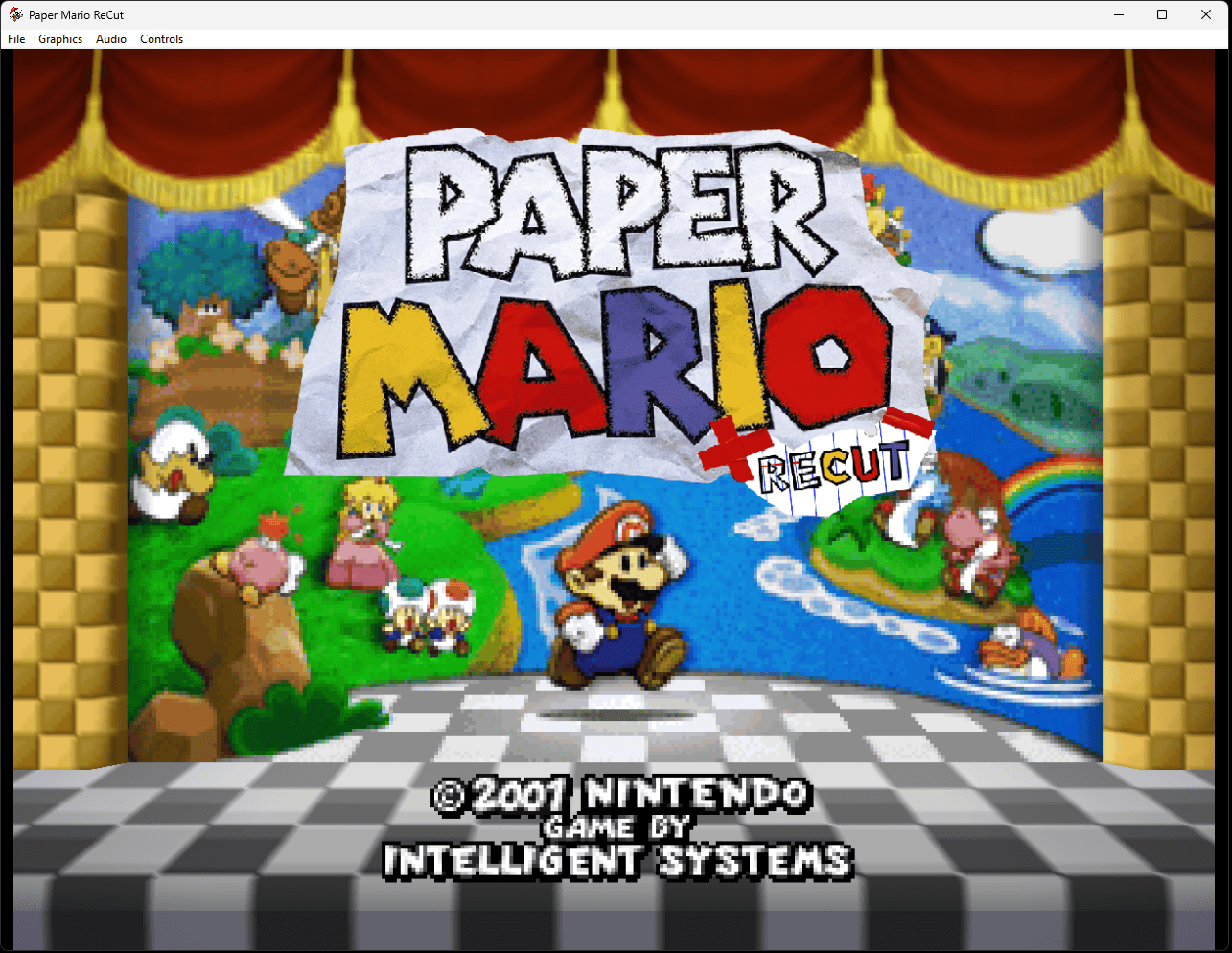 Original game image