Paper Mario Recompilation
The original game's compiled code translated into a native program for a new platform, usually a PC port.
Based on Paper Mario
compare all 4 clones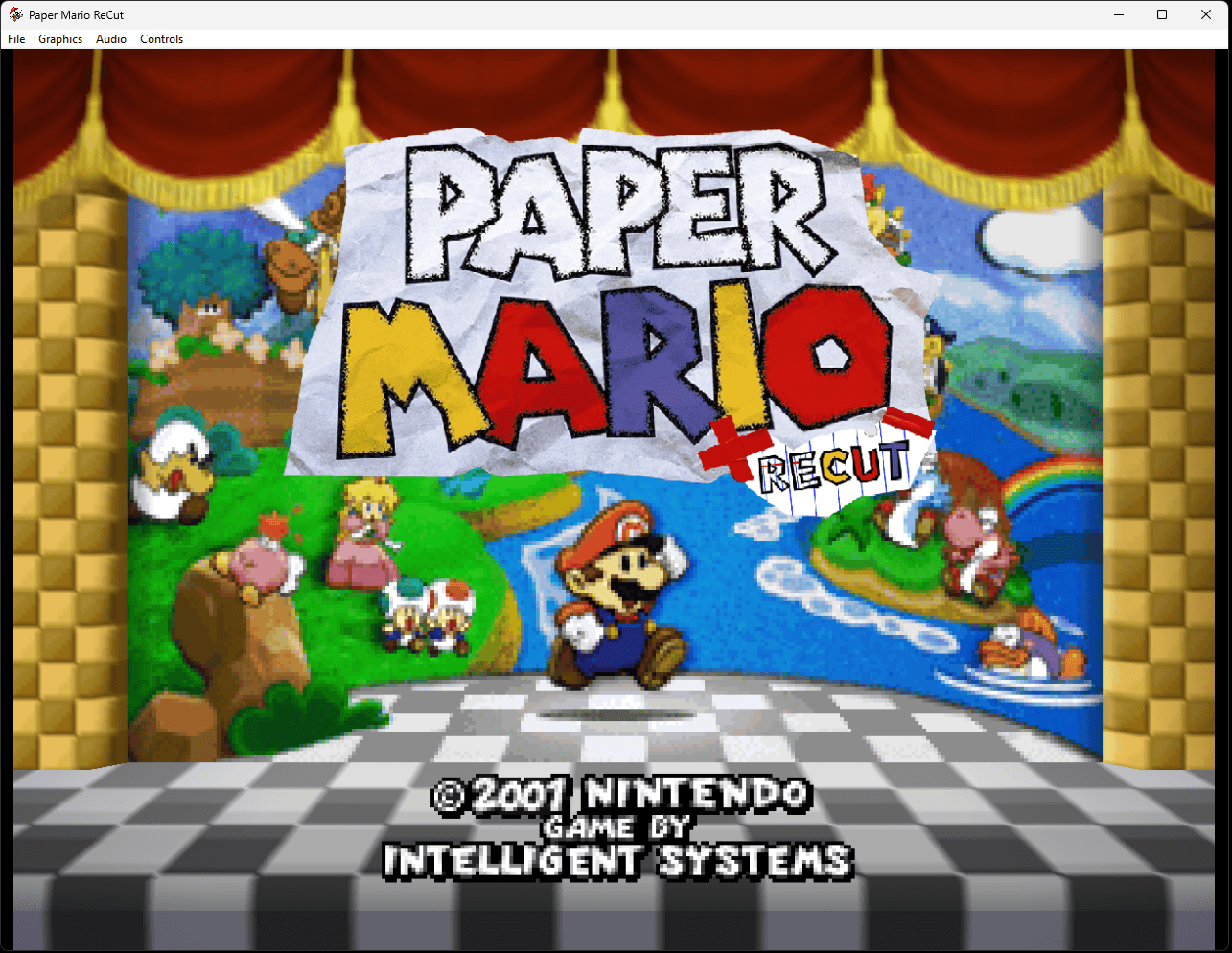 Links, repository & details
About
Paper Mario ReCut is a native Windows PC recompilation project for Paper Mario on Nintendo 64, built around the N64 recompilation toolchain, RT64 rendering, local ROM setup, live texture replacement and a bundled Paper Atlas Tool for editing dumped textures. It is an early working build: the game boots, and the tooling is still being shaped around it.
How it differs from the original
It adds a graphics options menu with live-applying renderer settings, live texture replacement toggled with F2, texture dumping, and the Paper Atlas Tool for texture editing. Widescreen is currently broken and the normal 4:3 path is the intended way to play for now.
Getting started
Release builds are already built: the launcher asks for your own legally dumped Paper Mario (U) ROM, validates it by hash and stores it locally, so players need no compilers or dependency downloads. Press F1 in game to open the menu. Gamepad controls auto-bind to known SDL controllers, and rebinding is still in the works.
History
The author says it began as a hobby project made with the help of AI to get N64Recomp working smoothly with the Paper Mario decompilation, and that the Paper Atlas Tool existed before the project and was repurposed for it.
Known issues & limitations
- Widescreen is broken and may cause visual problems; the intended play path is 4:3.
- Save states can break the game in their current implementation; avoid using them.
- The game is still an early working build, and its tooling is still being developed.
- Continuous texture dumping can slow the game down heavily depending on hardware.
- SmartScreen may show a false positive while the app is unsigned.
- Save states are an early snapshot system and currently break the game, so they should be avoided for now.
What you need to run it
Features
- The game uses an RT64 renderer with a graphics options menu that applies settings live.
- Live texture replacement can be toggled while playing.
- Paper Atlas Tool is included for texture replacement and editing.
- Controller and keyboard configuration windows are available.
- Save states are implemented as an early runtime snapshot system.
Controls
- Press F1 to open the menu.
- Press F2 to toggle live texture replacement.
- Press F8 or open Graphics > Texture Replacement to access texture replacement.
Summarised from the project's README.
Media
Licensing & legal
- The original project code is released under the MIT License, and the release v0.1.2 is described as a license-compliance corrective release.
Additional notes
- Smartscreen
- Windows SmartScreen may show a warning because the executable is not yet signed.
FAQ
- What is Paper Mario Recompilation?
- Paper Mario Recompilation is an open-source recompilation of Paper Mario. The original game's compiled code translated into a native program for a new platform, usually a PC port. The original game ran on N64.
- Do I need the original game files to run Paper Mario Recompilation?
- Yes. The project does not include the original game's assets, so you need your own copy.
- How is Paper Mario Recompilation licensed?
- project: MIT (original project code). The repository itself is the authoritative source.
More like Paper Mario Recompilation
 Original game imageOriginal game imageOriginal game image