Plants vs Zombies Decompilation
Source code reconstructed from the original game's compiled binary, so the game can be understood, rebuilt and ported.

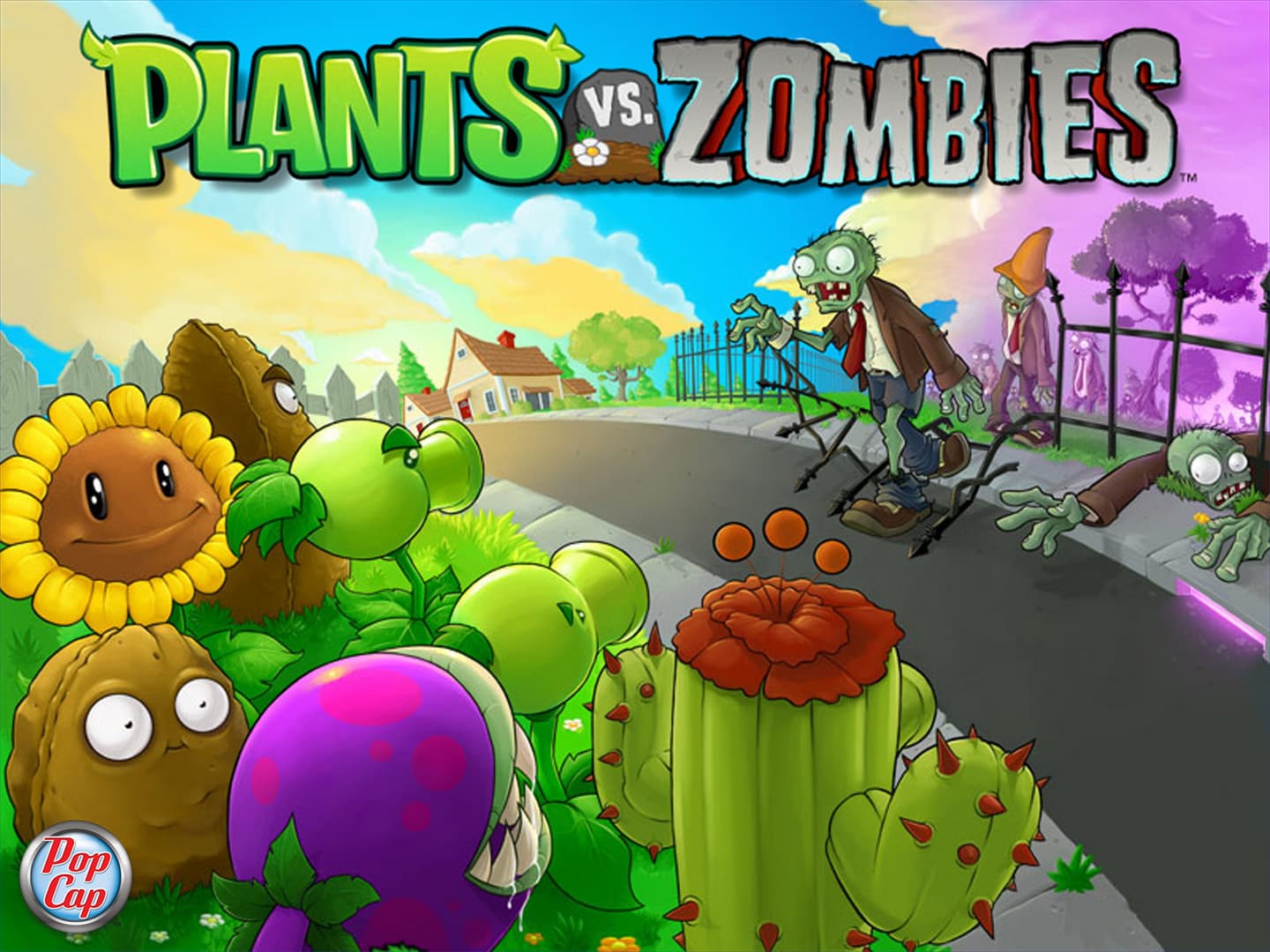 Original game image
About
A fork of a Plants vs. It uses an SDL and OpenGL renderer with SDL Mixer X audio. Windows and Linux are listed as working, Nintendo Switch works on real hardware and Citron, Haiku partially works without music, the 3DS port is in development, and a Wii U port is planned but not started. Game data from PvZ GOTY is required.
How it differs from the original
Replaces the original renderer with SDL and OpenGL and Windows-only code with cross-platform code, and supports main.pak. This fork adds Unicode wide characters, webp images, opus audio and zstd compression of pak contents.
Getting started
Copy main.pak and the properties folder from your PvZ GOTY copy to the path next to the built executable, or to the platform's data path on console ports such as sdmc:/switch/PlantsvsZombies on Switch. Extracted data from a pak extractor can be used instead of main.pak.
Known issues & limitations
- Kenji-NX crashes on boot.
What you need to run it
Features
- The Nintendo Switch port works on real hardware and Citron.
How to install
- Copy main.pak and the properties folder to the executable's folder, or to the listed data path for a console port.
- Alternatively, use extracted game data instead of main.pak.
Summarised from the project's README.
Additional notes
- Linux
- On Linux there is a small issue on first start-up where the game is stretched fullscreen, making buttons hard to click.
FAQ
- What is Plants vs Zombies Decompilation?
- Plants vs Zombies Decompilation is an open-source decompilation of Plants vs. Zombies. Source code reconstructed from the original game's compiled binary, so the game can be understood, rebuilt and ported.
- Do I need the original game files to run Plants vs Zombies Decompilation?
- Yes. The project does not include the original game's assets, so you need your own copy.
More like Plants vs Zombies Decompilation
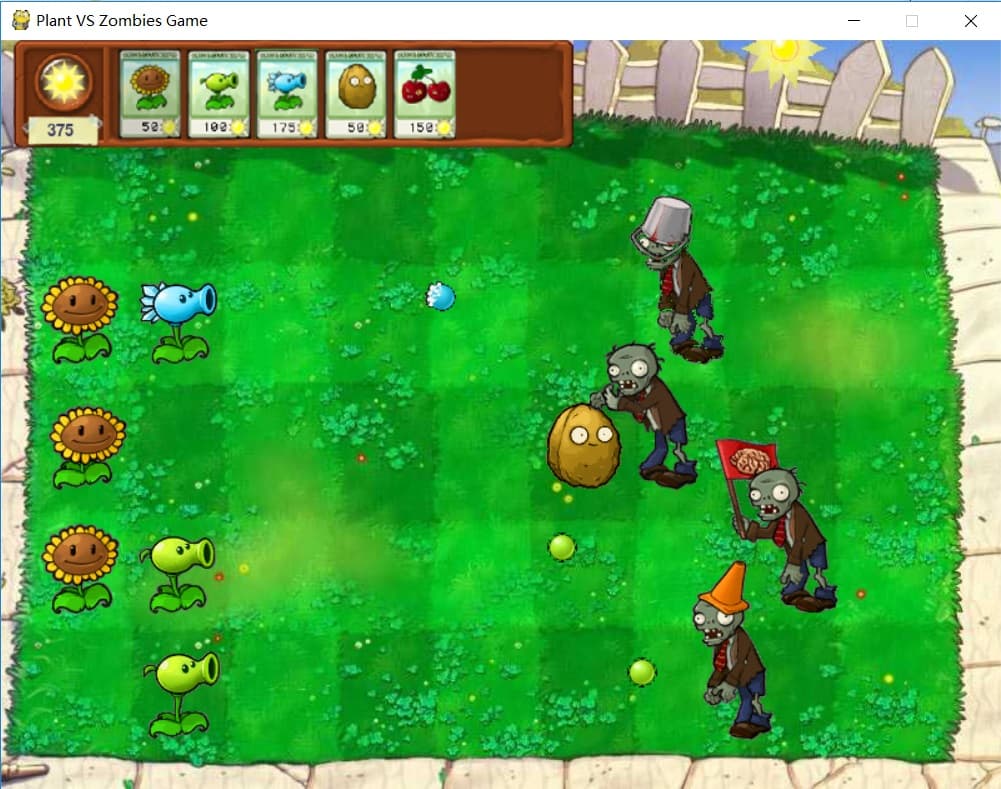 Original game imageOriginal game image