F-Zero Recompilation
The original game's compiled code translated into a native program for a new platform, usually a PC port.
Based on F-Zero
compare all 5 clones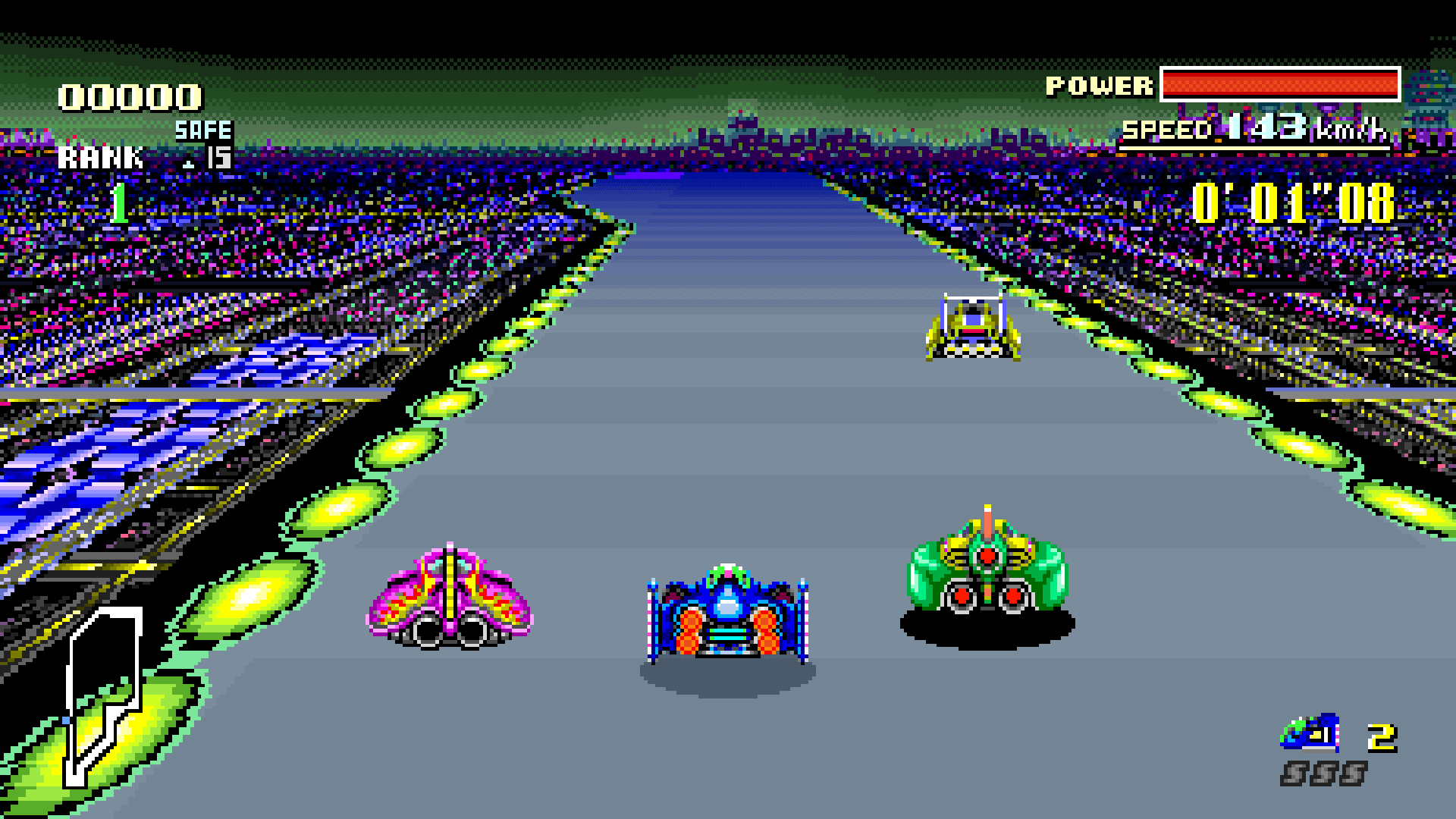 Links, repository & details
About
F-Zero Recomp is a native, widescreen static recompilation of F-Zero (USA) for macOS (Apple Silicon) and Windows (x64), built on snesrecomp and recomp-ui. You supply your own cartridge dump; no ROM or generated C is included. The 0.5.0 release is available for Windows and macOS, and Linux builds are not yet verified.
How it differs from the original
It adds Original (8:7), 16:9 and 32:9 display modes, Enhanced, Vivid, Black and White and Original visual filters, and extended records that keep the ten best race times and five best laps for each car on all 15 tracks. Saves remain compatible with the original game.
Getting started
Press F1 in game to change widescreen, visual style, audio and input settings. On macOS, the app is not notarised, so it may need Open Anyway in Privacy and Security.
Known issues & limitations
- Linux builds have not yet been verified.
- Custom physical gamepad bindings and gamepad selection are not implemented.
- If the GPU cannot run visual filters, the game uses Original colours but still supports widescreen.
- The game cannot recover race results that the original game did not retain.
- Clearing a track in the original game does not clear the extra records.
- A newer save extension version disables saving for that session to protect the file.
What you need to run it
Features
- Choose Original (8:7), 16:9, or 32:9 display modes.
- Track ten best race times and five best laps per car on all 15 tracks, with individual-car and combined leaderboards.
- Existing records are imported, and saves remain compatible with the original game.
How to install
- Windows: download and extract the ZIP to a writable folder, open fzero_recomp.exe, select your ROM, and press Play.
- macOS: download and extract the ZIP, move F-Zero Recomp.app to Applications, then open it, select your ROM, and press Play.
- If macOS blocks the app, attempt to open it once, then choose Open Anyway in System Settings > Privacy & Security.
Controls
- Connect a gamepad before launch and select Gamepad as the input source; the first available pad is used with standard SNES button positions and D-pad or left-stick steering.
- Keyboard bindings can be changed in the launcher's Controller page and are loaded when you press Play.
- Gamepad Select+Start also opens settings and pauses gameplay and audio.
- In Records, left/right cycles through the four cars and mixed page; up/down changes track while keeping the selected page.
Summarised from the project's README.
Media
Status & roadmap
- AI coding assistants contributed to the runtime, tooling, testing and documentation under the maintainer's direction and review.
Licensing & legal
- Original code in the repository uses the PolyForm Noncommercial License 1.0.0.
Additional notes
- Rom
- The ROM must be a headerless F-Zero (USA) dump of 524,288 bytes, though the launcher also accepts the same data with a 512-byte copier header.
FAQ
- What is F-Zero Recompilation?
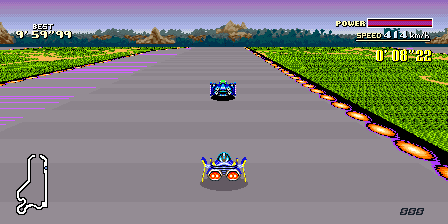
- F-Zero Recompilation is an open-source recompilation of F-Zero. The original game's compiled code translated into a native program for a new platform, usually a PC port. The original game ran on SNES.
- Do I need the original game files to run F-Zero Recompilation?
- Yes. The project does not include the original game's assets, so you need your own copy.
- How is F-Zero Recompilation licensed?
- project: PolyForm Noncommercial License 1.0.0 (Original code in this repository). The repository itself is the authoritative source.
More like F-Zero Recompilation
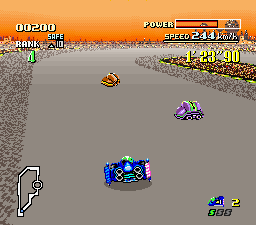
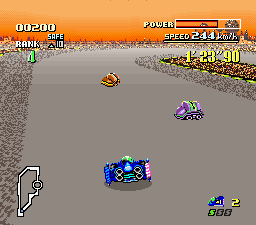 Original game image