F-Zero Recompilation 2
The original game's compiled code translated into a native program for a new platform, usually a PC port.
Based on F-Zero
compare all 5 clones Links, repository & details
About
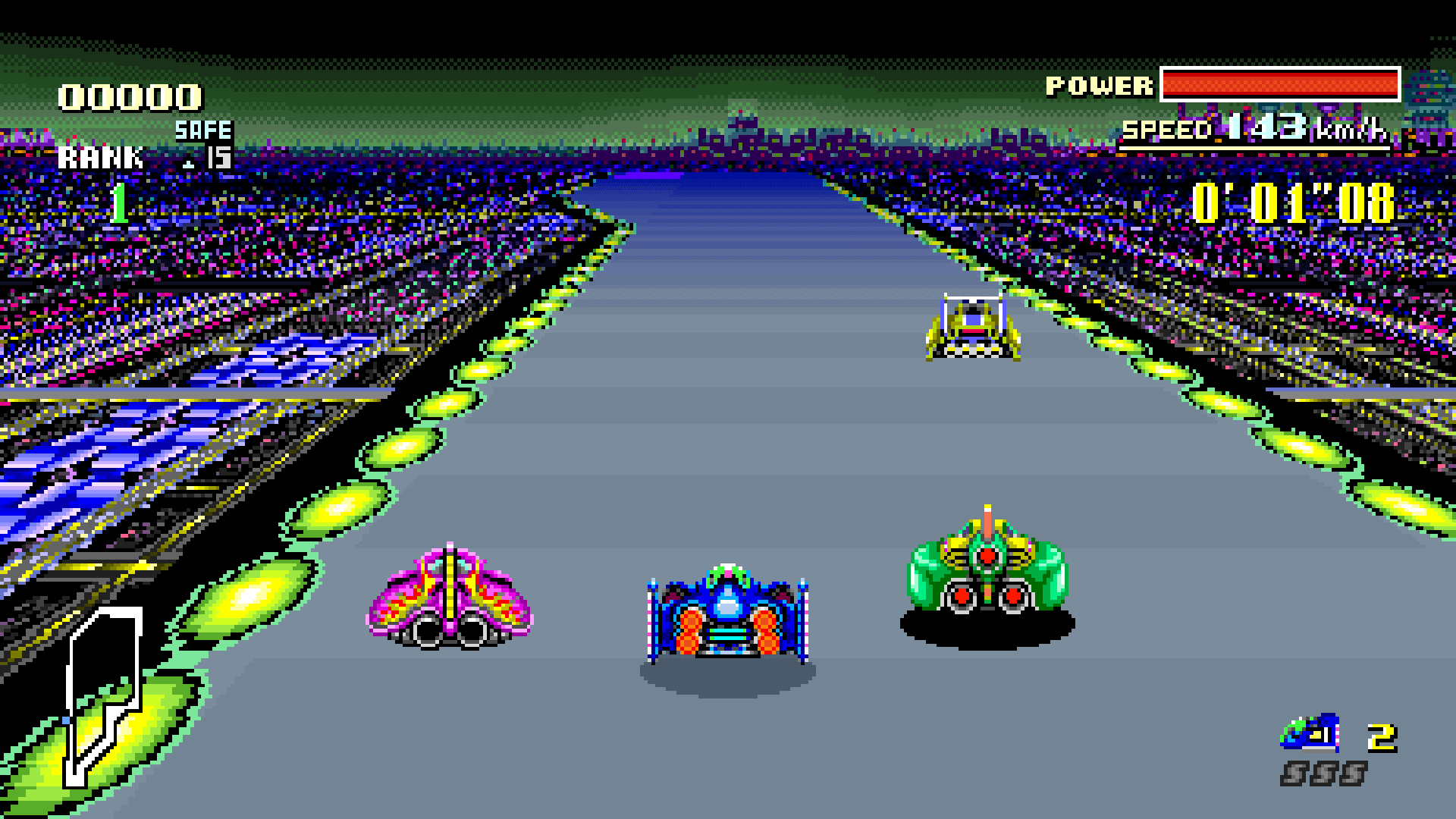
FZeroSNESRecomp is a native PC build of F-Zero for the SNES. It offers widescreen modes (16:9, 21:9, 32:9 and Fit), optional HD Mode 7 track rendering, high refresh rate presentation, display shaders, save states, rewind and gamepad support through SDL. It is released under the MIT License, and the README says F-Zero belongs to Nintendo.
How it differs from the original
Beyond the original game it adds widescreen, optional HD Mode 7 at 2x through 10x, presentation at 60 to 360 FPS, selectable display shaders, save states with a slot browser and thumbnails, and rewind. Optional BS F-Zero Deluxe content and optional MSU-1 music packs are supported.
Getting started
You supply your own legally dumped F-Zero (USA) ROM; none is included. On Windows, download the x64 ZIP from the Releases page, extract it, run the executable and pick your .sfc or .smc ROM when asked. On Linux, download the AppImage, put your ROM next to it, make it executable and run it. The app remembers the ROM path after the first launch.
Known issues & limitations
- RetroArch Slang shader presets are unsupported by this OpenGL path.
- MSU save states and rewind restart the selected song from its beginning rather than restoring its exact playback position.
- Rewind is off by default.
What you need to run it
Features
- Widescreen modes include 16:9, 21:9, 32:9, and Fit.
- Choose a built-in display shader or use your own GLSL shader.
- Save states include a slot browser and thumbnails.
- Optional MSU-1 music packs are supported for stock F-Zero and BS Deluxe; bring your own patch and audio.
How to install
- On Windows, download and extract the Windows x64 ZIP, run FZeroSNESRecomp.exe, then choose your F-Zero (USA) .sfc or .smc ROM.
- On Linux, put your F-Zero (USA) .sfc or .smc ROM beside the AppImage, make the AppImage executable, and run it.
- After the first launch, the app remembers the ROM path. Enable Skip launcher on boot to start directly with it next time.
Controls
- Press F7 or hold Select + R on a gamepad to open the save-state browser.
- In the save-state browser, Up/Down or arrow keys select a slot; pad A or keyboard X loads it; pad X or keyboard S saves it; pad B or Escape closes it; keys 1–9 jump to a slot.
- Press F8 or hold Select + L on a gamepad to open rewind.
- In rewind, Left/Right scrubs; pad A, Enter, or Space jumps to the selected moment; pad B or Escape exits without changing anything.
- F1–F12 load quick slots; Shift + F1–F12 save to them.
Summarised from the project's README.
Media
Additional notes
- Bs deluxe
- BS F-Zero Deluxe content is included with permission from its authors GuyPerfect, Porthor and PowerPanda, and is not covered by the project's MIT license.
- Msu1 music
- MSU-1 music packs are optional; the Conn/Cubear v11 patch and the music are not included in downloads and must be obtained separately.
- Save states
- Stock F-Zero and BS F-Zero Deluxe keep separate save-state files, and states from the other mode are refused.
FAQ
- What is F-Zero Recompilation 2?
- F-Zero Recompilation 2 is an open-source recompilation of F-Zero. The original game's compiled code translated into a native program for a new platform, usually a PC port. The original game ran on SNES.
- Do I need the original game files to run F-Zero Recompilation 2?
- Yes. The project does not include the original game's assets, so you need your own copy.
- How is F-Zero Recompilation 2 licensed?
- Matthew Stanley: MIT License (project code). The repository itself is the authoritative source.
More like F-Zero Recompilation 2
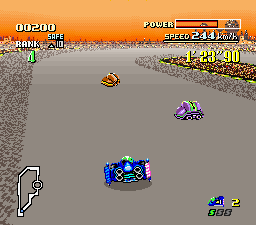
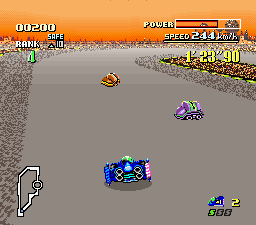 Original game image