Mario Kart 64 Port
An existing game or its source code brought to another platform.
Based on Mario Kart 64
 Links, repository & details
About
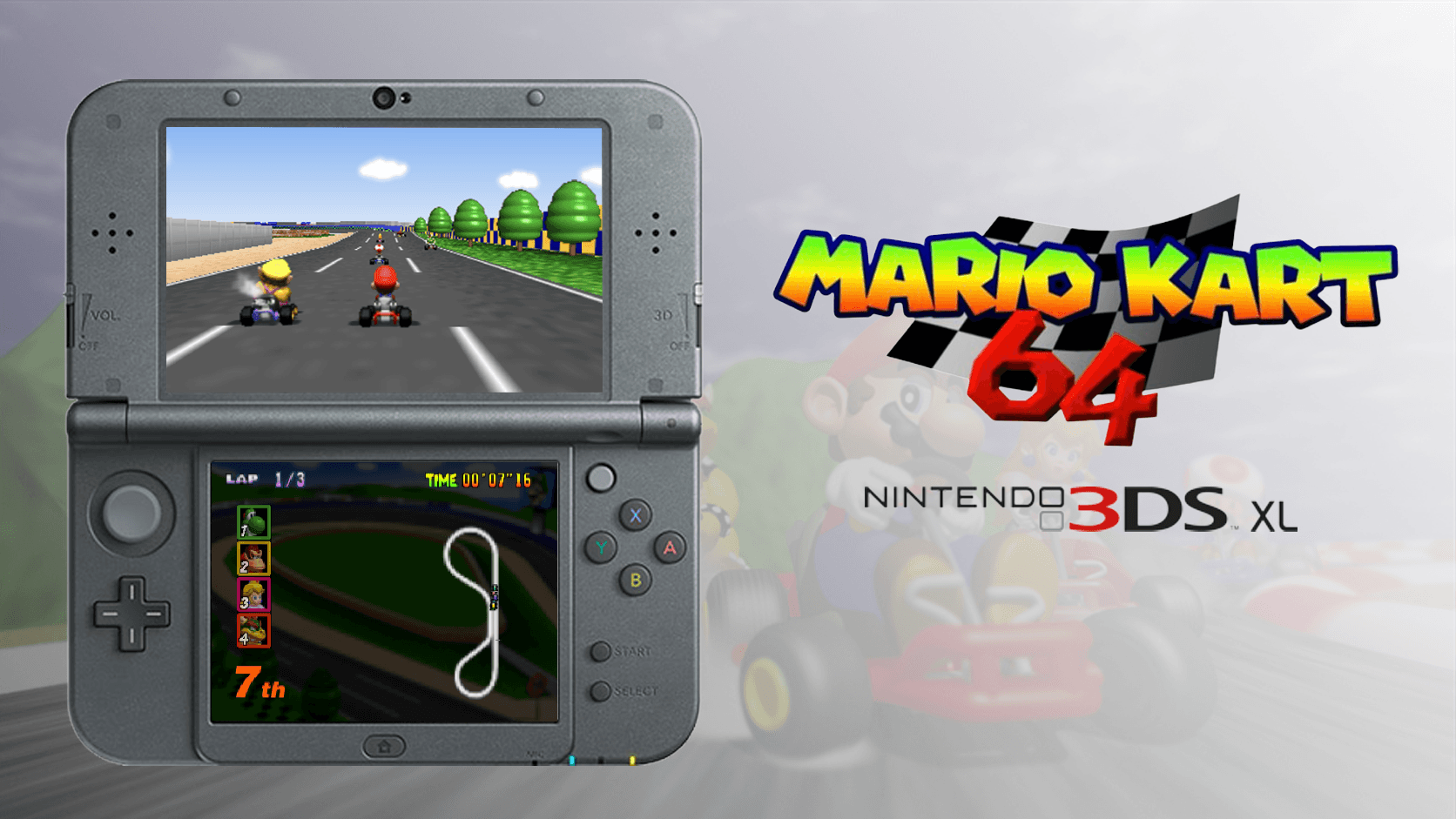
A native Nintendo 3DS port of Mario Kart 64 based on SpaghettiKart, designed for the 3DS family with a dual-screen interface and hardware-aware rendering, audio and memory profiles. No ROM or extracted game data is distributed, so you must provide your own legally obtained USA Mario Kart 64 ROM.
How it differs from the original
Keeps the original 30 Hz game simulation and may render an extra interpolated frame when there is enough headroom, which is not a promise of a fixed 60 FPS. Adds an adjustable render scale and render distance, five HUD layouts, Bilinear, Blur and CRT filters, and a dual-screen HUD with touch controls. Multiplayer is planned but not currently available.
Getting started
Install the CIA with FBI or the 3DSX with the Homebrew Launcher, put your USA ROM in .z64 byte order in the MK64 folder on the SD card as mk64.z64, and launch it. The console validates the ROM and extracts the game archive on first run, which can take a long time, or you can create the archive on a computer with SpaghettiKart and copy it over.
Known issues & limitations
- Multiplayer is planned but not currently available.
- If the archive cannot fit in memory with the reserve, the project can use the SD reader instead; this fallback may cause loading or gameplay stalls.
What you need to run it
Features
- Runs at native 400×240 resolution.
- Adjust the render scale from 0.50× to 1.00×.
- Choose Low, Normal, or High render distance.
- Choose from five HUD layouts.
- Use a dual-screen HUD and touch controls.
How to install
- Download the CIA for installation with FBI, or the full 3DSX application for the Homebrew Launcher.
- Create `sd:/3ds/MK64/` on your SD card.
- Put your ROM in that folder and name it `mk64.z64`.
- Alternatively, create `mk64.o2r` on a computer with SpaghettiKart and copy it into the folder alongside the ROM.
Controls
- Press L to use an item, or open Options from Game Select.
- Press Y during races to cycle the top-screen HUD.
- Use the touchscreen to navigate bottom-screen menus.
Summarised from the project's README.
Additional notes
- Diagnostics
- Pressing SELECT creates a diagnostic dump for bug reports.
FAQ
- What is Mario Kart 64 Port?
- Mario Kart 64 Port is an open-source port of Mario Kart 64. An existing game or its source code brought to another platform. The original game ran on Nintendo 3DS.
- Do I need the original game files to run Mario Kart 64 Port?
- Yes. The project does not include the original game's assets, so you need your own copy.
- How is Mario Kart 64 Port licensed?
- project: GNU GPL v3.0 (built-in updater); project: curl (curl networking dependency). The repository itself is the authoritative source.
More like Mario Kart 64 Port
 Original game imageOriginal game imageOriginal game image
 Original game image
 Original game image