Perfect Dark Port
An existing game or its source code brought to another platform.
Based on Perfect Dark
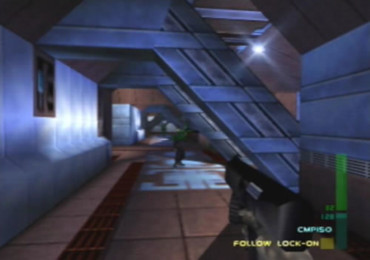
 Original game image
About
A work-in-progress port of the Perfect Dark decompilation to modern platforms. The README says the game is mostly functional, with singleplayer and split-screen multiplayer fully working, minor graphics and gameplay issues, and possibly occasional crashes. You must already have a Perfect Dark ROM.
How it differs from the original
The README lists extra features: mouselook, dual analog controller support, widescreen, configurable field of view, 60 FPS support with some framerate fixes, fixes for a couple of original bugs and crashes, basic mod support for loading a few custom levels, and a slightly expanded memory heap. It also lists experimental high framerate support up to 240 FPS and emulation of the Nintendo 64 Transfer Pak to unlock some cheats automatically.
Getting started
Supply your own Perfect Dark ROM; the US V1.1 (ntsc-final) version is the recommended one, and the US V1.0, JPN and PAL versions are listed as technically supported. The listed supported platforms are Windows, Linux, macOS, Nintendo Switch and Android.
Known issues & limitations
- Minor graphics and gameplay issues remain, and occasional crashes may occur.
- At high framerates, the game will have issues running faster than about 165 FPS; use VSync or `Video.FramerateLimit` to cap it.
- The mouse controls player 1 only.
What you need to run it
Features
- Single-player and split-screen multiplayer are fully working.
- Widescreen resolutions and configurable field of view are supported.
- The project supports 60 FPS, with fixes for some framerate-related issues.
- Basic mod support can load a few custom levels.
- Transfer Pak functionality can be emulated to unlock some cheats automatically.
How to install
- Download an automatic build for a supported platform.
- Optionally, add a GameBoy Color ROM named `pd.gbc` to `data` to emulate the Transfer Pak and unlock some cheats automatically.
- For Switch, place the folder for your chosen region in `/switch` on the SD card, then put the ROM in its `data` folder.
Controls
- Controls can be rebound in `pd.ini`.
Summarised from the project's README.
Additional notes
- Framerate
- The README says the game will have issues running faster than about 165 FPS, so VSync or the framerate limit option should be used to cap it.
FAQ
- What is Perfect Dark Port?
- Perfect Dark Port is an open-source port of Perfect Dark. An existing game or its source code brought to another platform. The original game ran on Windows, Linux, macOS, Switch and Android.
- Do I need the original game files to run Perfect Dark Port?
- Yes. The project does not include the original game's assets, so you need your own copy.
More like Perfect Dark Port
Original game imageOriginal game imageOriginal game imageOriginal game image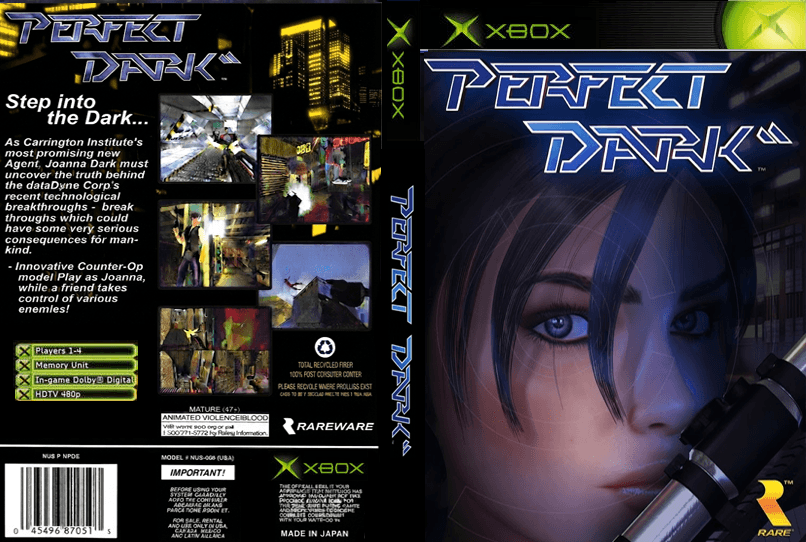 Original game image