Perfect Dark Port
An existing game or its source code brought to another platform.
Based on Perfect Dark
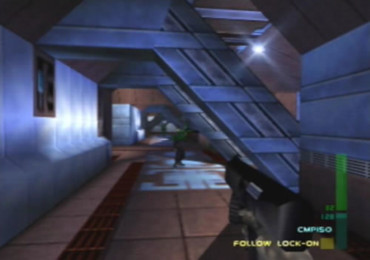
 Original game image
About
Dab's Mod is a fork of the Perfect Dark PC port, which is itself a port of the Perfect Dark decompilation. It runs on Windows, Linux and macOS and keeps all of its changes engine-side, in the executable, with no custom levels or assets bundled. The README says it reads every texture, model, level and line of dialogue from a Perfect Dark ROM at startup.
How it differs from the original
It adds movement the N64 game never had (jump, combat roll, melee combos in multiplayer), a third-person camera, a Combat Simulator simulant cap raised from 8 to 80 with per-simulant stat sliders, bodies that stay where they fell, a spectator camera, and screenshot and video recording keys. It also adds picture options such as texture upscaling, supersampling and TAA.
Getting started
You supply a Perfect Dark (USA) Rev 1 ROM (md5 e03b088b6ac9e0080440efed07c1e40f), put it in the data folder next to the executable named pd.ntsc-final.z64, and run the executable for your system. PAL and JPN ROMs are not supported by this fork. A GPU with OpenGL 3.0 or ES 3.0 or better is required, and on macOS an unsigned binary needs to be opened via right-click or by clearing the quarantine attribute.
Known issues & limitations
- PAL and JPN ROMs are not supported by this fork.
- Choosing supersampling turns FSR Upscaling off.
- Older builds of the fork cannot read a setup file that has a changed simulant slider.
- The game has room for only 27 extra mod maps at a time.
- A mod that replaces ROM audio, textures or data tables may require a restart before it can be read.
What you need to run it
Features
- Adds jump, combat rolls and melee combos to multiplayer.
- Bodies stay where they fall, with settings for how many remain and how many are drawn.
- Can load mods, including stages, Combat Simulator arenas, weapons, characters and console mods.
How to install
- Install texture packs in texture-packs/ beside the executable, then select them under Extended Options > Texture Packs and enable Use Texture Packs.
Controls
- Jump uses the configured use button, but doors and objects take priority.
Summarised from the project's README.
Licensing & legal
- The README states MIT, same as the port and the decompilation it came from.
Additional notes
- Recording
- Video recording uses ffmpeg, which is not bundled; screenshots need nothing extra.
- Texture packs
- Texture packs go in a texture-packs folder, and a Community Packs page can download and select known packs.
FAQ
- What is Perfect Dark Port?
- Perfect Dark Port is an open-source port of Perfect Dark. An existing game or its source code brought to another platform. The original game ran on Windows, Linux and macOS.
- Do I need the original game files to run Perfect Dark Port?
- Yes. The project does not include the original game's assets, so you need your own copy.
- How is Perfect Dark Port licensed?
- project: MIT (project code); Rare / Microsoft: not licensed (game assets). The repository itself is the authoritative source.
- Where do I put the ROM?
- Put it in the data folder next to the executable, named exactly pd.ntsc-final.z64.
More like Perfect Dark Port
Original game imageOriginal game imageOriginal game imageOriginal game image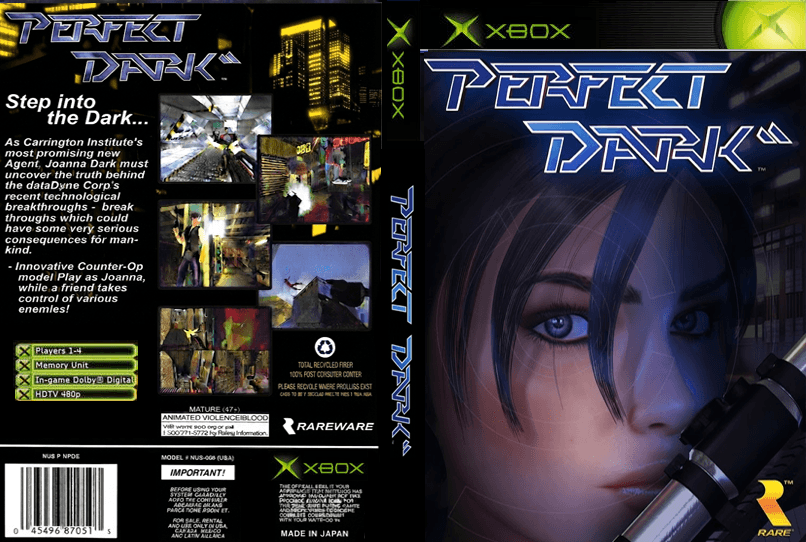 Original game image