Super Smash Bros. Melee Port
An existing game or its source code brought to another platform.
 Links, repository & details
About
Melee Unlocked is a beta native Windows build of Super Smash Bros. Melee (NTSC 1.02) with Slippi online play and an unlocked display frame rate. You supply your own Melee NTSC 1.02 ISO.
How it differs from the original
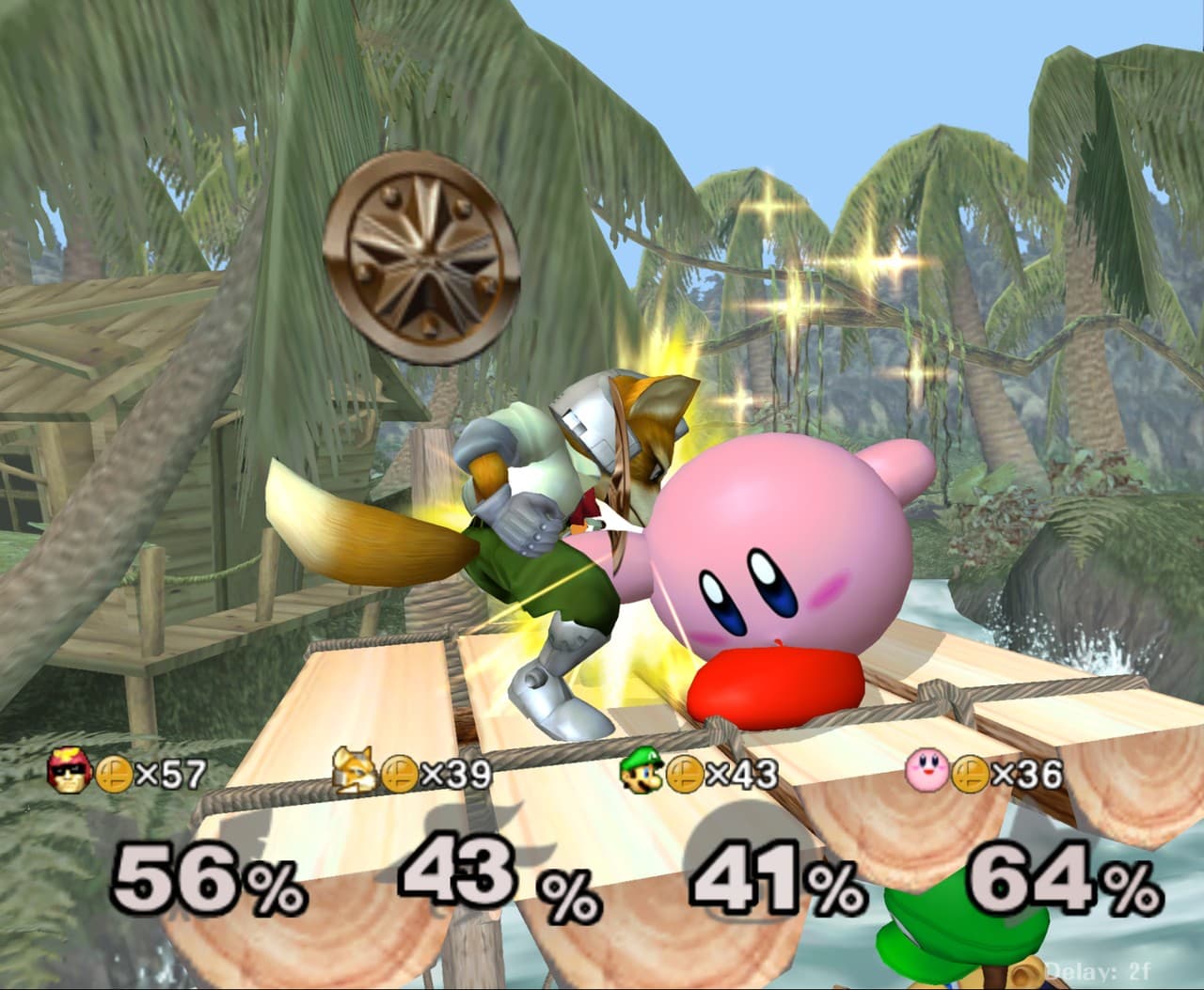
Game logic runs at the console's 60 Hz while the display can run at any rate, with in-between frames drawn from the game's own animation data and physics state rather than image interpolation. It adds Slippi rollback netplay, DLSS/DLAA, internal resolution up to 8x, widescreen 16:9, a PC settings overlay, cosmetic imports and a Lab view.
Getting started
Download the Windows zip from Releases and extract it. Drag your Melee NTSC 1.02 ISO onto MeleeUnlocked.bat, or put it next to the file named melee.iso, and run it; the first launch precompiles graphics pipelines for 15 to 30 seconds, and F1 opens the PC settings. An optional launcher handles setup and updates. Online play requires a Slippi account created and logged in through the Slippi Launcher.
History
The README says the project started with the Static Recomp engine and was developed with AI coding models, and lists Hero88go as developer.
Known issues & limitations
- DualShock 4 support is experimental.
- Without the DLSS 5 runtime, the game runs normally but the settings panel reports that DLSS 5 could not start.
- Lab view runs at the game's 60 Hz and does not use sub-frame animation.
What you need to run it
Features
- The display can run at monitor rate, a fixed cap, or fully unlocked, with sub-frame animation.
- Slippi online play includes matchmaking, rollback netcode, replay recording, and game reporting.
- Graphics options include DLSS/DLAA, internal resolution up to 8x, SSAA, anisotropic filtering, sharpening, borderless fullscreen, and VSync.
- The aspect ratio can be set to native 73:60, 4:3, 16:9, or stretched to fill the window.
- Save data uses .gci files in Dolphin GCI-folder format.
- Cosmetic DAT/ZIP and Nucleus vault imports support costumes, stage visuals, and move level effects.
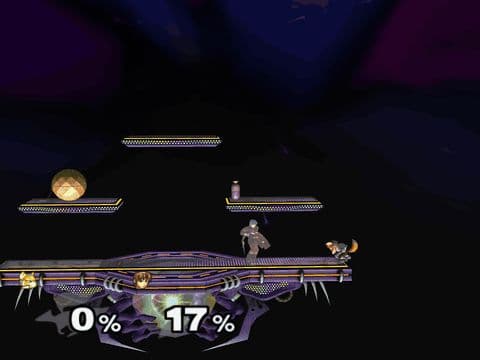
- Lab view displays a match in a flat style with character silhouettes, stage information, and a percent and stock readout.
- Supported 20XX TE saves and Training Mode CE 1.4d1 run on Source Port; Akaneia runs on Static Recomp with matching Direct builds.
How to install
- On first launch, graphics pipelines precompile for 15 to 30 seconds.
- To update, extract a newer ZIP over the existing folder; settings, saves, and replays are kept.
Controls
- Press F3 to toggle Lab view.
- Press F11 to use the previous compact PC settings menu.
Summarised from the project's README.
Media
Licensing & legal
- Licensed GPL-3.0-or-later starting with version 0.8.5 (0.8.1 and earlier: GPL-2.0-or-later).
- The project is not affiliated with or endorsed by the Slippi team, Nintendo or HAL Laboratory.
FAQ
- What is Super Smash Bros. Melee Port?
- Super Smash Bros. Melee Port is an open-source port of Super Smash Bros. Melee. An existing game or its source code brought to another platform. The original game ran on Windows and GameCube.
- Do I need the original game files to run Super Smash Bros. Melee Port?
- Yes. The project does not include the original game's assets, so you need your own copy.
- How is Super Smash Bros. Melee Port licensed?
- project: GPL-3.0-or-later (whole repository); Dolphin and Slippi Ishiiruka: GPL-2.0-or-later (runtime code); Slippi: GPL-3.0 (game code); Nintendo and HAL Laboratory: not included (Super Smash Bros. Melee game data). The repository itself is the authoritative source.
- Is the Slippi Launcher required?
- It is required for online play, which also requires a Slippi account. It is not required for offline play.
More like Super Smash Bros. Melee Port
 Original game image
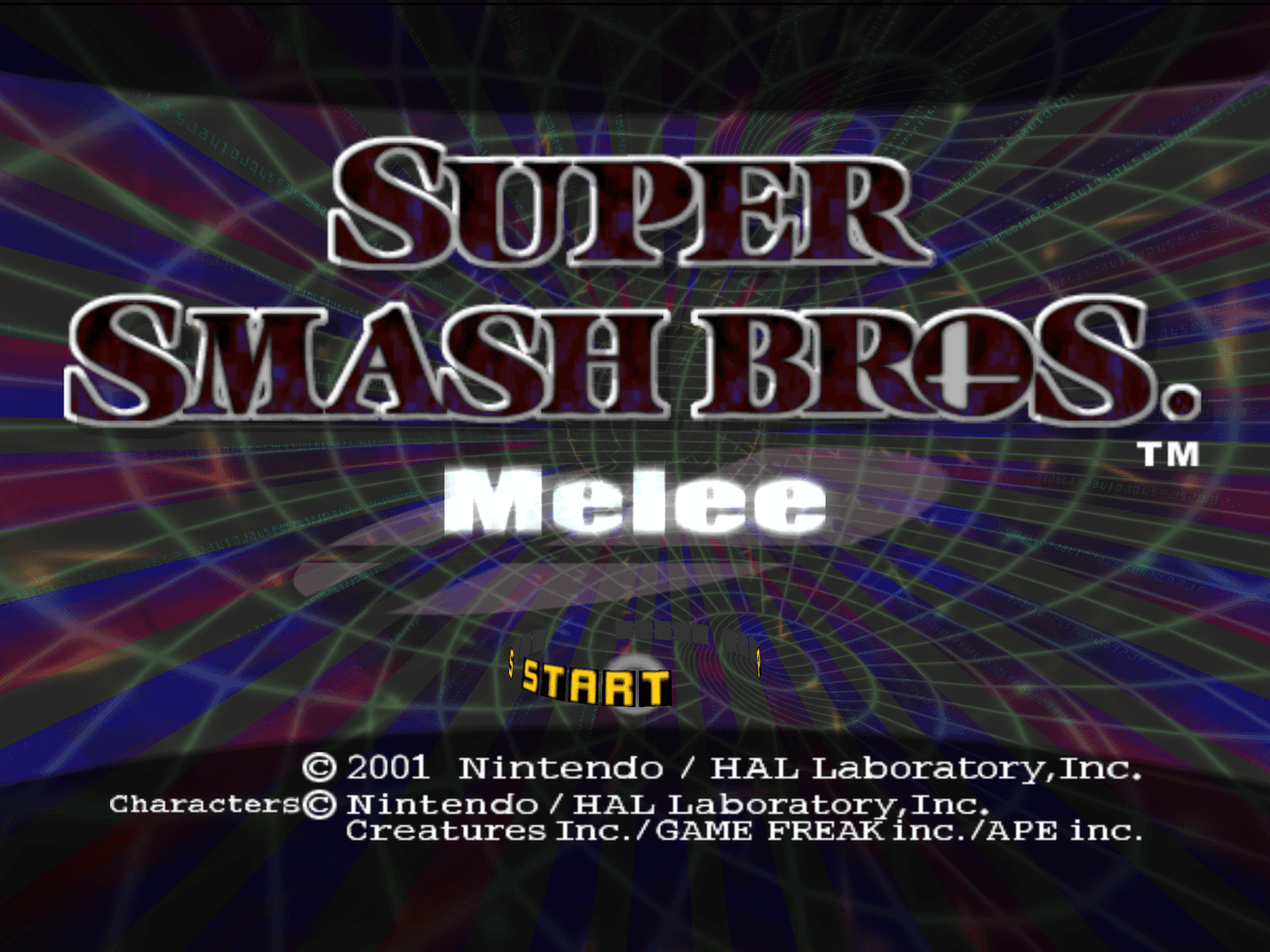 Original game image